Improvements when adding users
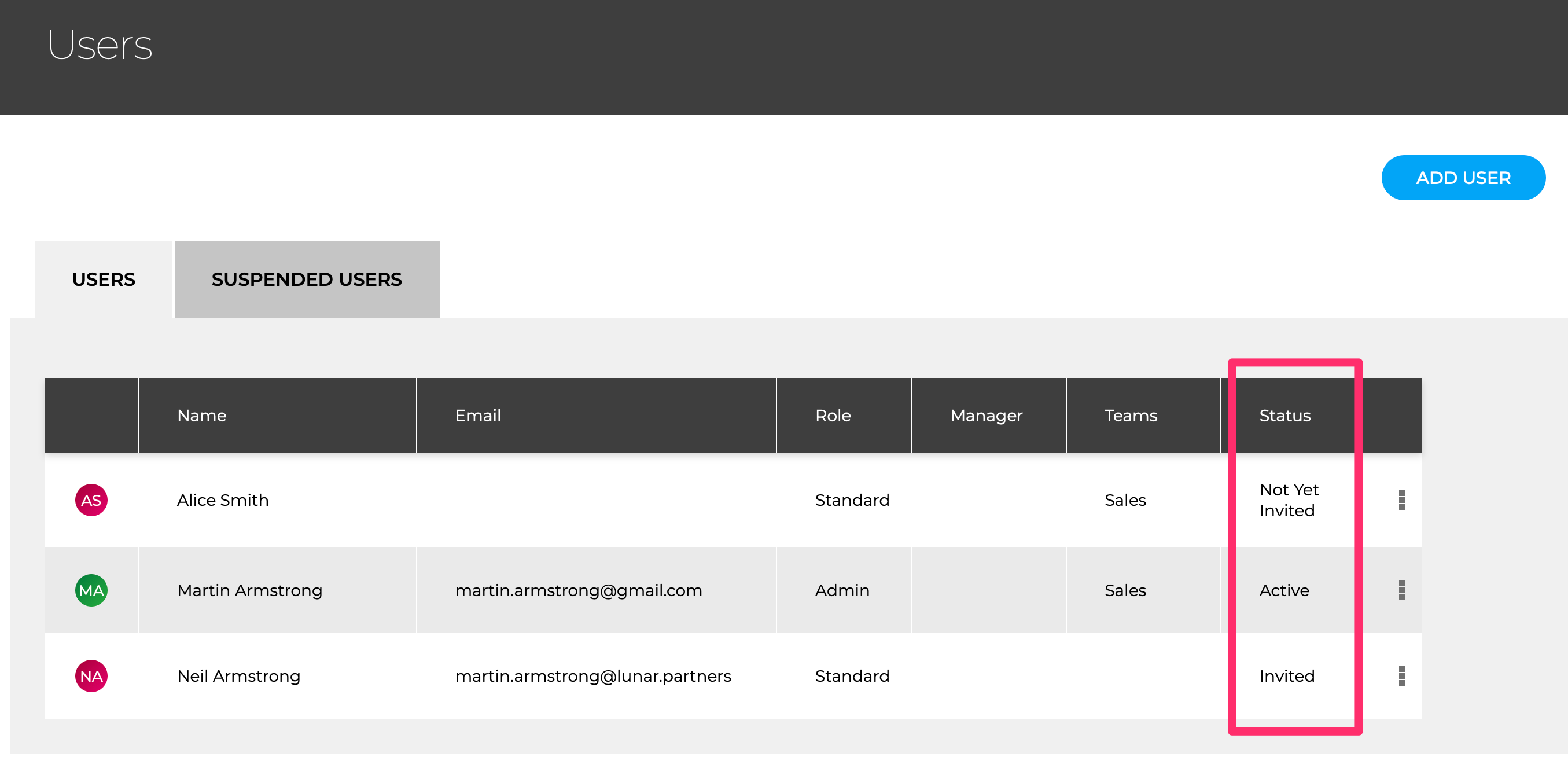
When adding new users, you can assign them OKR and Initiatives immediately and do not have to wait until they have accepted the invite
If you want to start adding users but not yet invite them - say to setup the OKRs before they log in - then add a user but do not enter an email address. You can invite them later from the user menu
The state of all users is now shown in the final column of the user menu
Connector Details
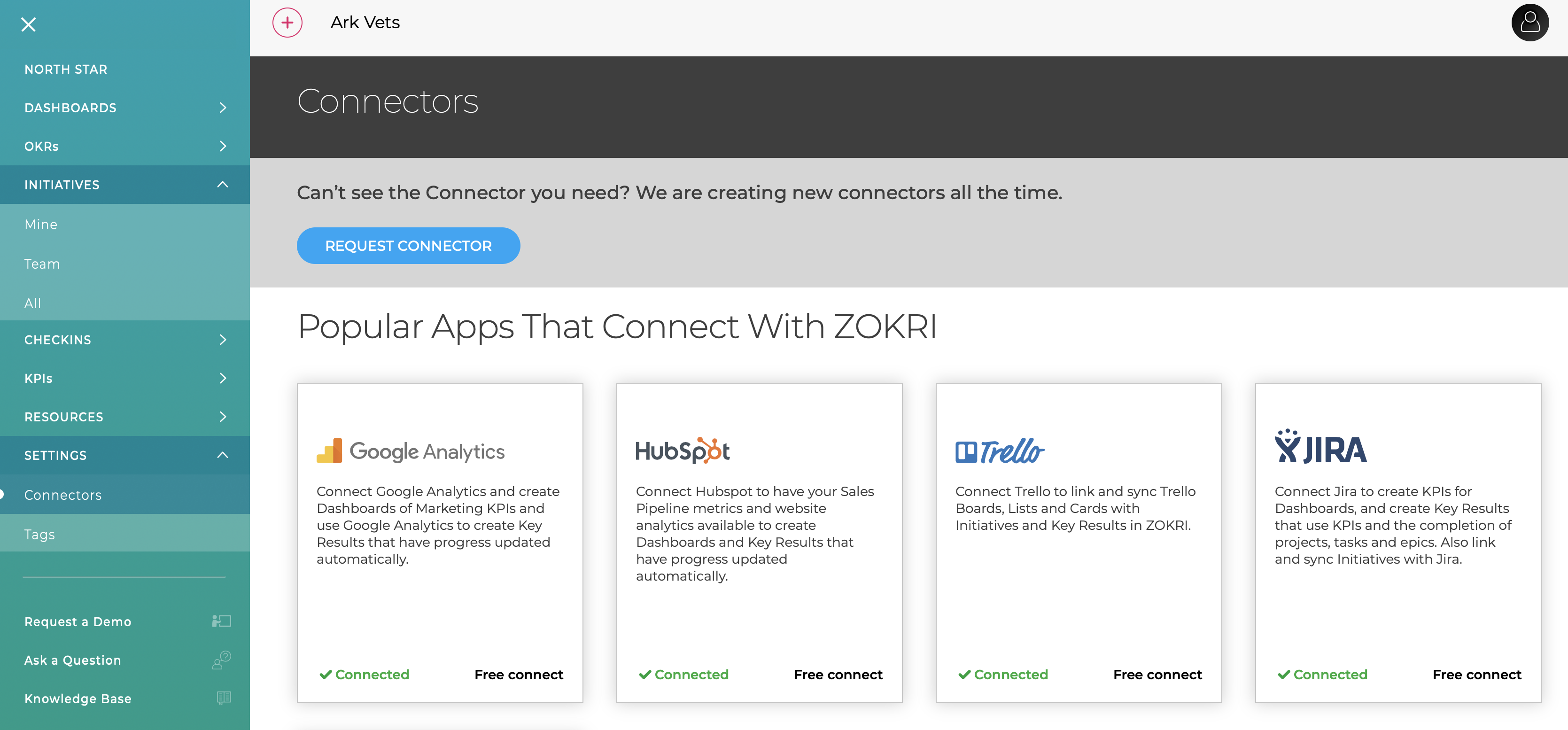
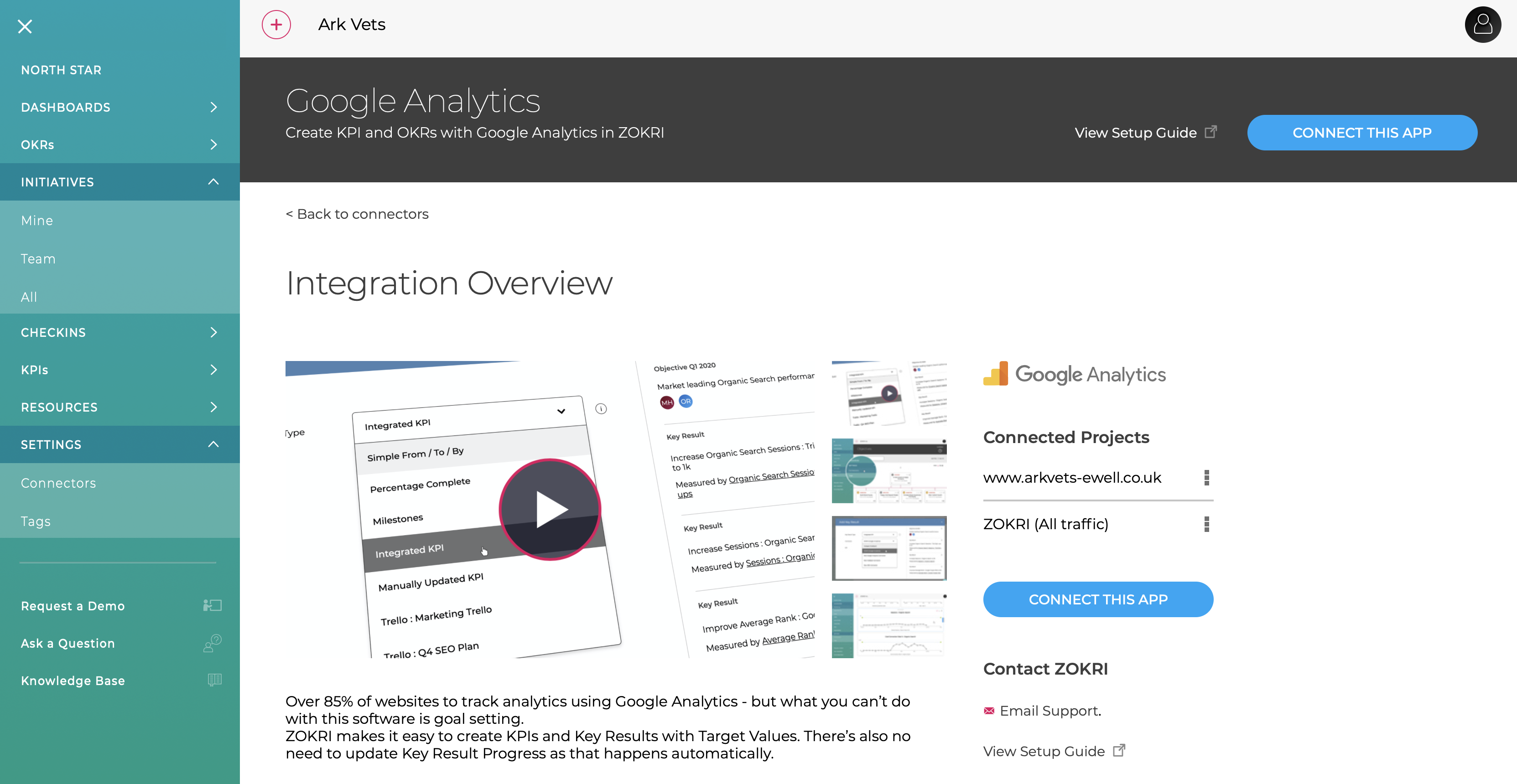
There is a lot more details available for the different connector in the improved Connector Pages
Any connectors you have created are now available in the Connected Project list
KPI filter for Active OKRs
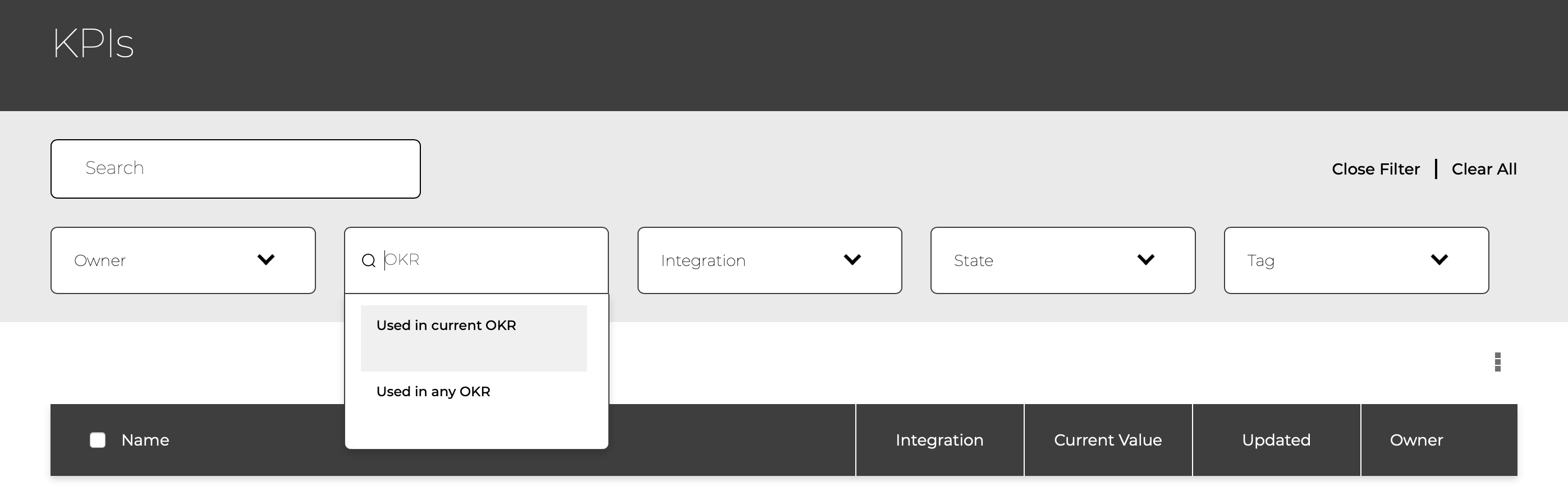
To help manage KPIs there is a new filter to show which ones are being used in a current OKR