This is a meeting section that allows anyone to propose a point to be discussed, allows everyone to vote on which points are important to them, and then a meeting owner can then include the selected points.
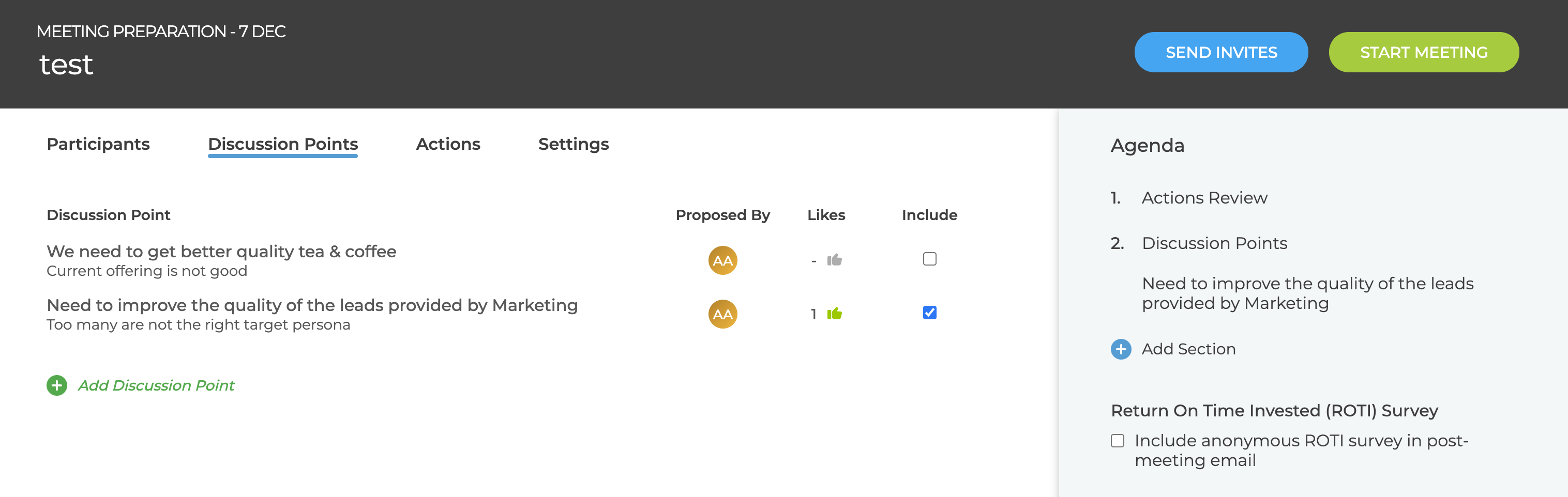
After adding the section to an Agenda the following appears in the meeting preparation page
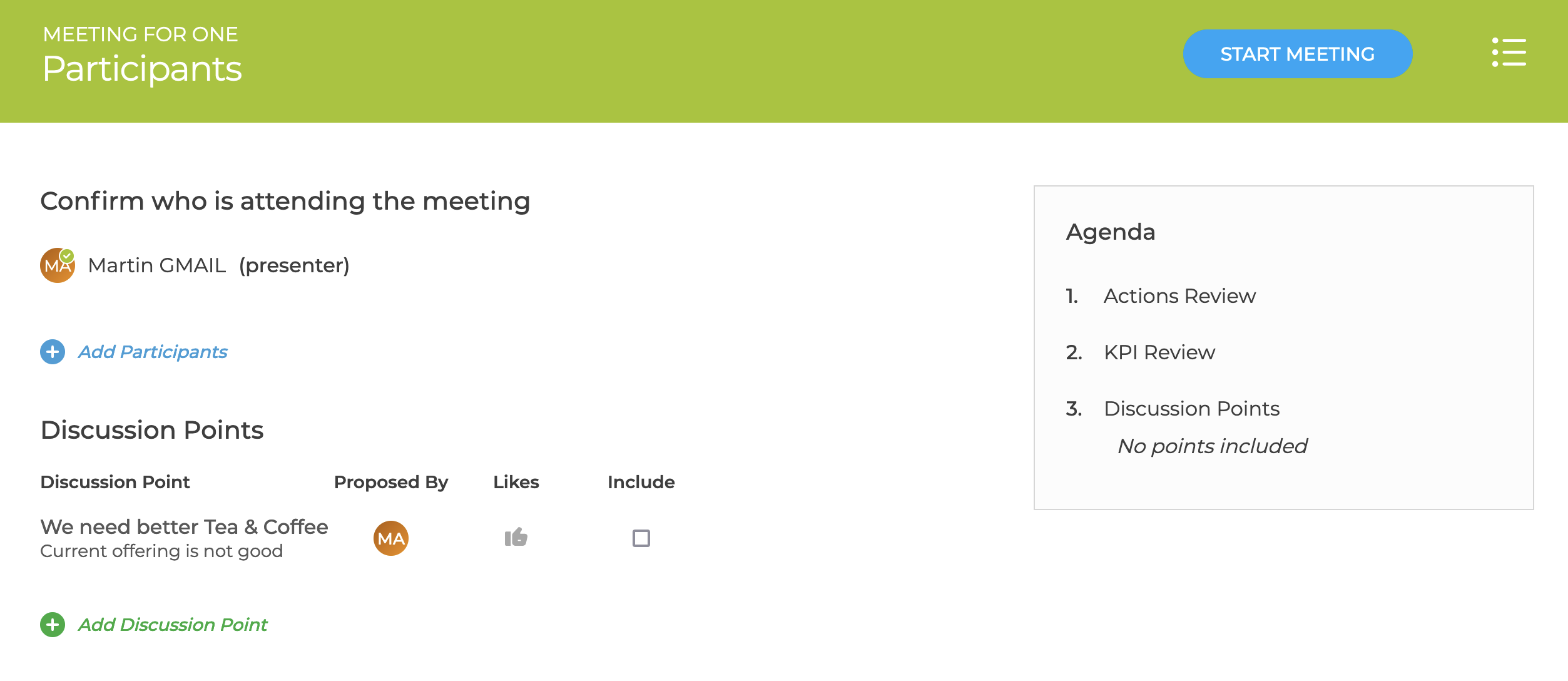
When the meeting is opened the start page contains the same Discussion Points list so items can still be added / edited.
Any discussion points selected to Include appear in the agenda and the order can be changed by dragging the individual points.
In the meeting settings, there is a option to control which Discussion Points are carried over to the next meeting: All, Only Excluded, None.