There was quite a lot in this release, and it is worth taking the time to review the changes
Creating OKRs
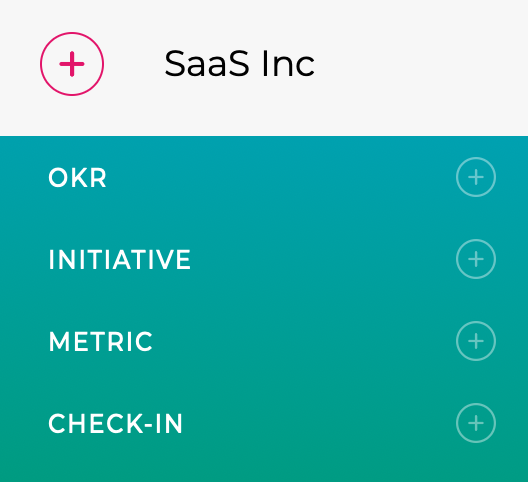
After feedback from clients, we have improved and simplified the OKR creation UI. You still start with the OKR link in the Add Menu, but there is now just one link and Company OKRs are now created in the same flow. There are more significant changes around Key Results and these are described below
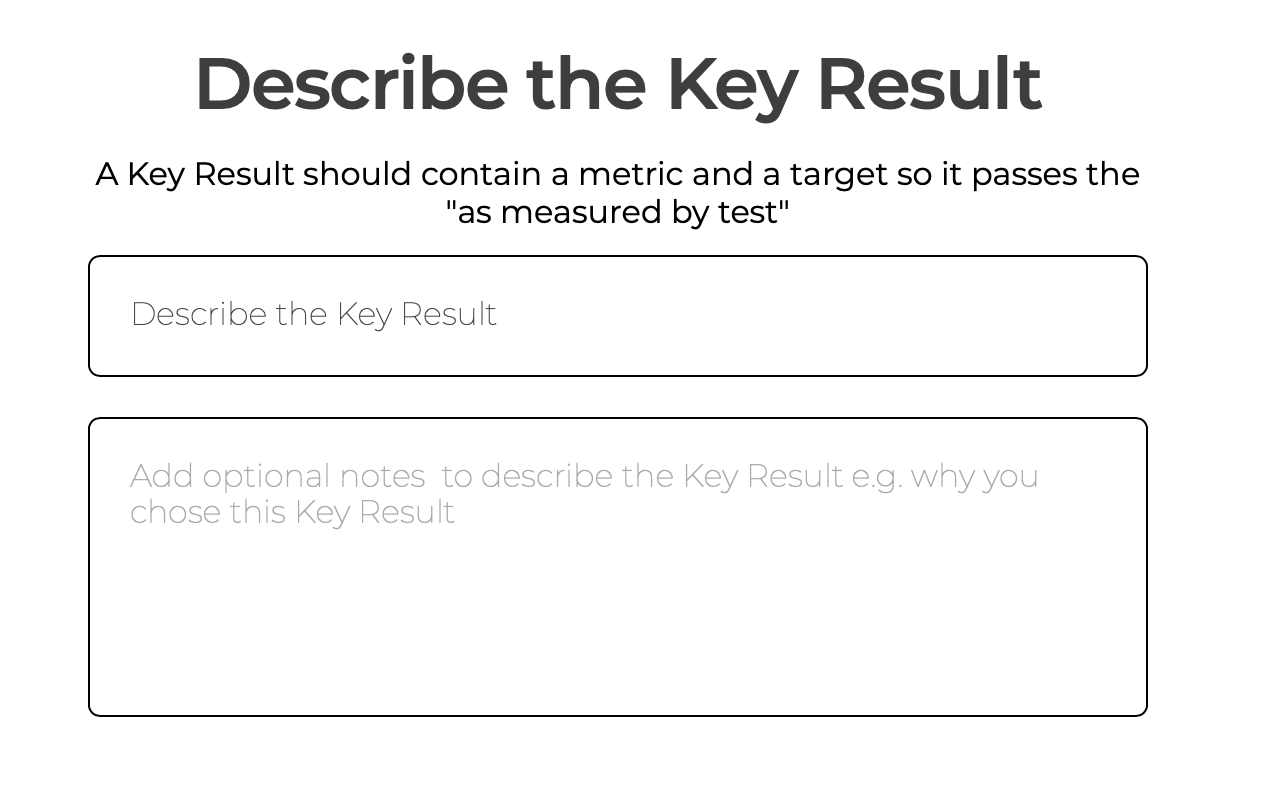
Key Result Names
You can now give a Key Result any name / description you want, which will make it easier to describe it using natural language. The approach of using the Metric, Predicate and Target to construct a name is still used so we keep the structures which allows ZOKRI to easily track progress.
Percentage Complete / Milestone Key Results
Along with the new Key Result name, we also realised that the Binary Task Key Result was not flexible enough to cover what clients were trying to track. So we have improved it to now use either Percentage Complete or Milestones to track the progress
Any tasks key results you had have been converted to Percentage Complete
More details on how to set them up and update the progress, see What are Percentage Complete / Milestone Key Results?
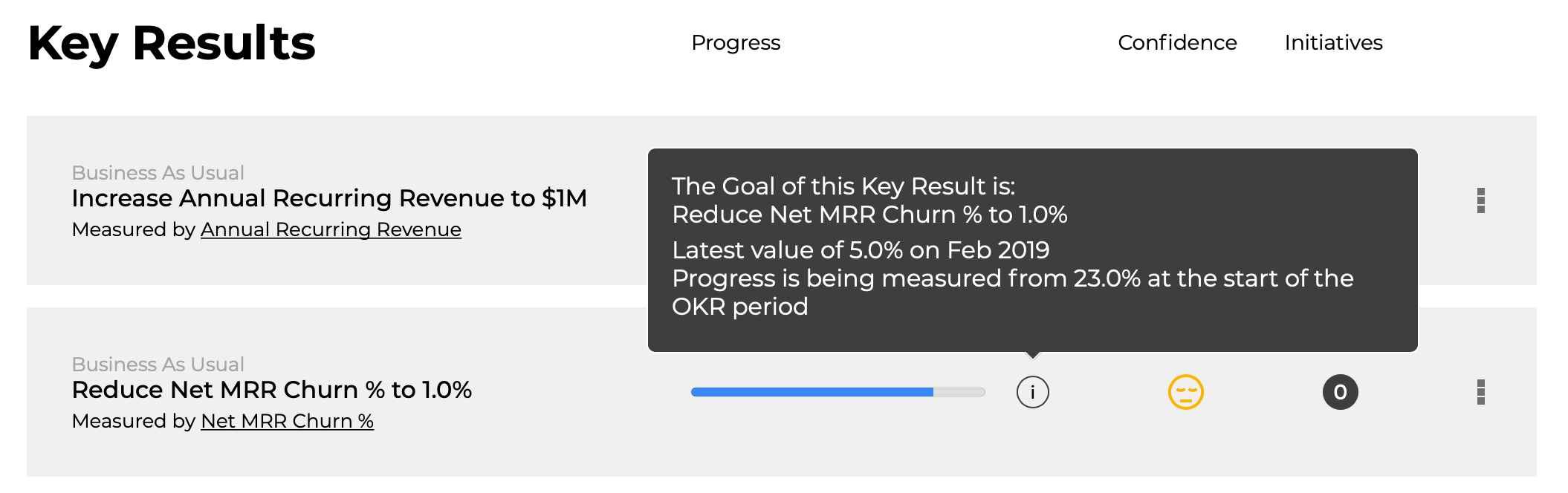
Key Result Display
The Key Result display has been updated to incorporate the changes above, and you will now find the details info using the info icon
Continuing OKRs to the next Period
To help you set up the next quarter, you can now continue OKRs to the next period and then review / adjust the Key Results. More details in How do I continue / copy OKRs to the next Quarter?
Showing OKRs from Different Periods
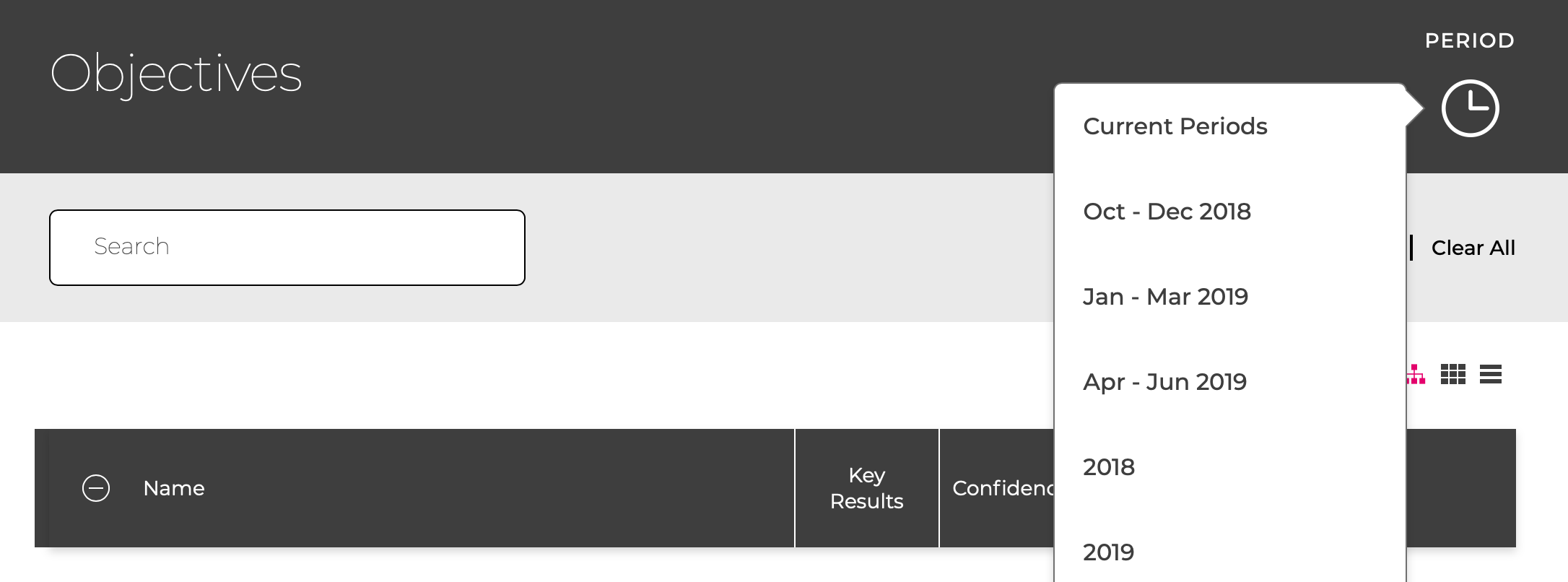
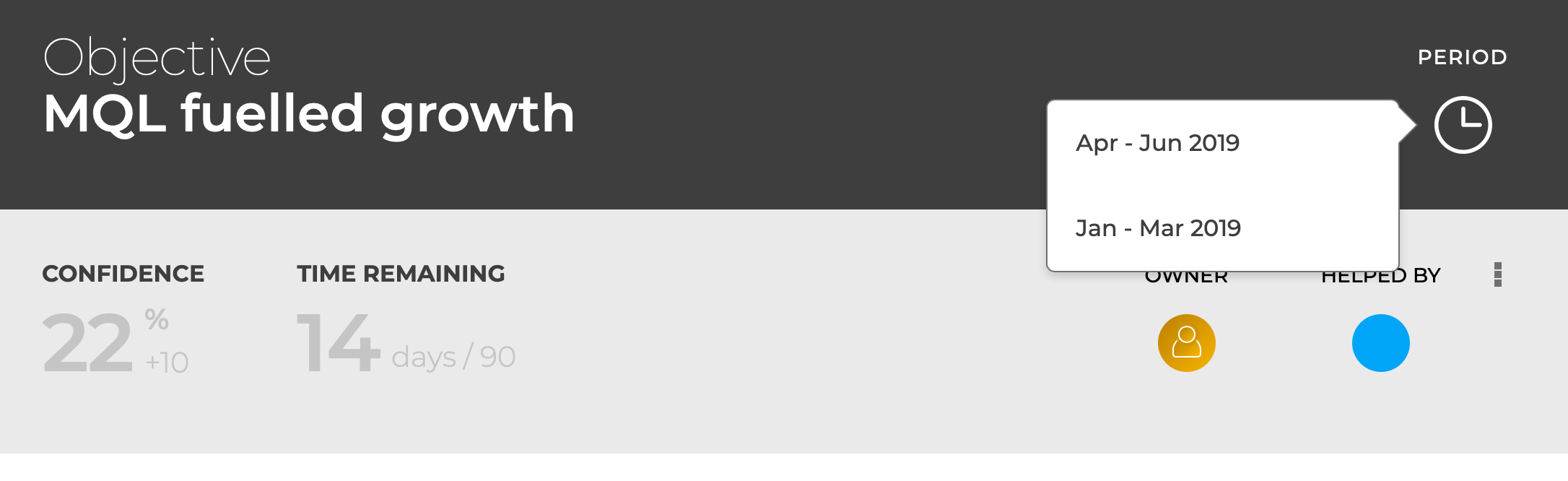
We have added a period icon to the OKR list views and the OKR details page to allow you to switch between different quarters / years