In the Home / Priorities view there is a quick link to start a Team Meeting
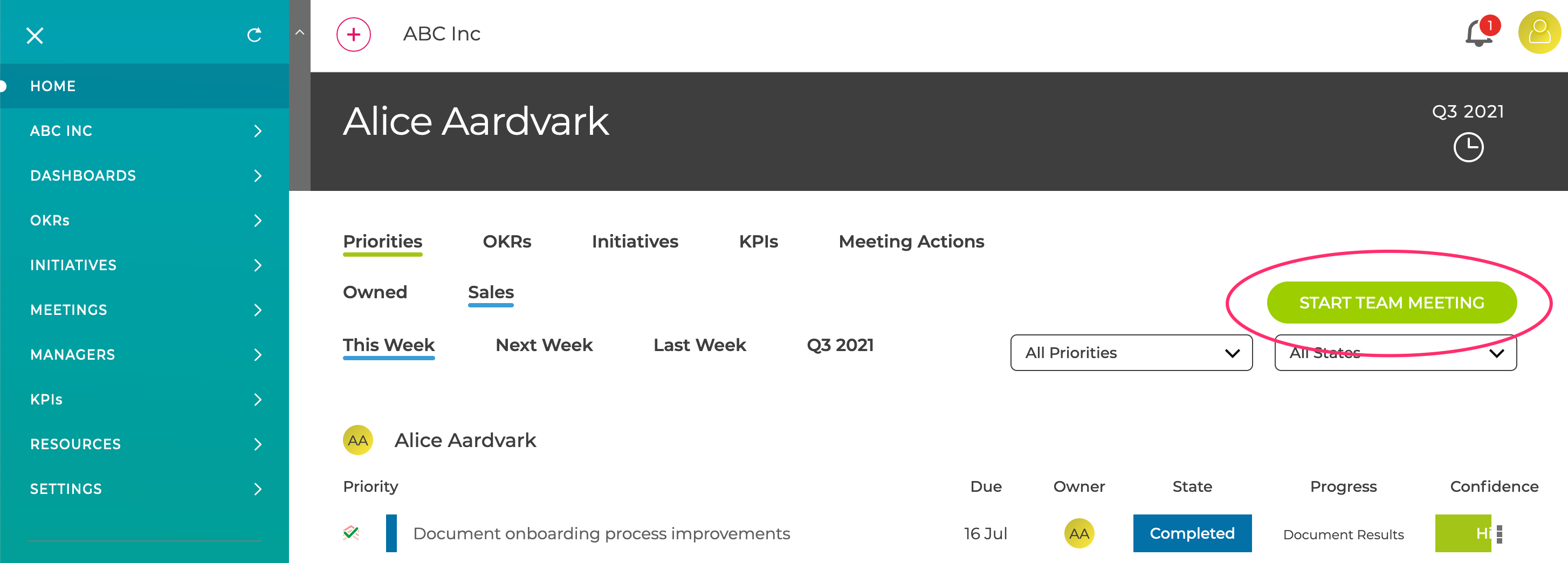
This creates and starts a meeting with the default agenda
- Actions Review
- Team Priorities Review
- Team OKR Review
Once started then other members of the team can join the meeting by clicking the same link which will now show "Join Team Meeting"
When the first meeting has been completed, the agenda can be changed in the standard Meetings page.
The next meeting will be scheduled for 1 week after the one just completed, but it can be started at anytime using the "Start Team Meeting" link.