If your organisation has enabled retrospectives for OKRs or To-dos, then you will see a warning icon that a retrospective needs to be done once the OKR / To-do has been completed.
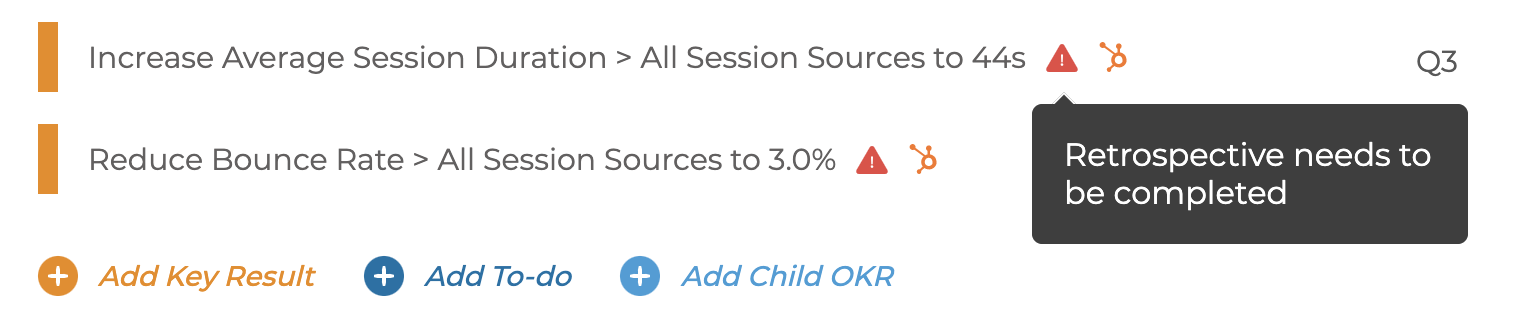
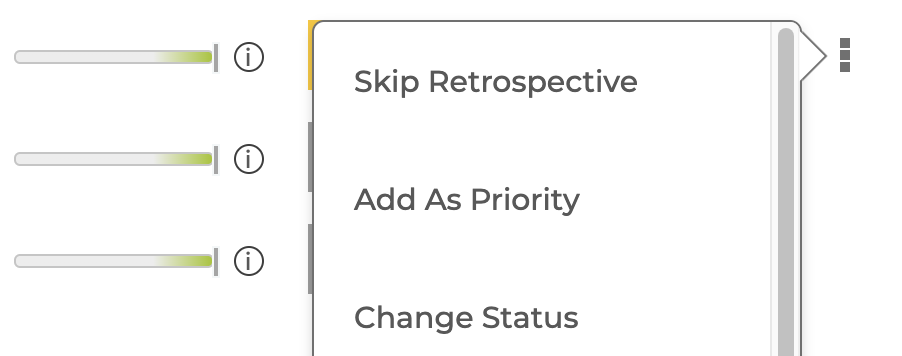
If the retrospective is not needed for any OKR then it can be skipped using the menu and that will clear the warning.
The organisation can control what items require retrospectives - see How to control when retrospectives are used
For more details on Retrospectives see How to use Retrospectives