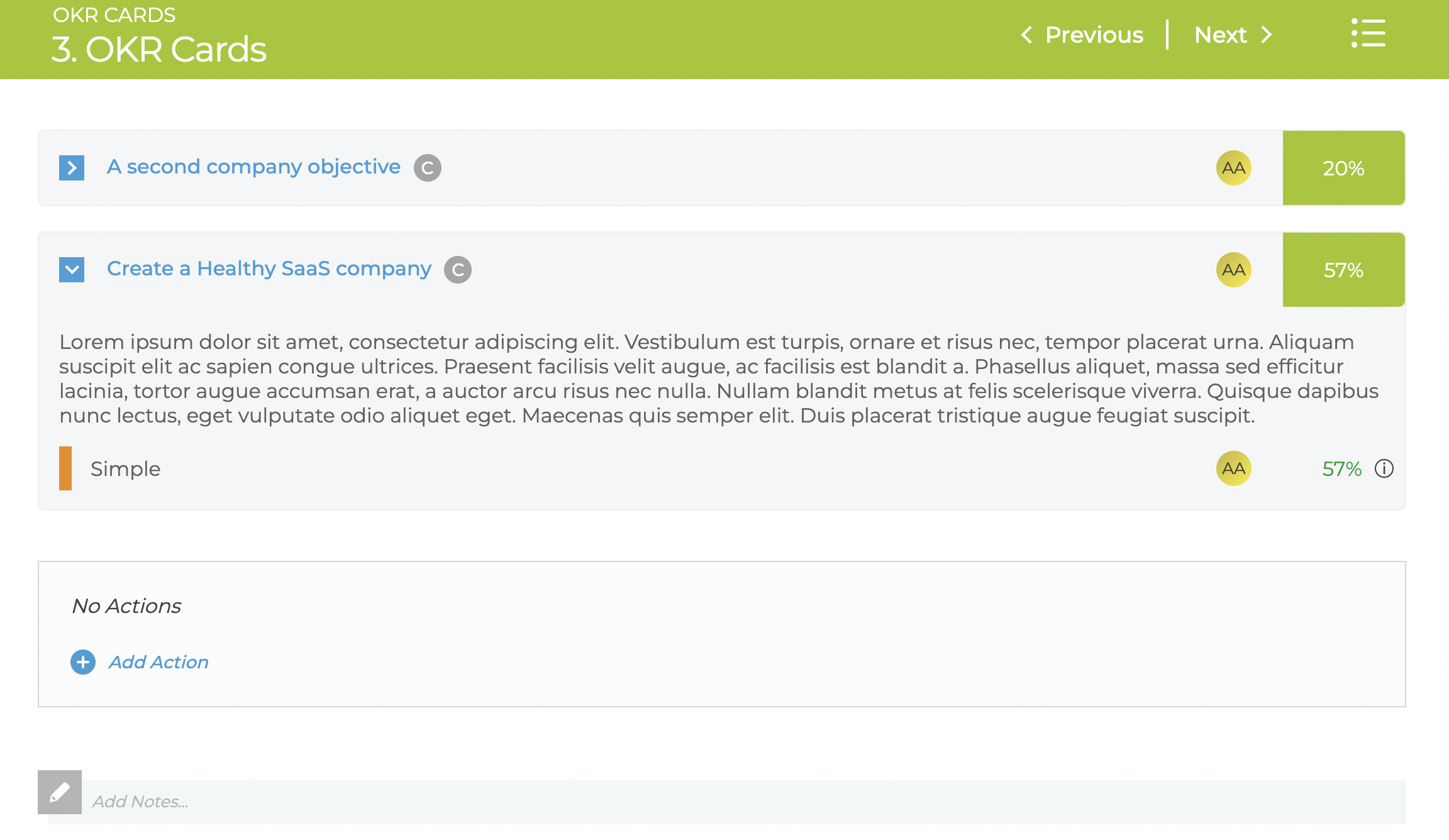
The OKR Cards meeting section give a similar view of OKRs to the Strategy Report view.
There are 3 main ways to select the OKRs
- Team
- All OKRs / KPIs owned by members of the Team
- Owner
- OKRs / KPIs owned by the specific user
- Selected OKRs
- Specific OKRs / KPIs
There are 2 additional settings for OKRs
- Quarter / Year
- Pick a specific quarter to do a review or do some planning
- Finally they can be filtered by the Objective RAG status (Red / Amber / Green)
The cards then appear in like this