Here's an overview video of To-do:
An To-do has a state and confidence level, in addition to an optional due date and progress measurement.
Click to changing the State in any of the views or via Checkins and Review to manage their workflow.
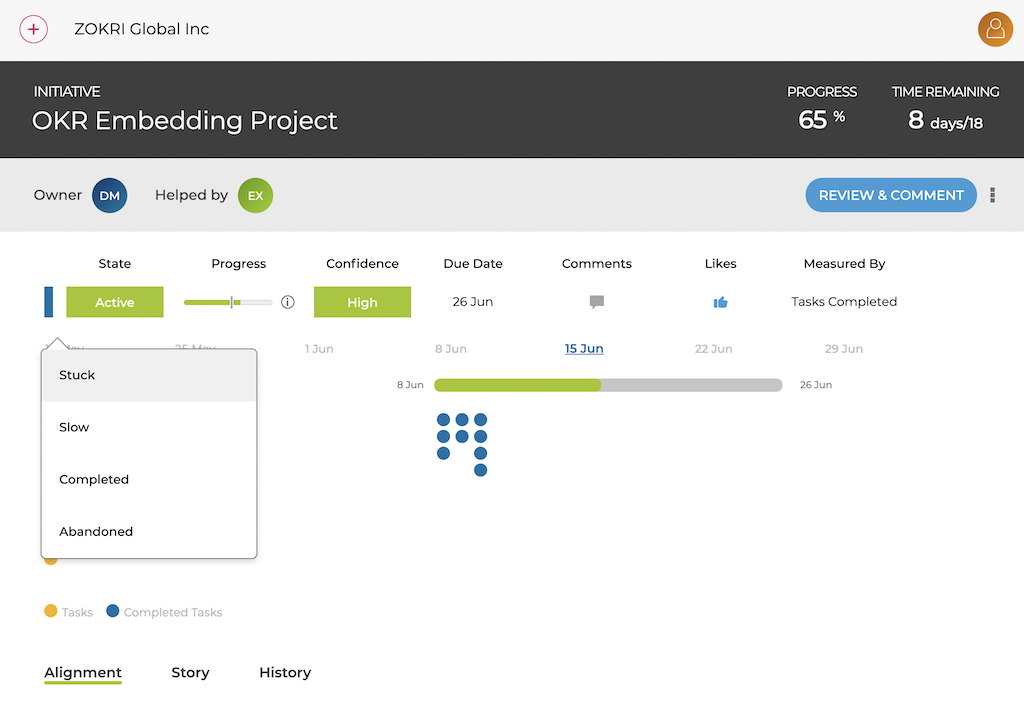
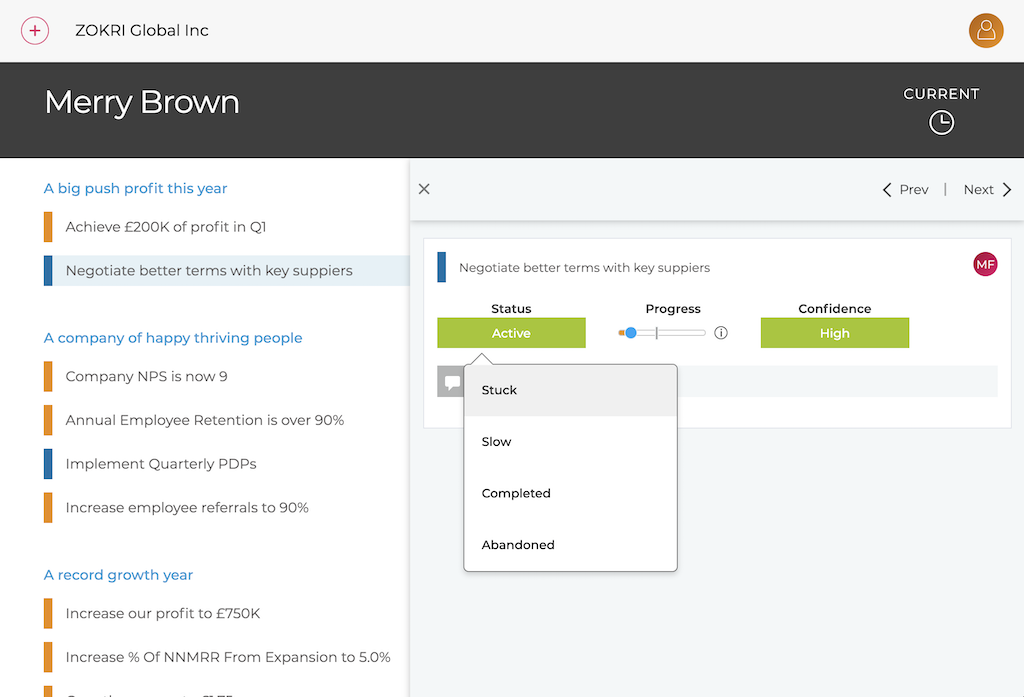
You can also manage Confidence in the same way.
How Progress is measured depends on how it was set-up. It might be a simple % complete slider or updated automatically via an Integration.
To-do States
Ideas
All new To-dos start in the Idea state - you can then change to Up Next or Active once you are ready to use the To-do.
Up Next
These are the queued To-dos that are going to be done but the work has not yet started - you can then change to Active when you start working on them.
Active
To-dos currently being worked on.
Slow
The To-do is going slowly.
Stuck
The To-do is currently Stuck and not being worked on.
Completed
These are To-dos have been complete.
Paused
You can pause and restart an active To-do as often as you want.
Abandoned
If for any reason you are not going to be able to complete an To-do, then change it to abandoned.