When starting to set up your organisation, it is easier to create a few teams first and then invite your colleagues to join. That way you can assign them to the correct teams when creating the invites.
Creating a Team
Click on the Teams link in the Profile Menu
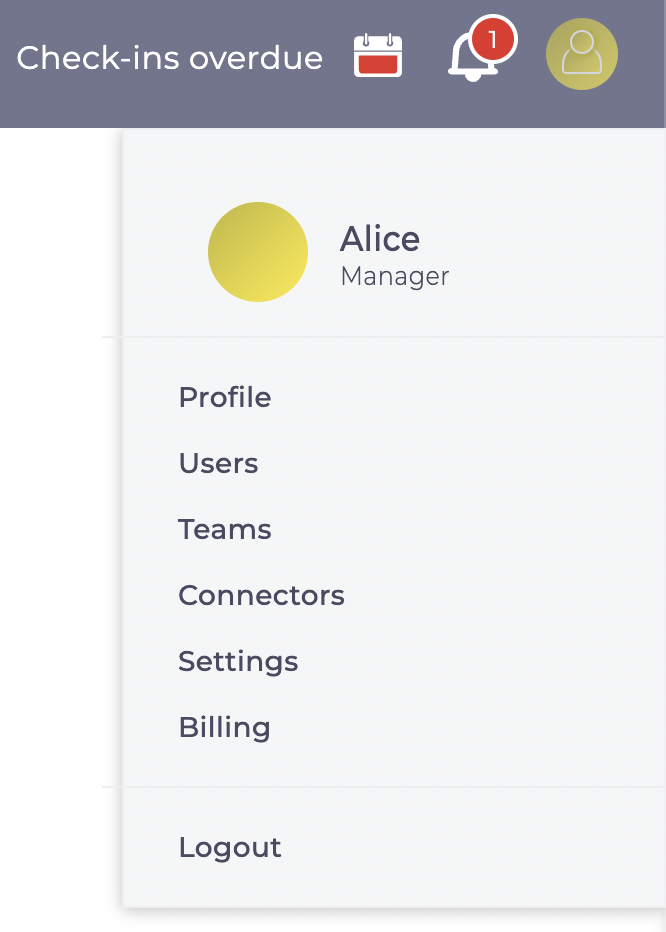
And then click 
Teams can be Either Organisation or Project teams, but initially you are likely to be setting up the organisation. So change Type to Organisation and enter
- Team Name
- Parent Team to organise the hierarchy
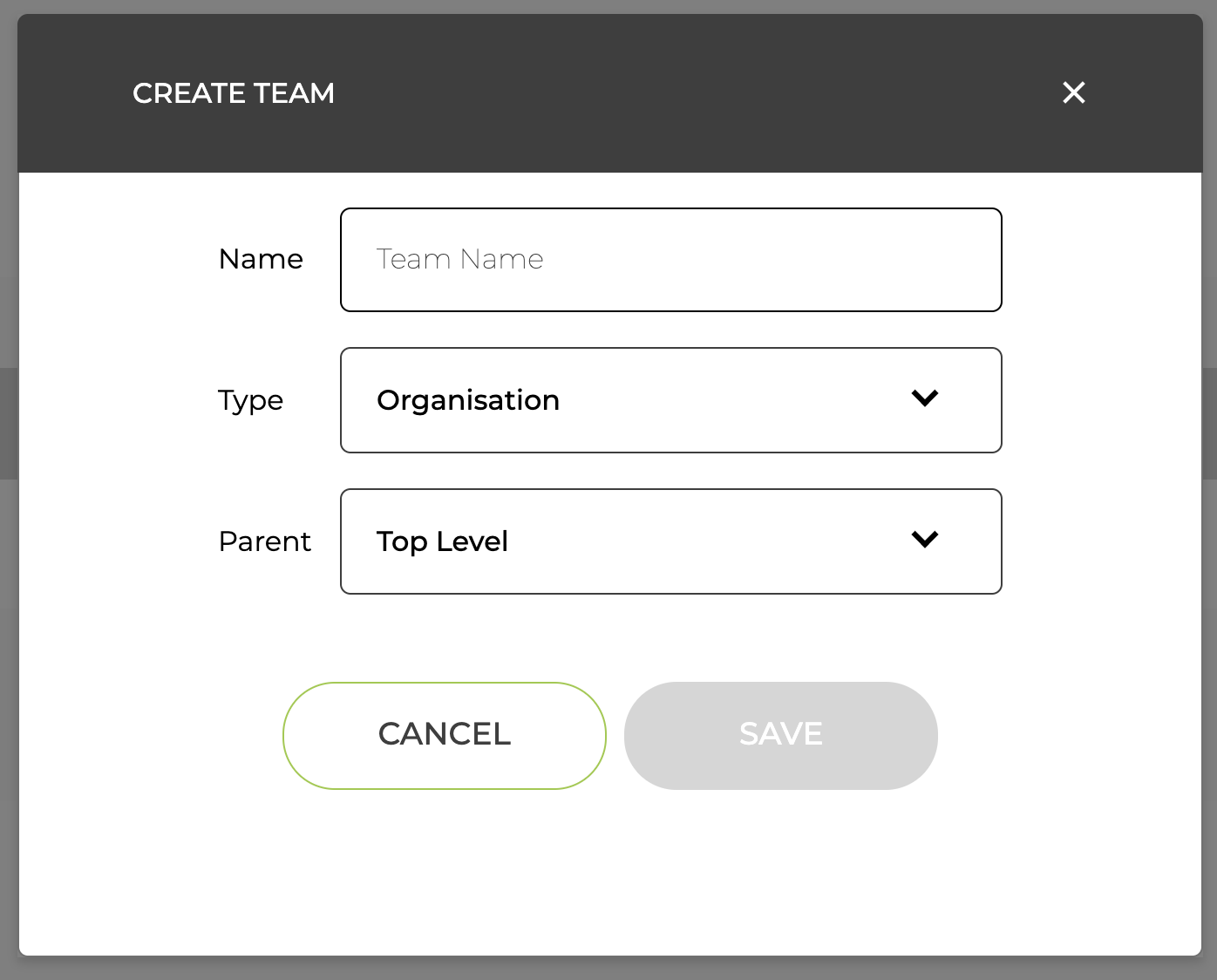
Tip have a single top level team called something like "Executive"
Inviting Colleagues
Click on the Users link in the Profile Menu and click 
Then enter
- their name
- their email address
- select whether the are an Administrator or Standard user
- select the team they are in
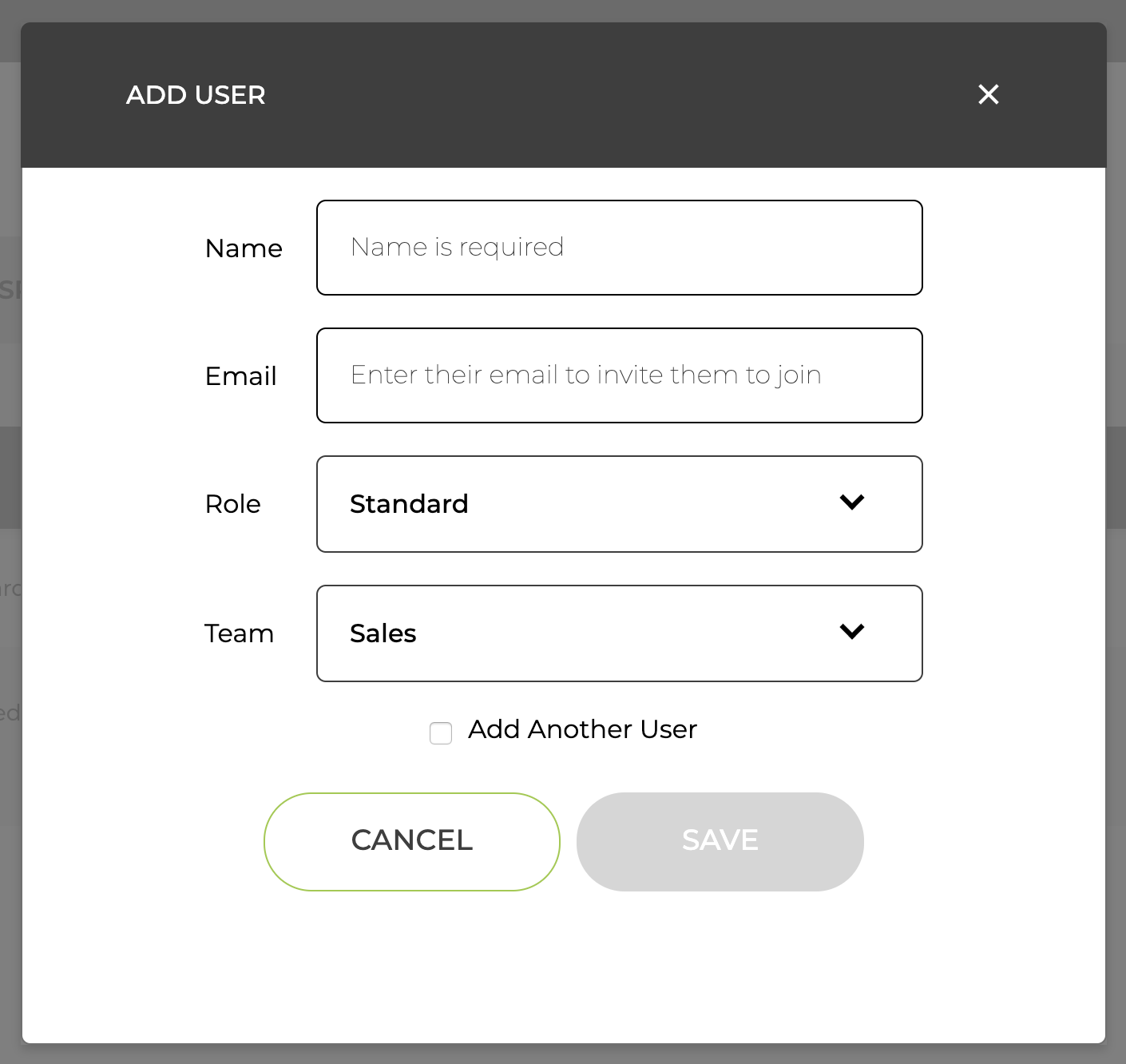
We will take care of the rest, sending them an invite to join your organisation
If you do not want to invite them to join immediately, say while you are setting up the OKRs, you can omit the email and add it later.
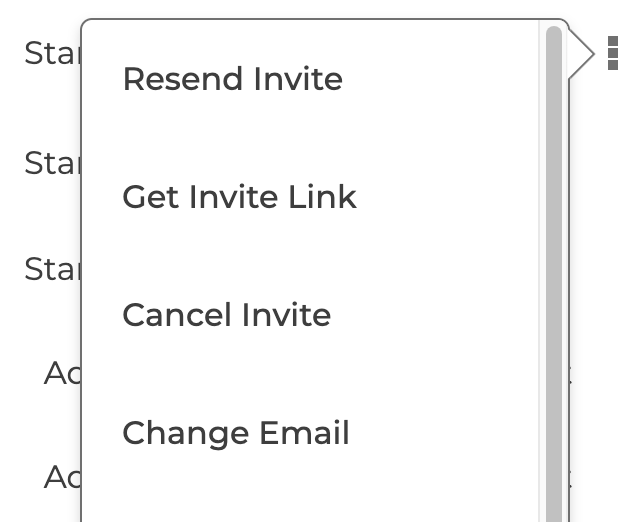
If you need to resend an invite, you can do that from the menu in the Users page
If you want to give them the invite link directly, you can get that from the same menu