You can only delete a KPI that is not being used in any Key Results.
To delete a KPI first delete any Key Results using the KPI - then go to the KPI Details page, click the 3 dot menu in the top right and select Delete KPI.
If the KPI is being used by a Key Result, the menu option will be disabled.
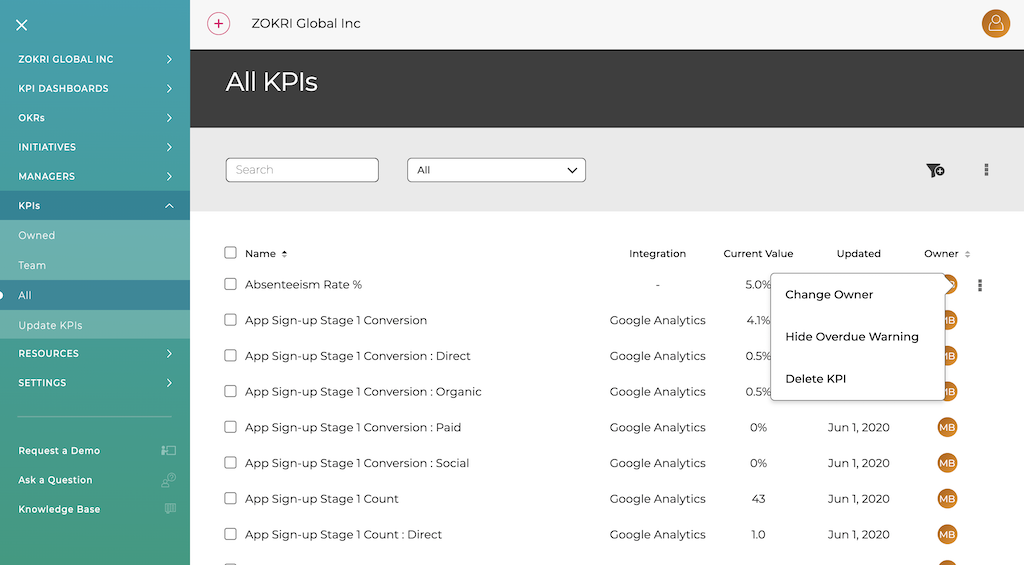
You can also use the multi-select & deletion action - any KPIs that cannot be delete will be left but all others will be deleted.