NOTE If you want to use Balanced Scorecard, the following works with the Perspectives. See How to switch to Balanced Scorecard
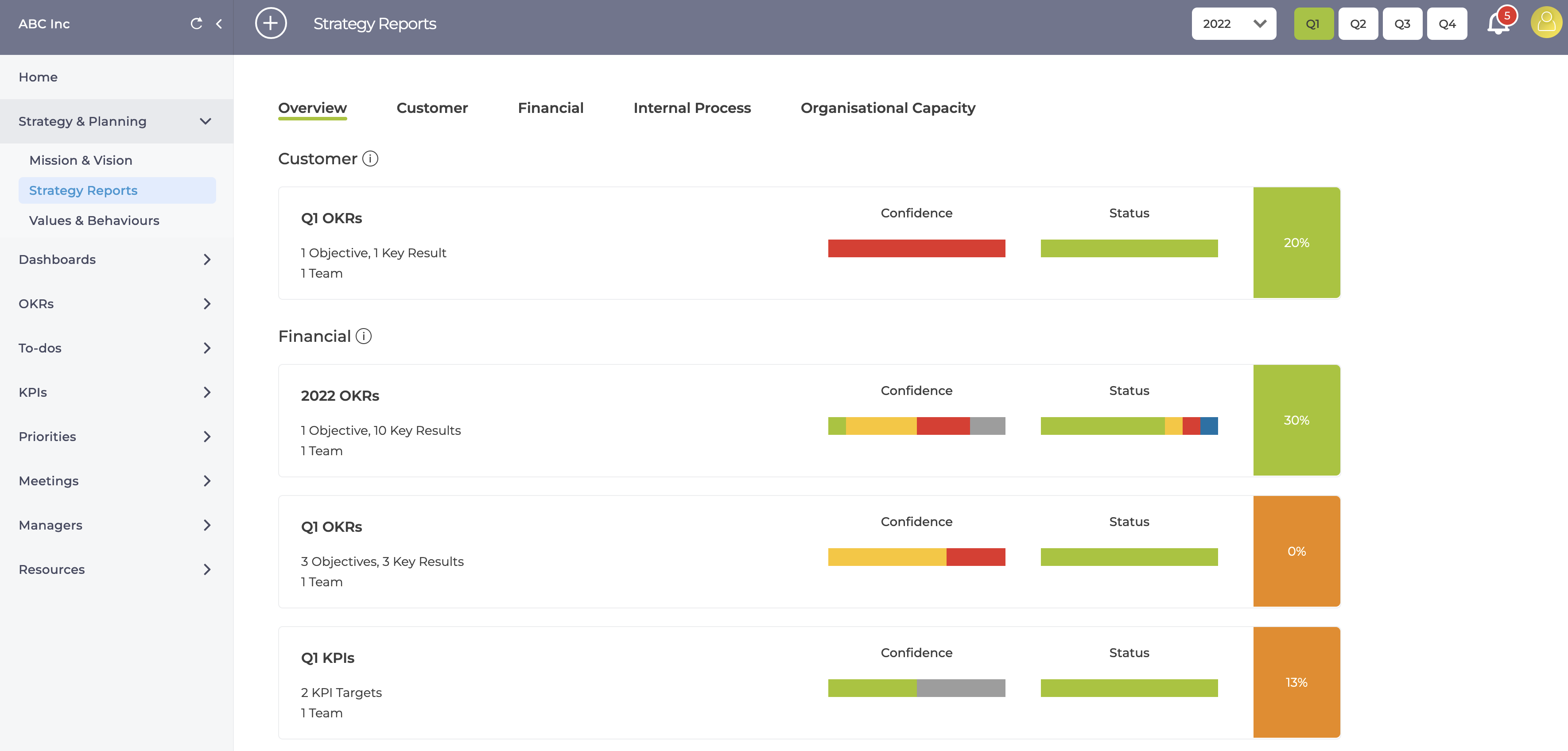
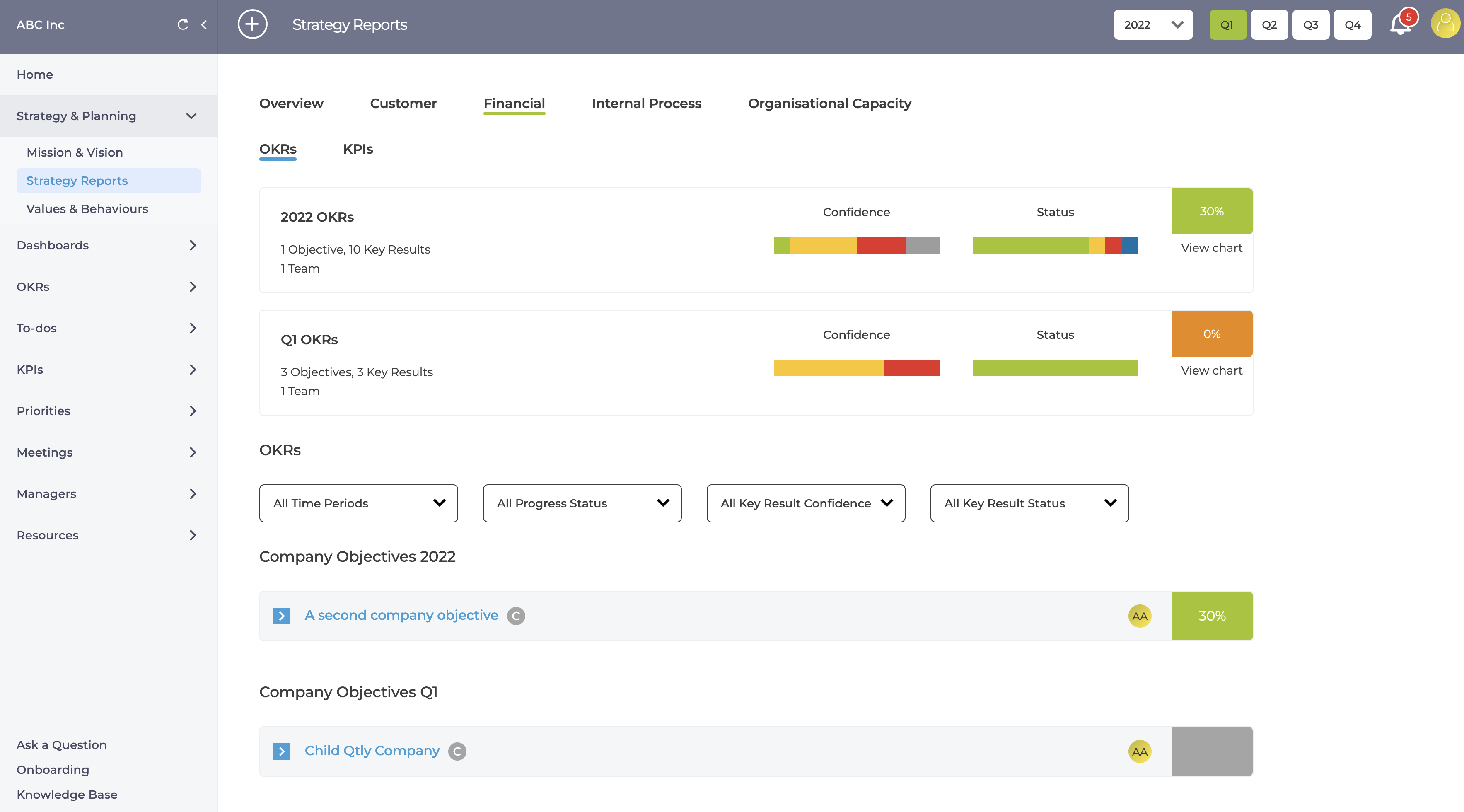
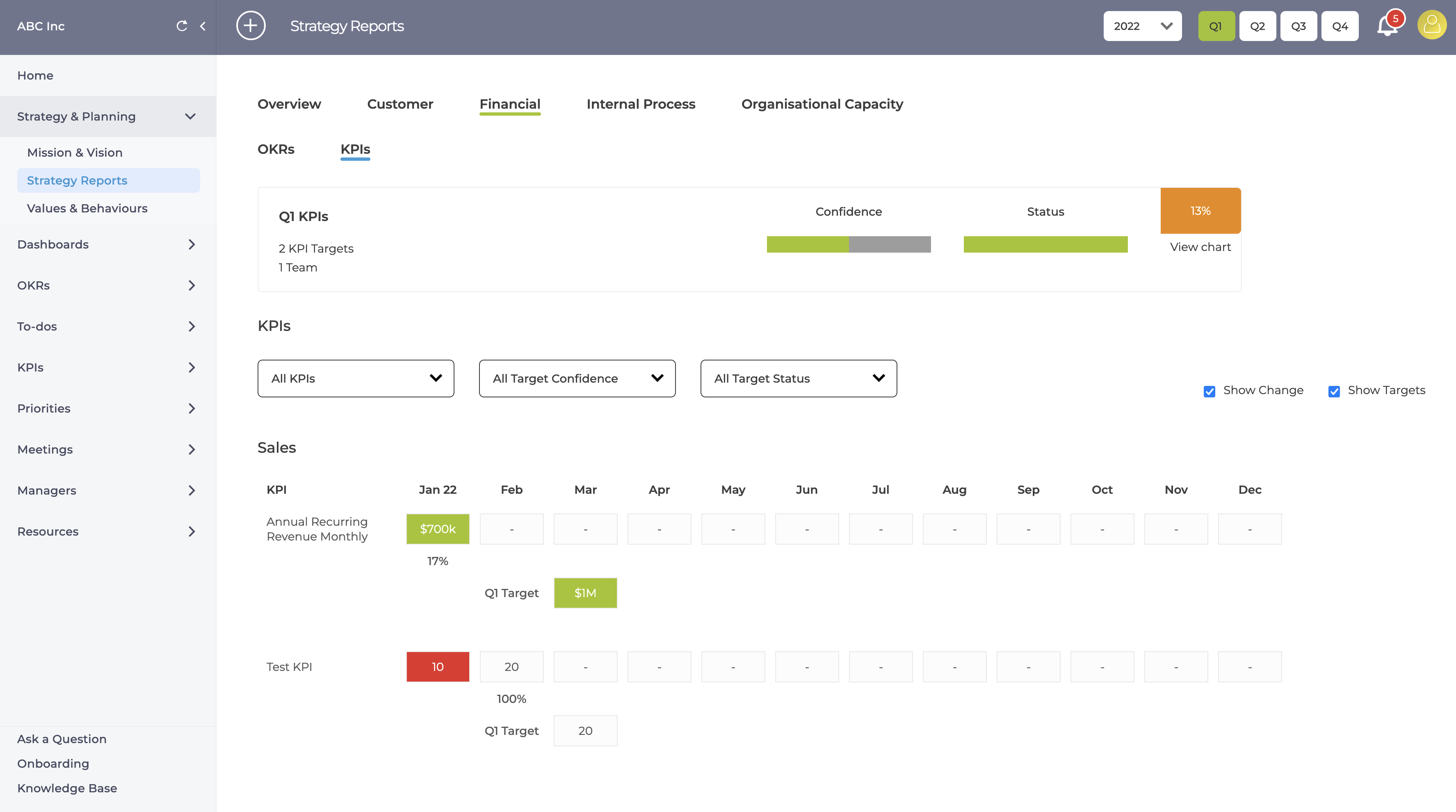
If you use Strategic Pillars or Balanced Scorecard you can easily set them up in ZOKRI and assign Objectives, Key Results and KPI to different Pillars. And then in the Strategy Reporting page you can easily see the number of OKRs & KPIs aligned, their statuses, confidence and progress.
There is an overview and than a detailed OKR & KPI tab for each Pillar
Creating Pillars
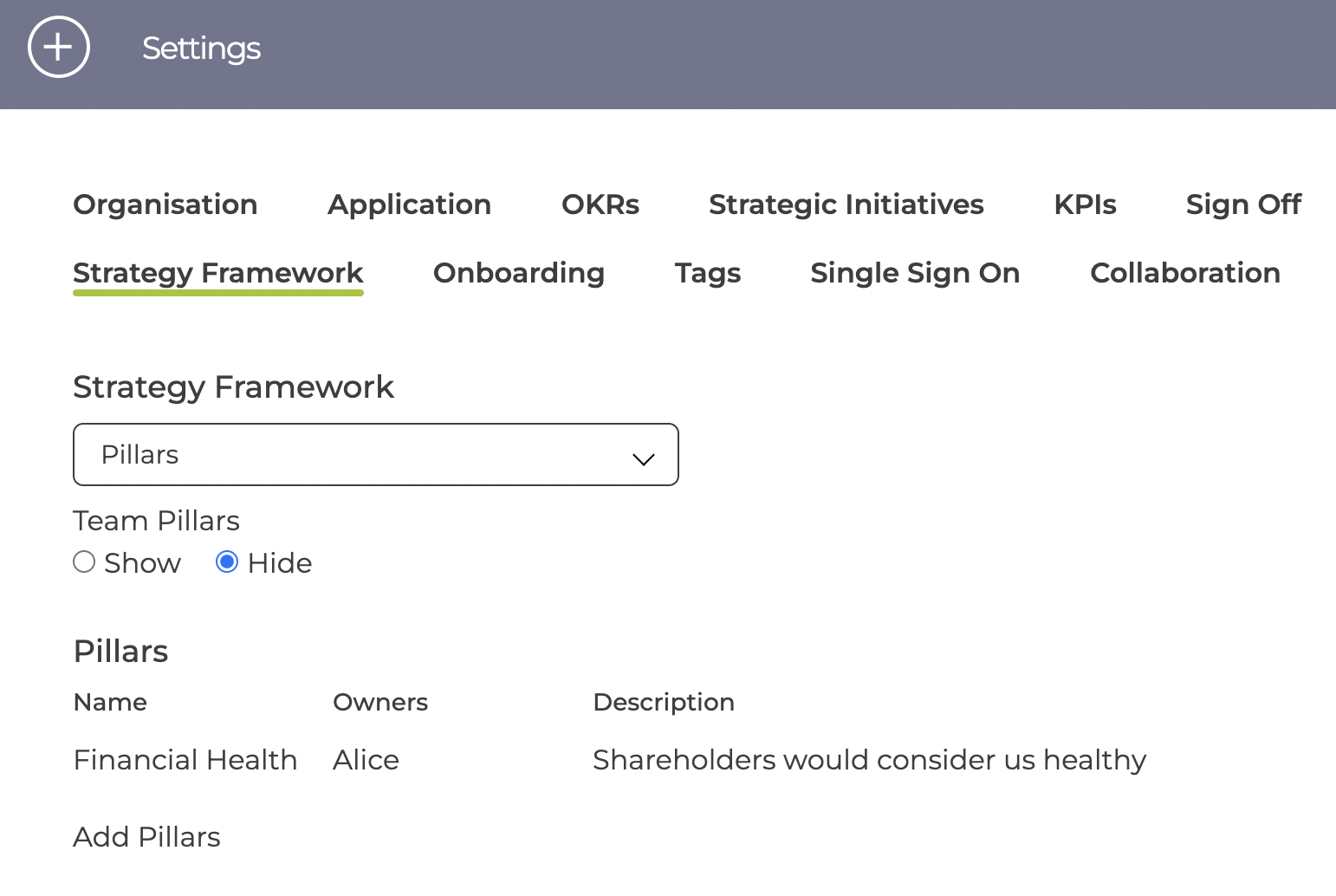
Pillars can be created in the Settings page
The pillars have a few options
- Company / Team
Pillars can either be Company Pillars or Team Pillars
Team pillars are specific to one team only and if you do not want to use Team Pillars they can be switched off in Settings - Name & Description
Each Pillar should have a short name and longer description to explain the details to all employees
The pillar order can be changed using drag & drop in the table
Assigning Pillars
When creating an OKR you have the option to assign them to any available Pillars
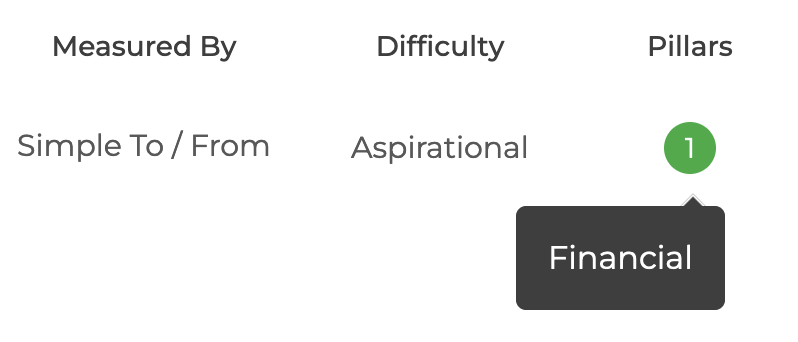
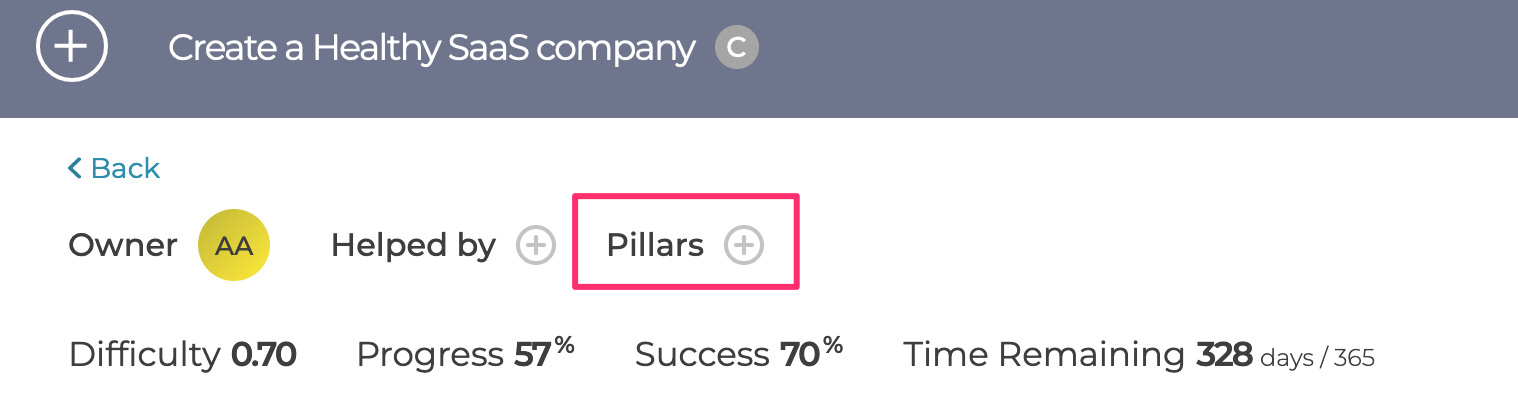
You can easily assign an OKR or KPI to a Pillar by using the menus or clicking on the Pillar icon in the detail pages
Team Pillars can only be used for OKRs or KPIs that are owned by that team
Inheriting Pillars
Objectives and KeyResults inherit the Pillars of their parent OKRs
If needed, you can stop this inheritance by removing the inherited Pillar on the child Objectives / Key Results
You can also add new Pillars to child Objectives / Key Results which is useful for combining Company & Team Pillars
Viewing Pillars
The Pillars assigned to an OKR or KPI are visible in the various list view and the details pages