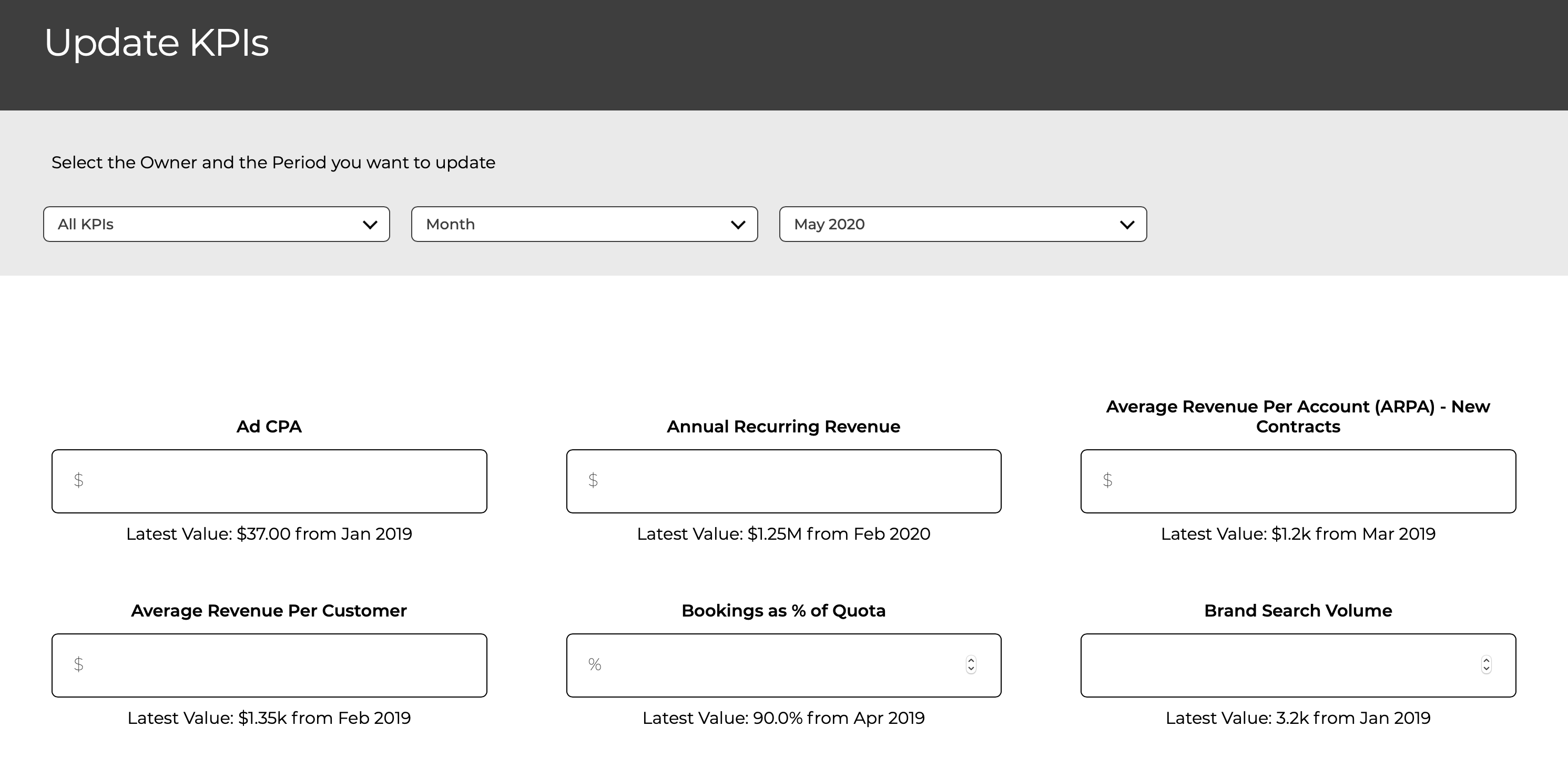
You can either load values into a single KPI on the KPI detail page or you can bulk upload values
Single KPI Update
You enter the values in the the data tab of the KPI details page.
For a measured KPI, missing values are indicated by Update Now.
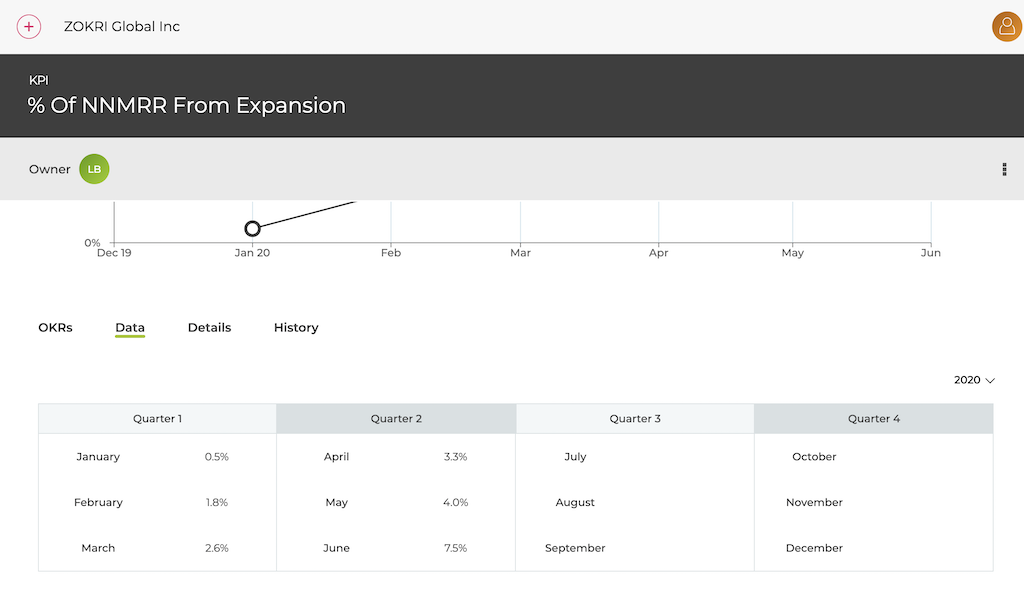
For a simple count KPI, click Add Value and enter the value and the date it corresponds to.
For all KPIs, you can edit a previous value by clicking the edit icon shown on hover.
Bulk Update
To update multiple KPIs at the same time, click on Update KPIs in the left nav
You will then get a serious options to select which KPIs to update
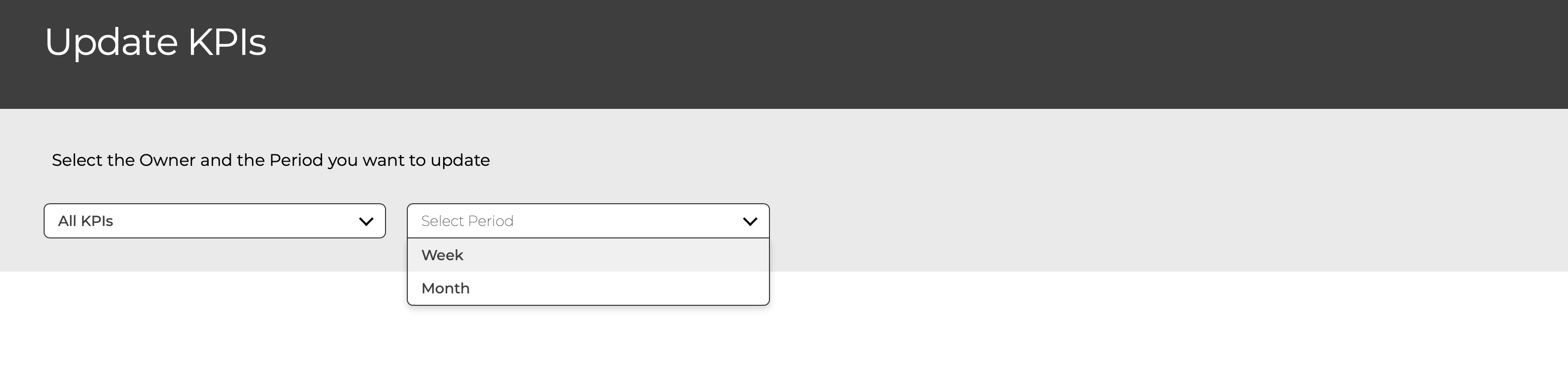
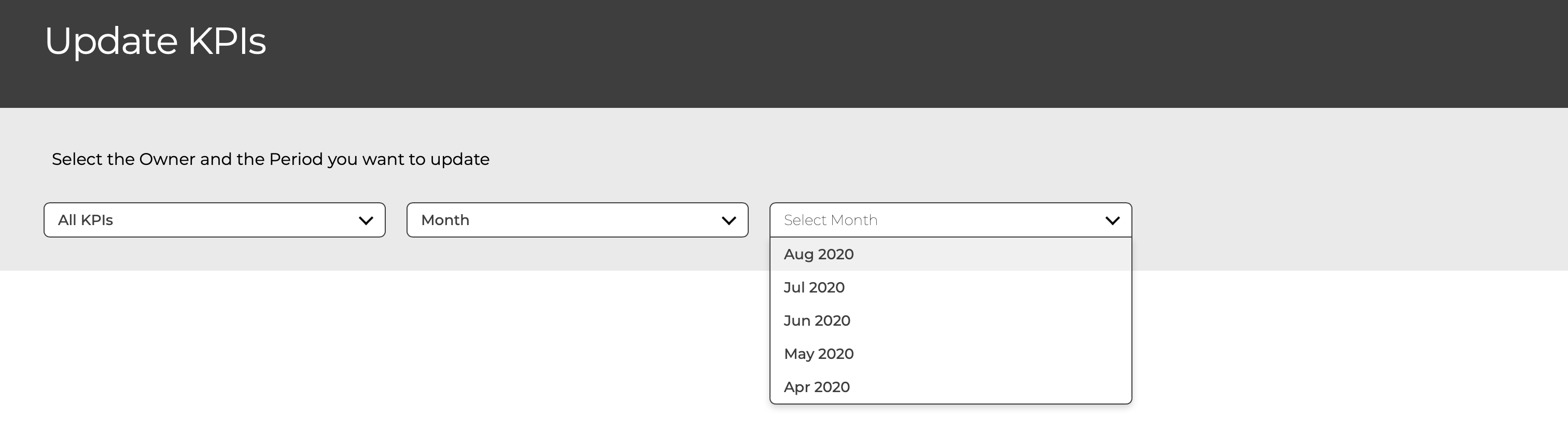
Yours / All KPIs
- Just the KPIs you own or all
Select Period
- The Week / Month are shown if there are KPIs that have missing Week / Month values
Updating Fixed Period KPIs
You get the following screen to enter the values and save. Once you have saved the values, the KPIs will no longer be displayed as they now have a value.