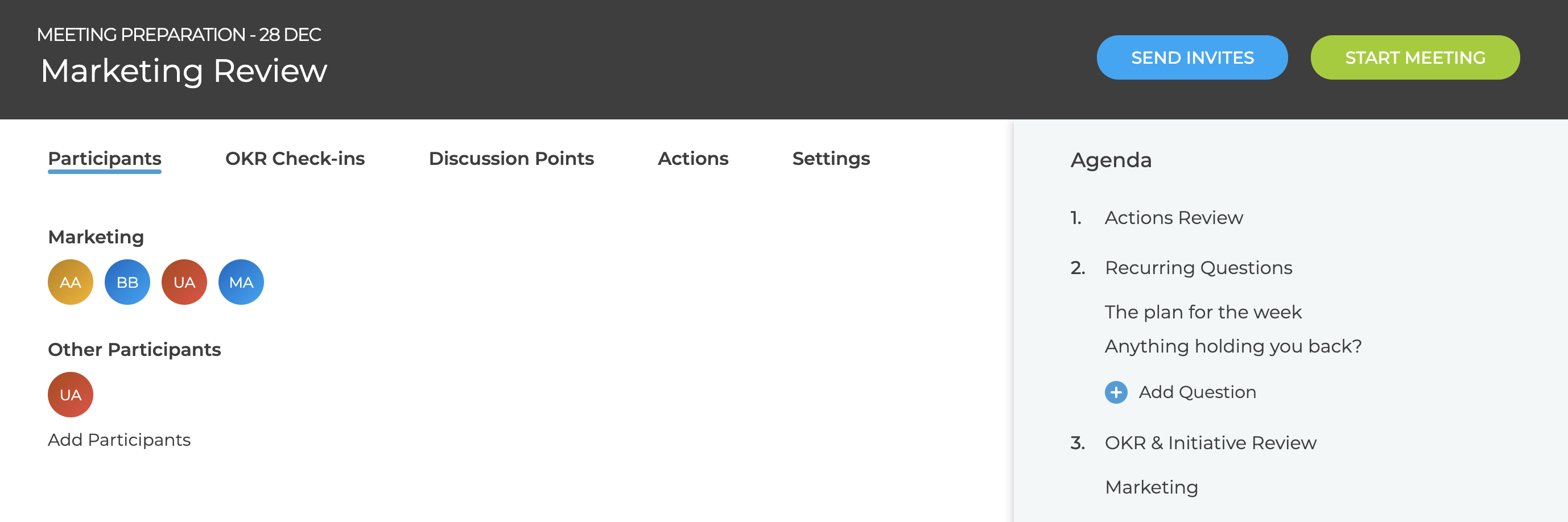
The "Send meeting invites" option must be enabled in the settings (see What are the different meeting settings?) and then the "Send Invites" button will appear in the In Preparation page.
If the button is Blue then there are outstanding changes that need to be sent to participants
- Meeting time / location could have changed
- New participants have been added
Invites are not automatically sent so the button is blue for all new meetings until the first invites are sent.
Invites are sent as iCal attachments which most email systems will automatically interpret and add to your calendars
If there are no outstanding changes to send, then the "Send Invites" is disabled and grey.