Key Results usually align to the Objective time period (Quarter or Annual), but a different Due Date can be set.
First the option must be enabled
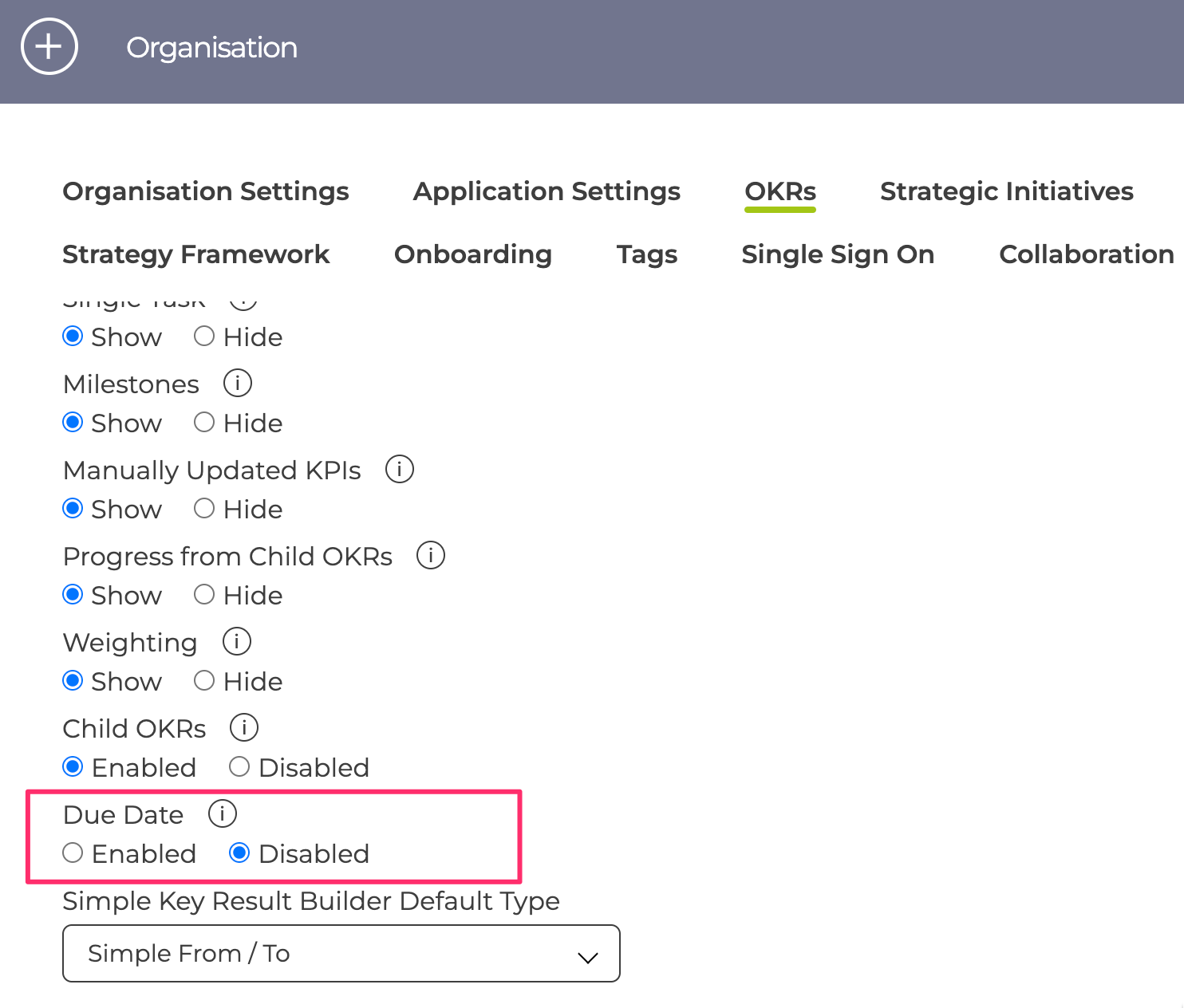
Then it can be set when creating the Key Result or added / changed at any time using the Key Result menu. Once set it appears as a date in the Key Results details instead of Q1 / 2021 and the progress bar now reflect the time available for the Key Result.
