OKR alignment is built upwards by setting the Parent OKRs. There are several ways to do this:
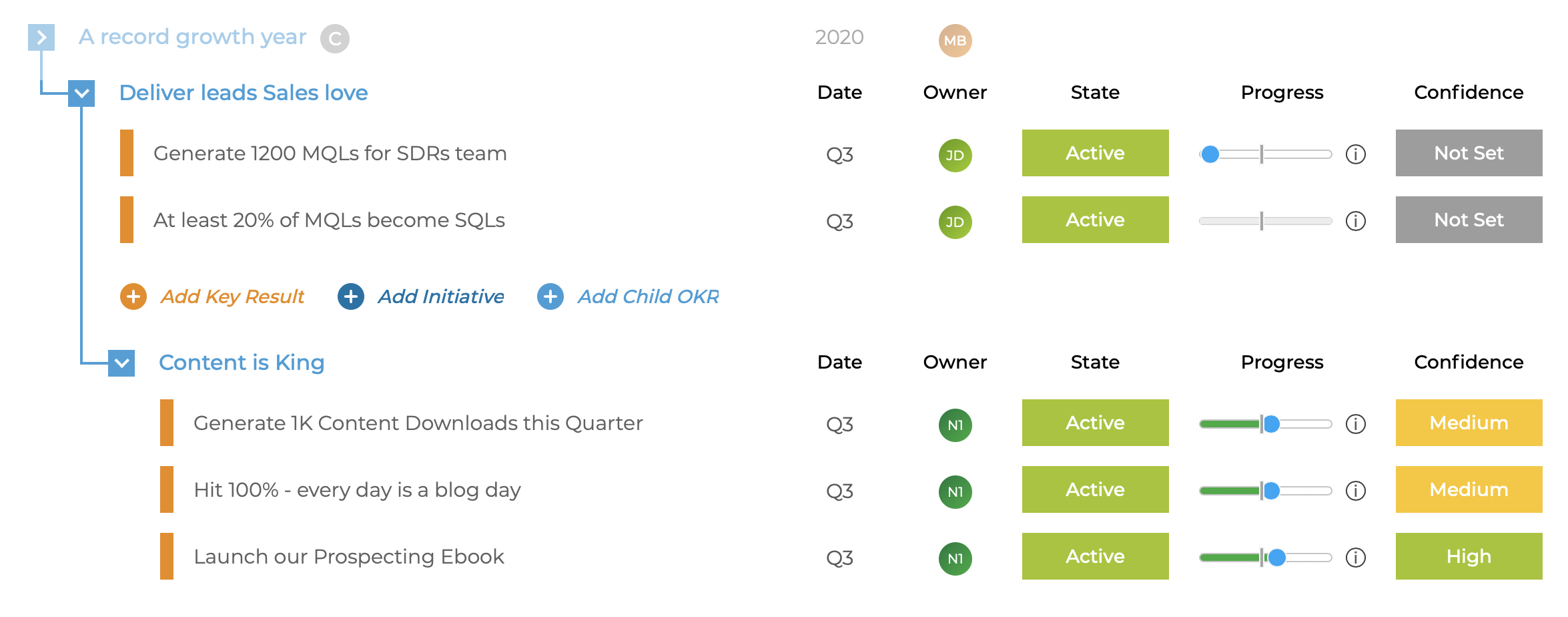
- Use drag & drop in the OKR Nested view
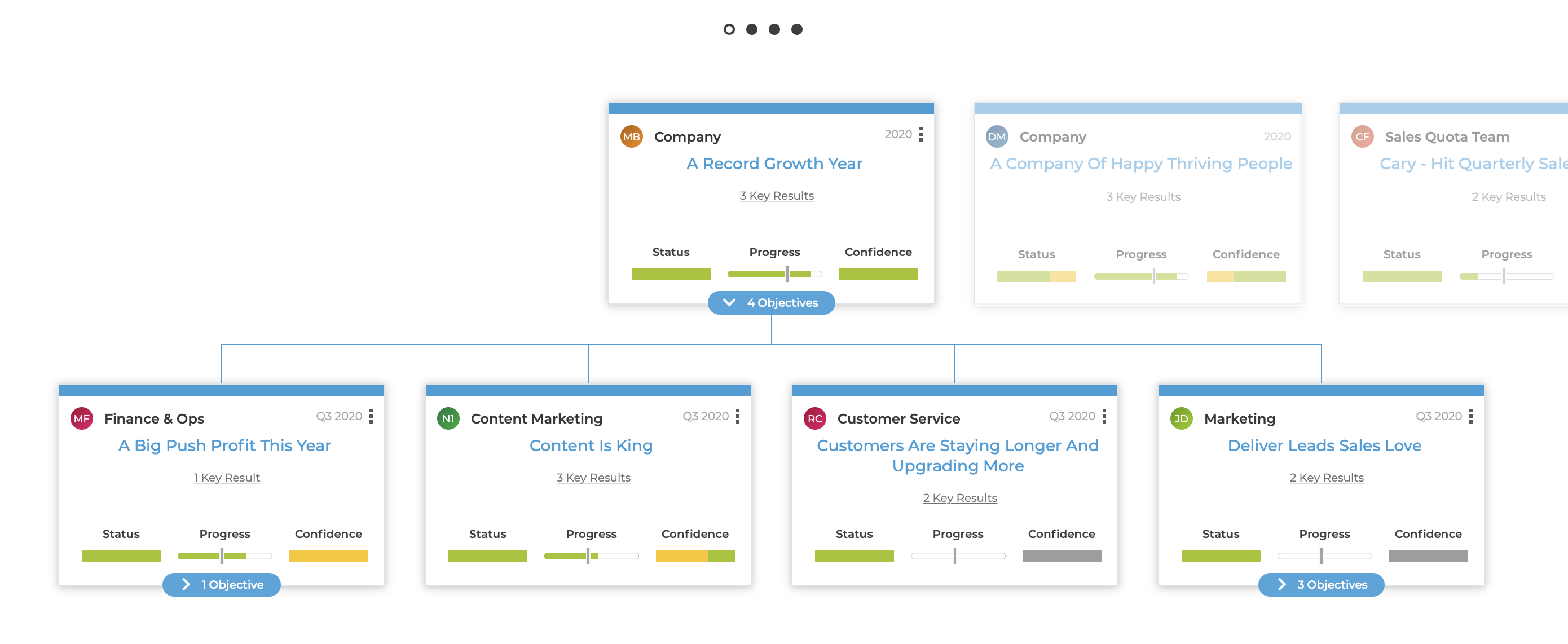
- Use drag & drop in the OKR Hierarchy view
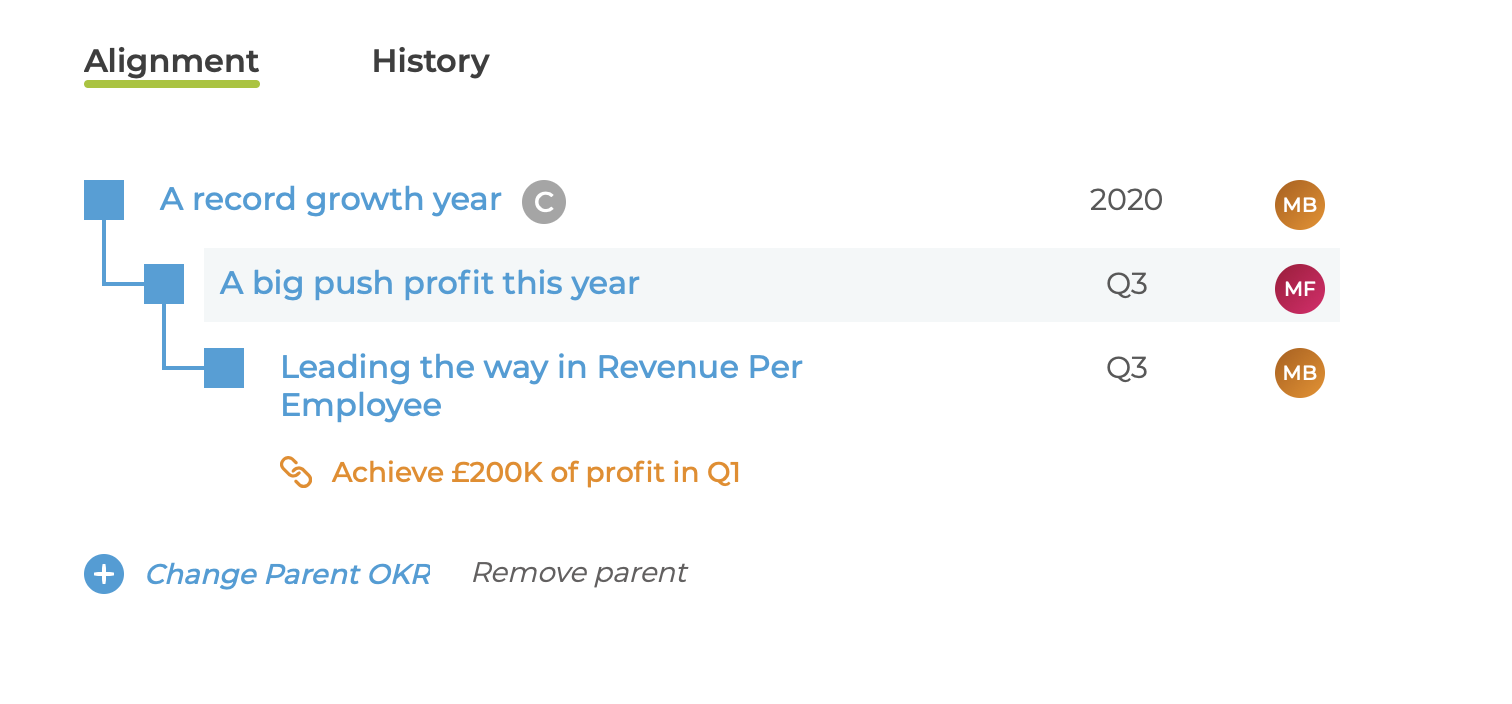
- Use the links in the Alignment view in the Objective Details page
When setting the Parent OKR, it must be in a time period that matches the current OKR.
So if an OKR is Q1 2019, it can have a parent OKR that is either
- in Q1 2019
- or is annual OKR set to 2019
Paying accounts can set the Parent to be a Key Result - see How to set a Key Result as the parent of an Objective
There are a few reasons why a drag & drop will fail - see Why can I not change the Parent OKR?