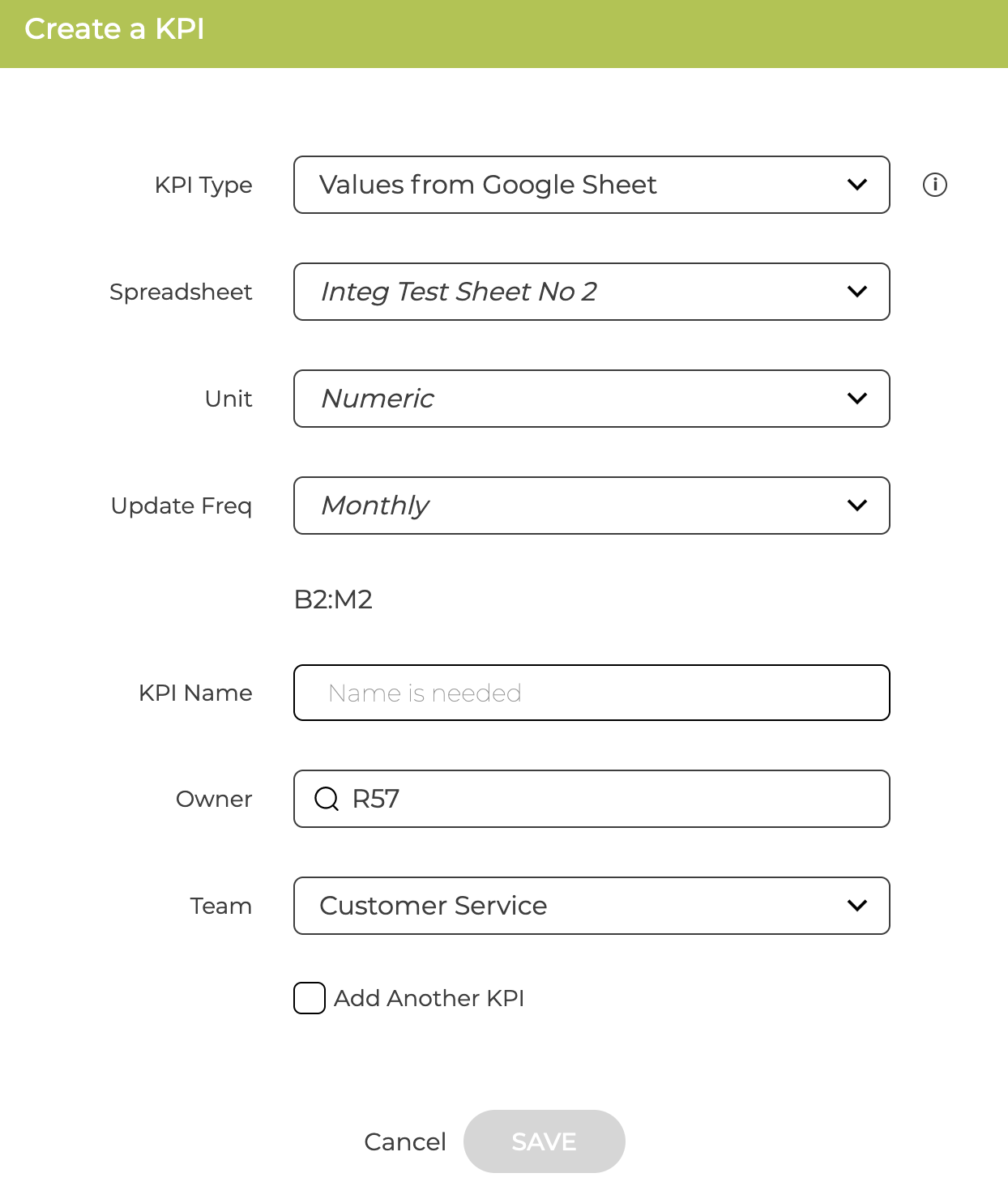
You first need to connect ZOKRI to the Google Sheet or Excel document that you want to use - see
Connecting to Office 365 Excel
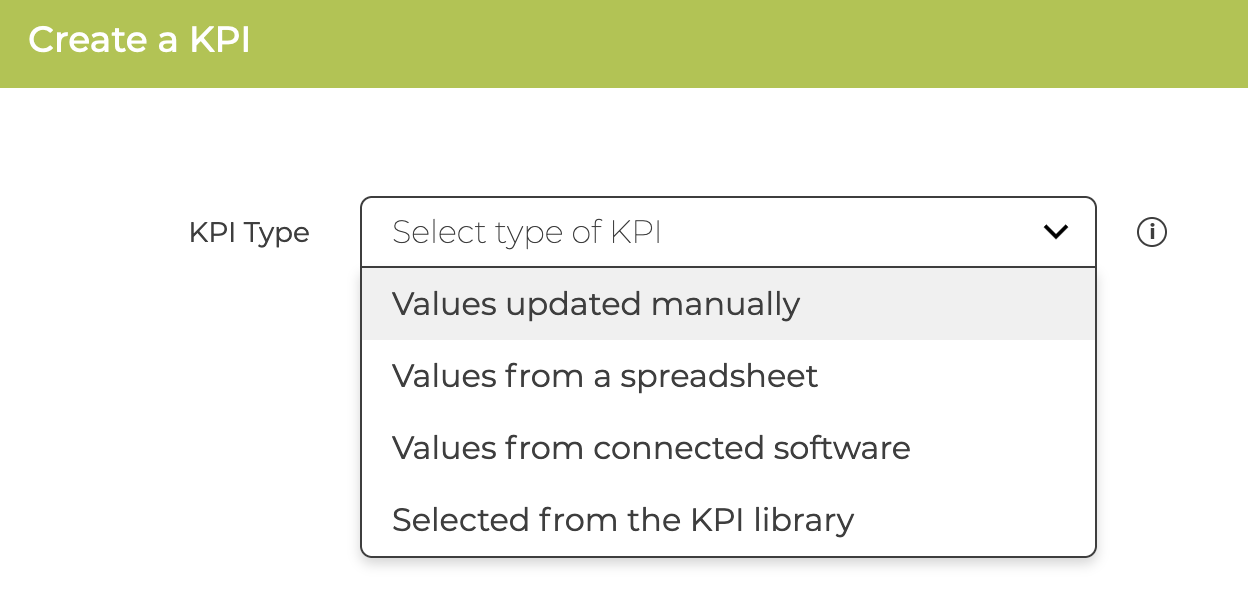
Then using the KPI Builder select "Values from a spreadsheet"
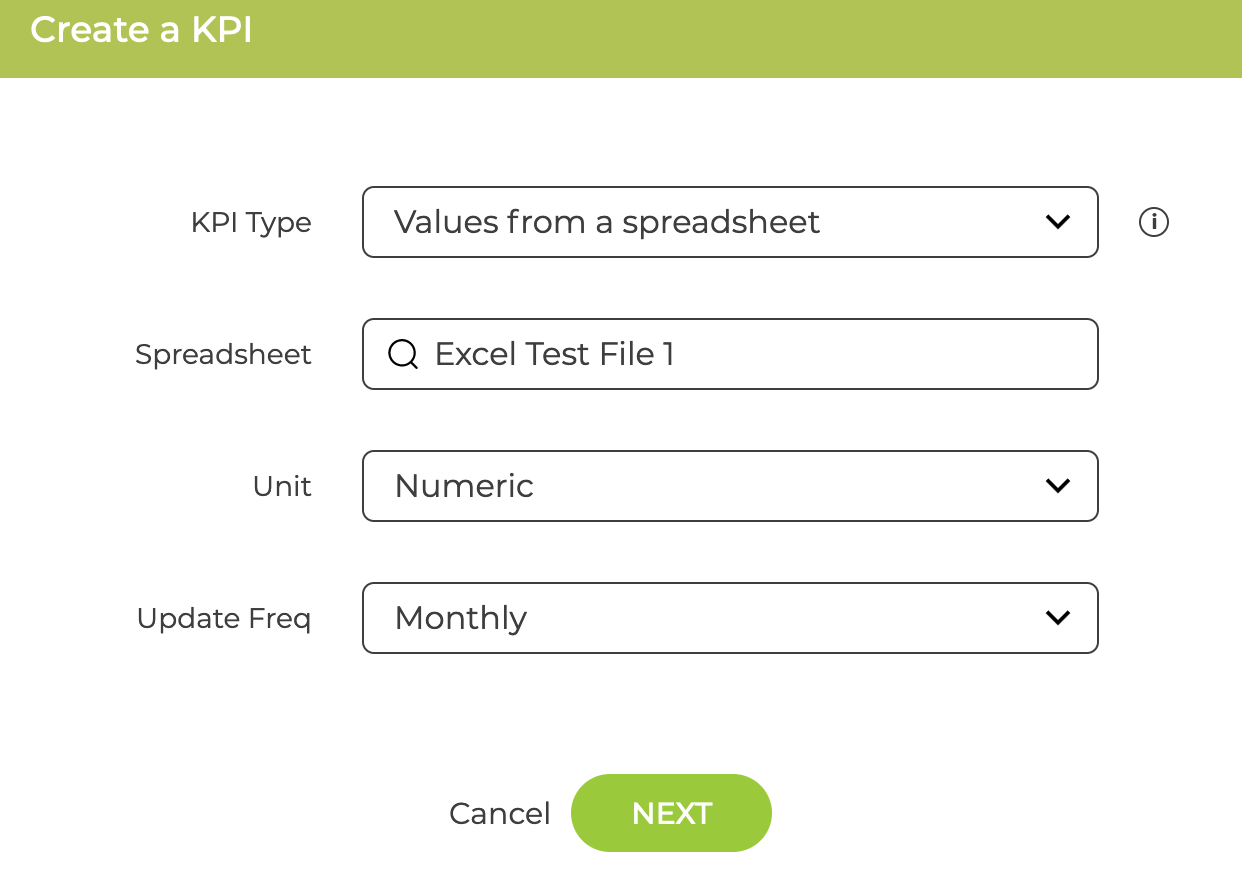
Select the spreadsheet you want to use, the unit of the KPI and the update frequency
You then need to input the ROW or COLUMN which contains the data - put in the FULL range of data you will want to use even if it is not ready yet. And then put in the time period that matches the FIRST cell. This means the data in the Google Sheet is correctly mapped to the KPI.
At this point the first time you press Next the current data will be retrieved to make sure it is the correct and can be read
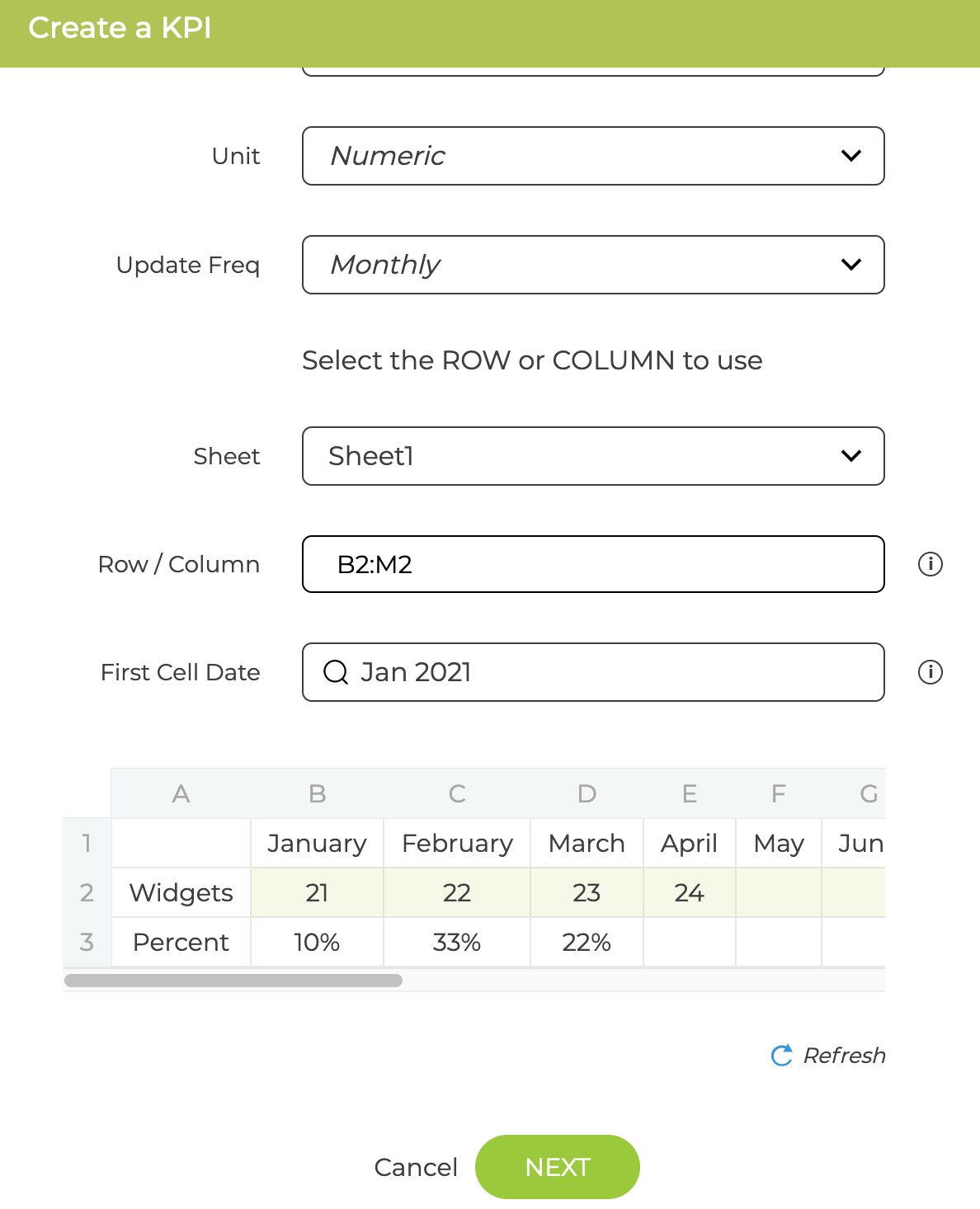
You can change the settings and click Refresh to check the new settings
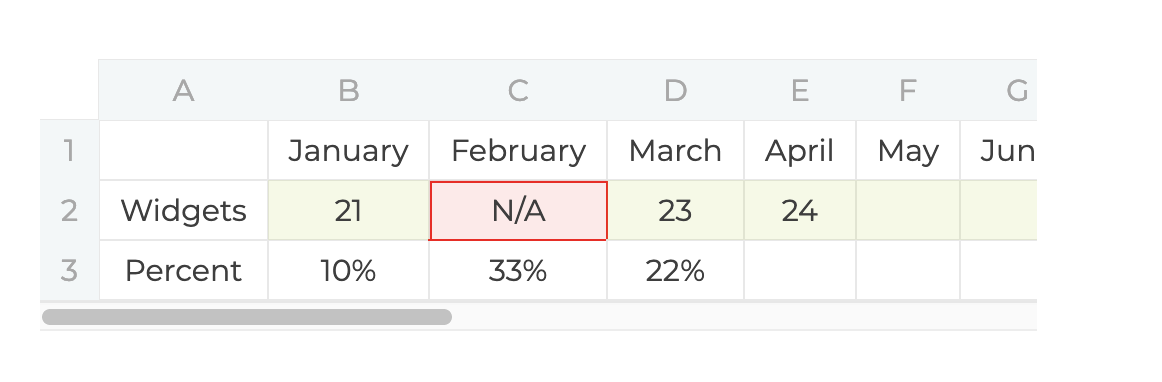
If a value cannot be read it will be highlighted in red
You then set the Name and Owner before saving