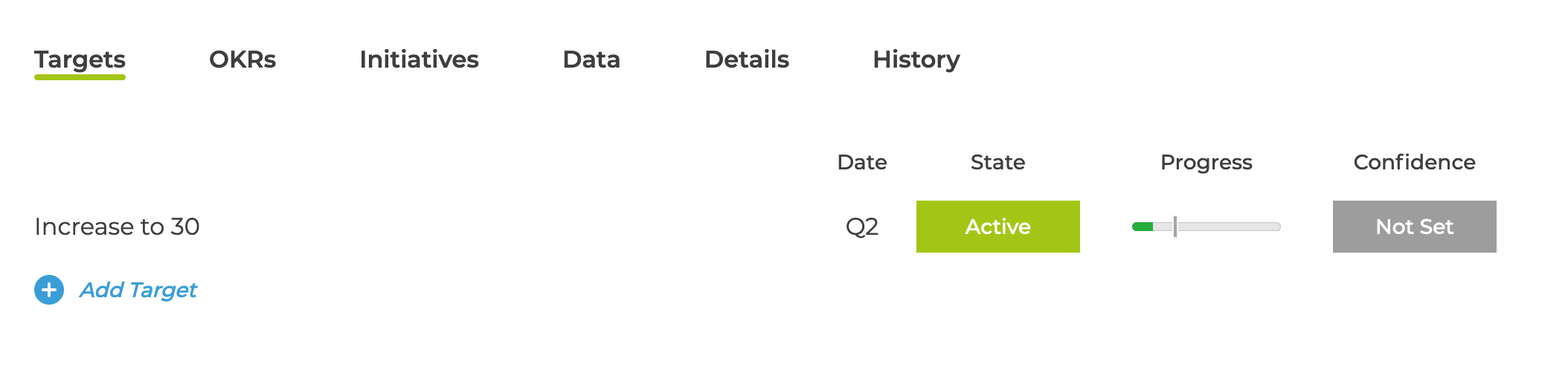
Once you have created your KPIs you can add targets to them. These targets can be to increase / decrease them to a certain value or just maintain them at the business as usual level.
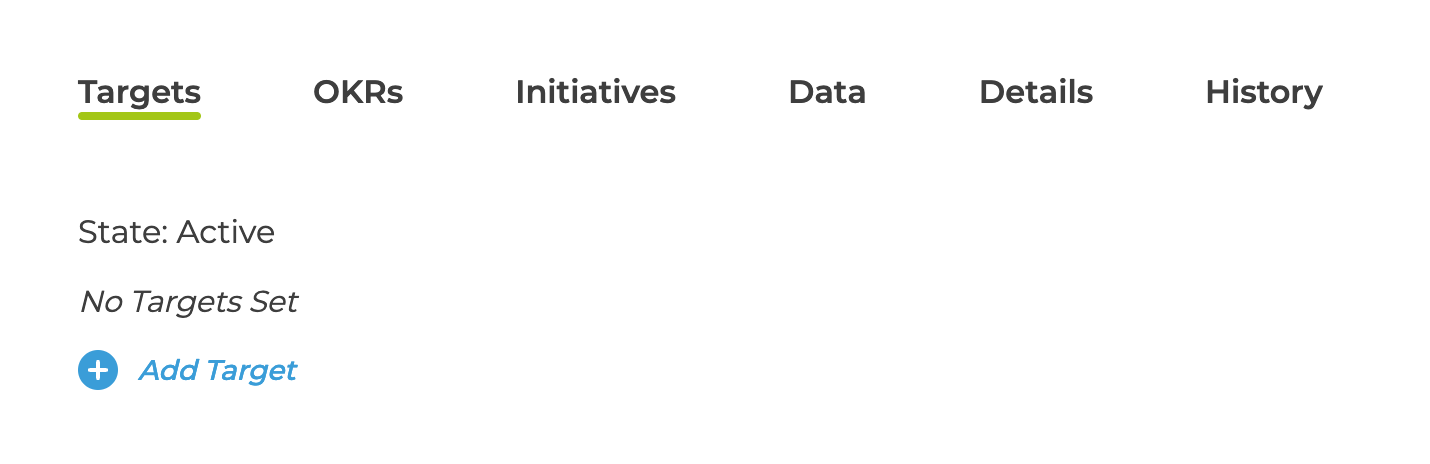
In the KPI details page and the Targets tab, click Add Target
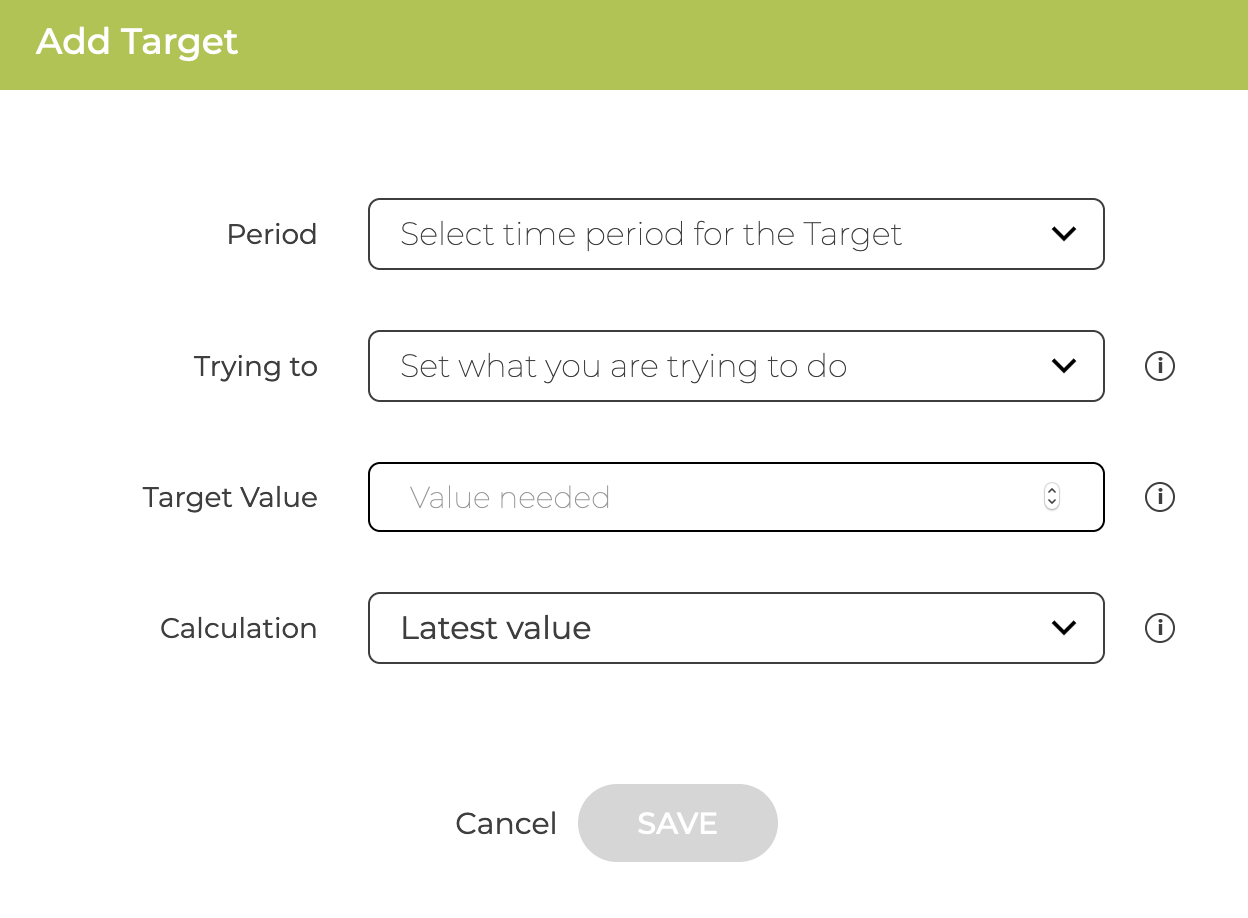
You then configure the Target
- Time period is the quarter or year the target is based on
- Trying to are the options to set an increase/ decrease or a maintain type target
- Value is the value to be achieved or maintained
- Calculation generally left as Latest Values but you can change so the check is based on the Summed Total or Average Value over the period
The target is then displayed whenever the KPI is shown