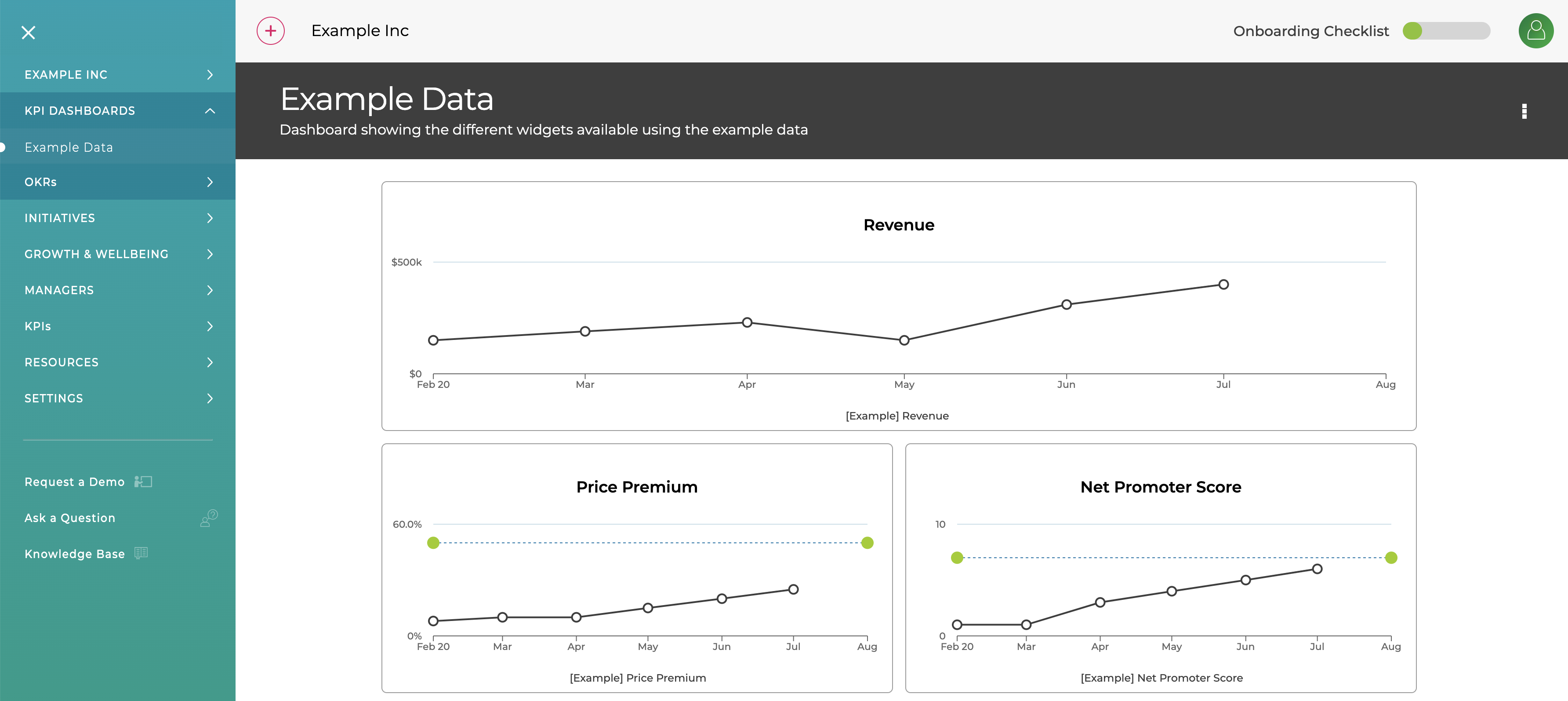
If you have recently joined ZOKRI you will have a Example Dashboard created for you which shows some of the widgets available
To create your own user the builder menu in the top navigation and click Dashboard
You can then add
- Name
- Description (optional)
- Public or Private
Public dashboards are visible to everyone in the organisation, so we suggest you do not make the dashboard public immediately but set it up first and then change to be public.
You can then add widgets, resize them up to 4 columns wide, and change the layout by dragging them around
The full list of widget is available in Widgets Available