Mission, Vision & North Star
The Mission & Vision page allows you to share you Mission, Vision, Purpose & North Star Metric with your organisation.
The page is initially empty ready for you to fill in
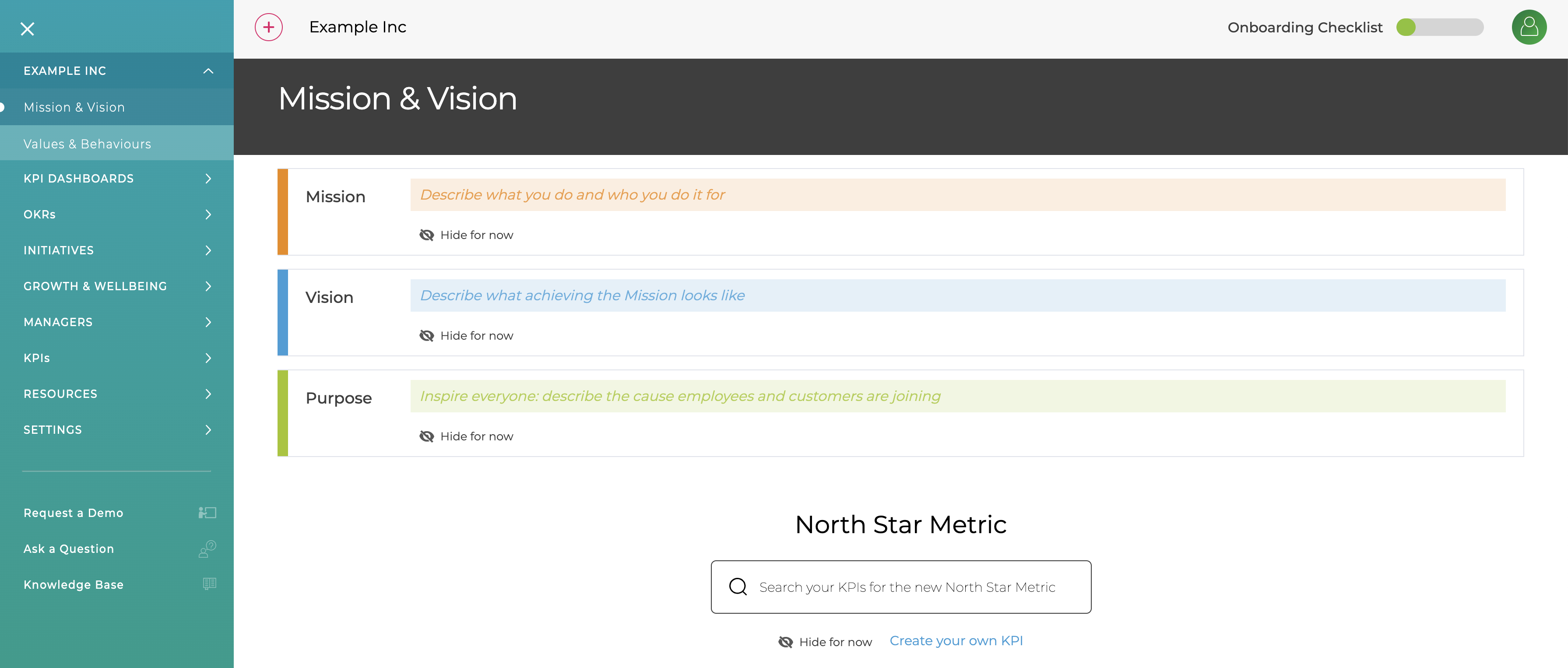
Add the Mission, Vision and Purpose or Hide them if you are not yet using them.
To set the North Star Metrics, either select a KPI you already are using, create a new one (follow the guide Creating your first KPI) or hide to set up later.
You can switch between line and bar chart using icons in the top right.
The top left menu allows you to
- Add / Edit Mission, Vision and Purpose
- Change the KPI used
- Add the latest values for the KPI
- Clear all if you need to start again
Culture
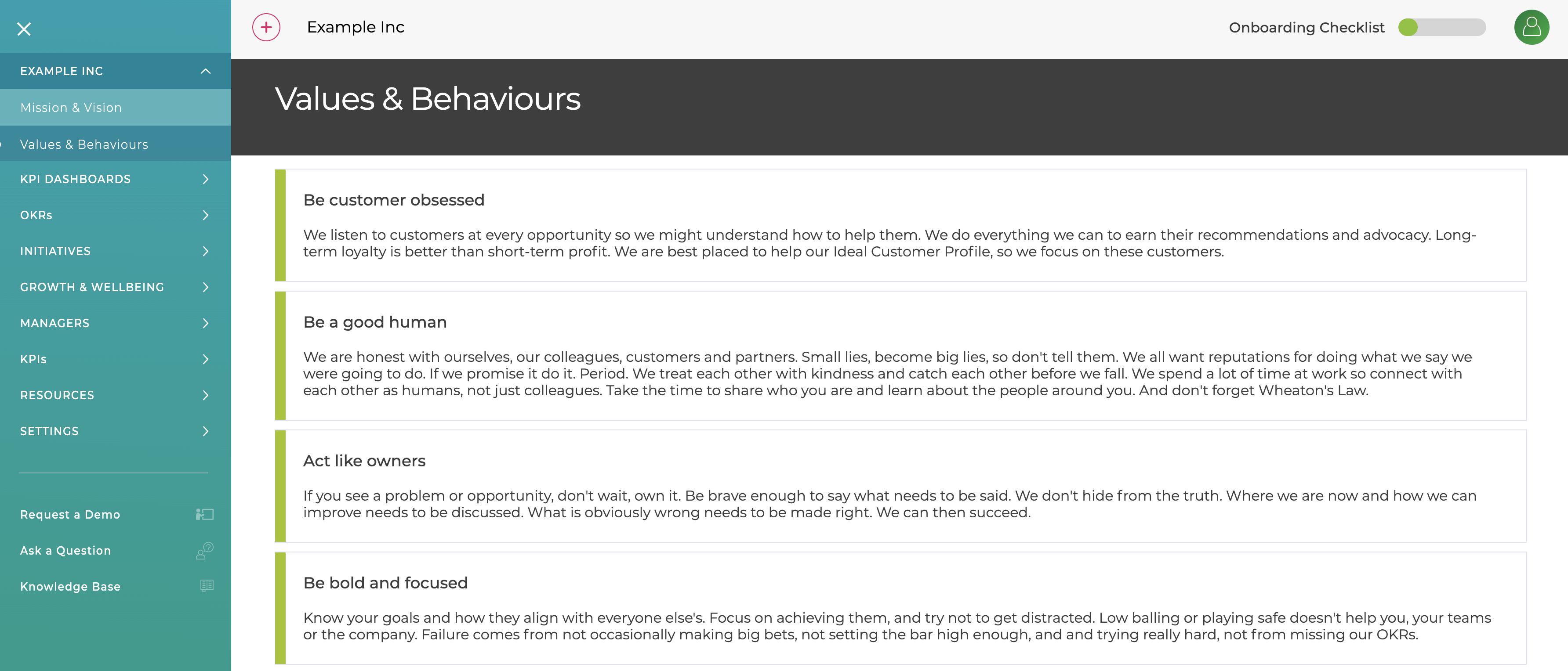
The Culture page shows your company's Values & Behaviours. It is pre-filled it with some Values we hold dear but it is easy to edit then, add new ones and change the order by dragging them.