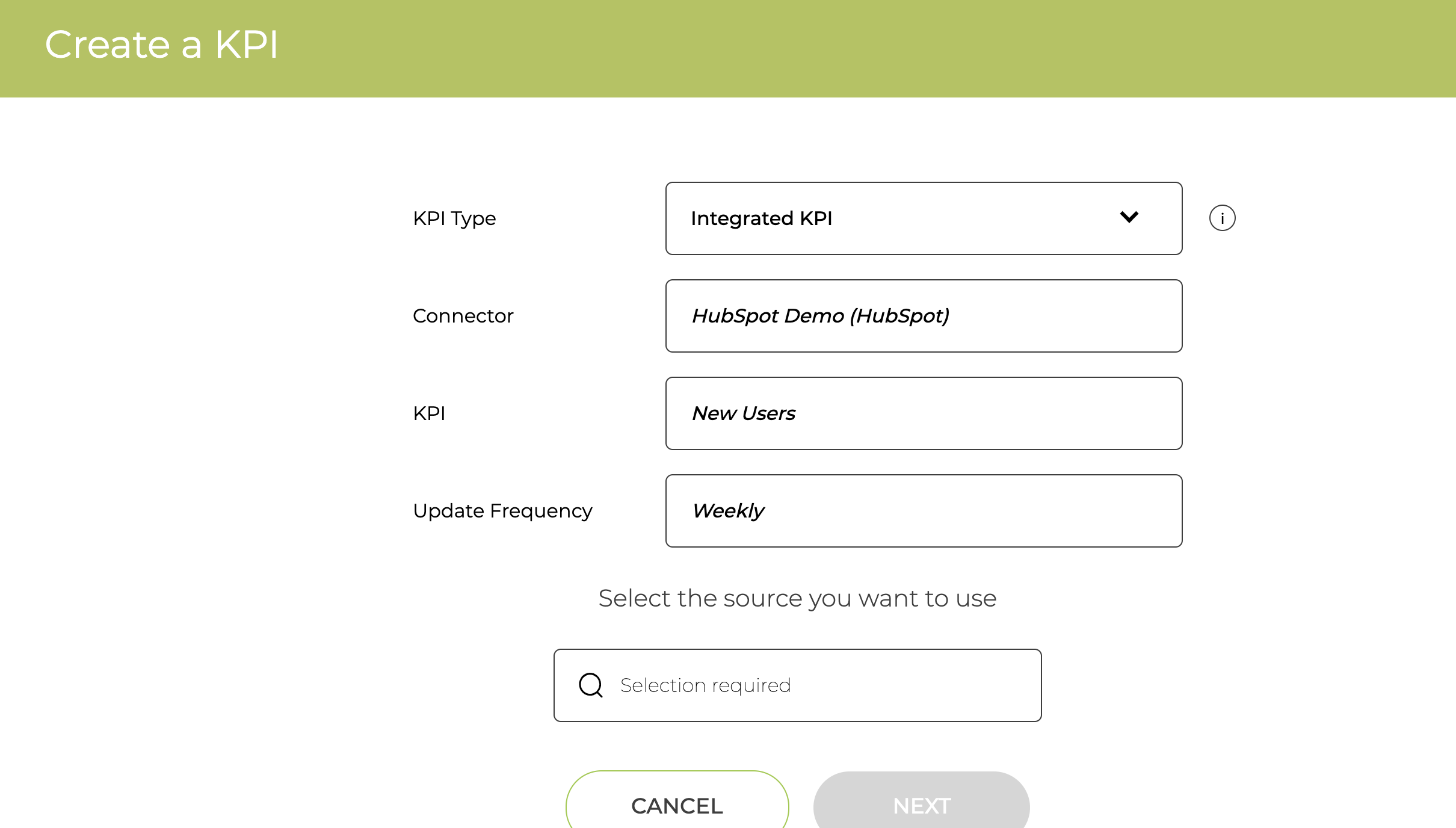
To use HubSpot data you need to set up the Connector to the HubSpot account. You can see the full list of KPIs that support HubSpot here.
Setting up a HubSpot Connector
Go to the Settings / Connectors page and click on the Add HubSpot button
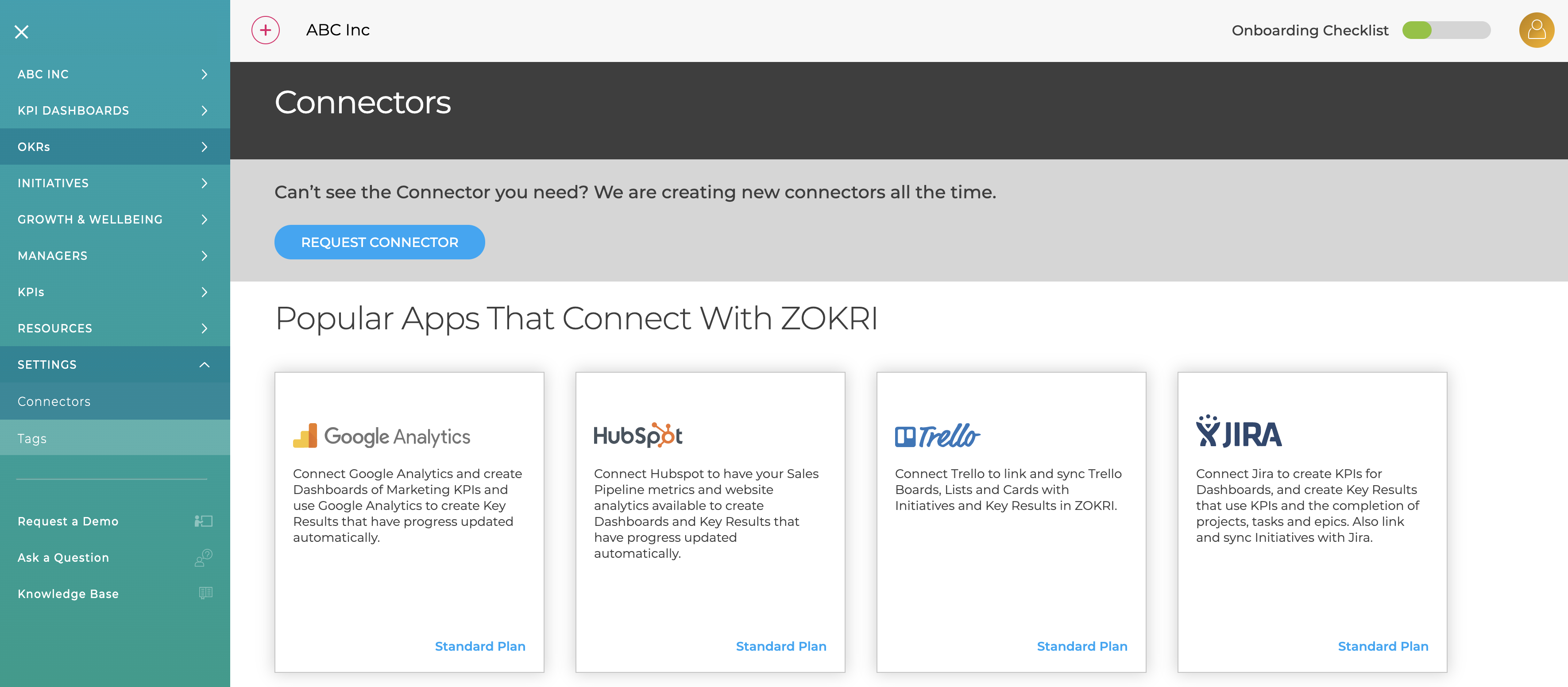
You will be redirected to Hubspot to authorise access and select the account to use.
Creating HubSpot KPIs
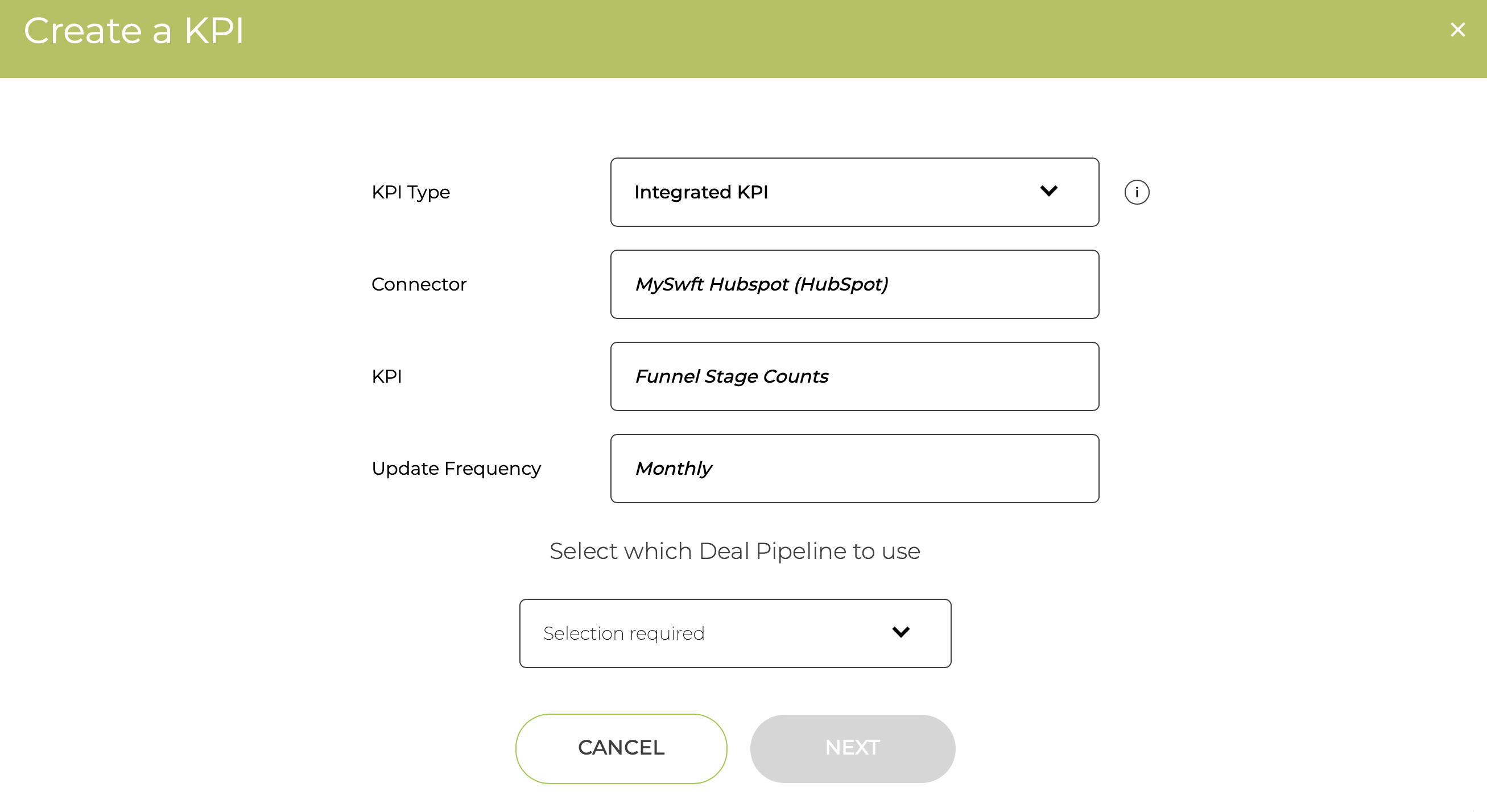
Either chose the Integrated KPI option when adding a KPI
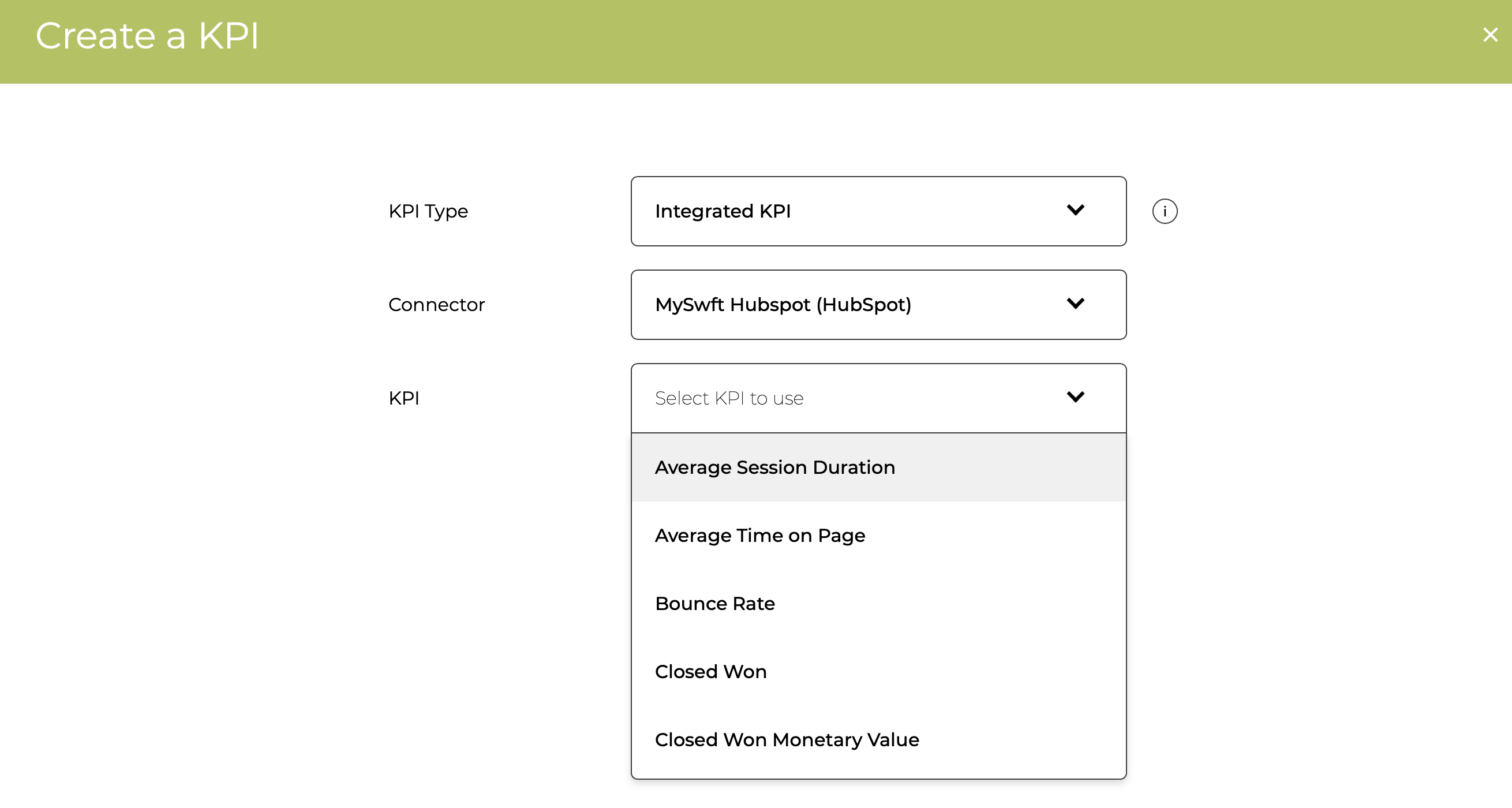
Select the KPI you want to use and the Update Frequency
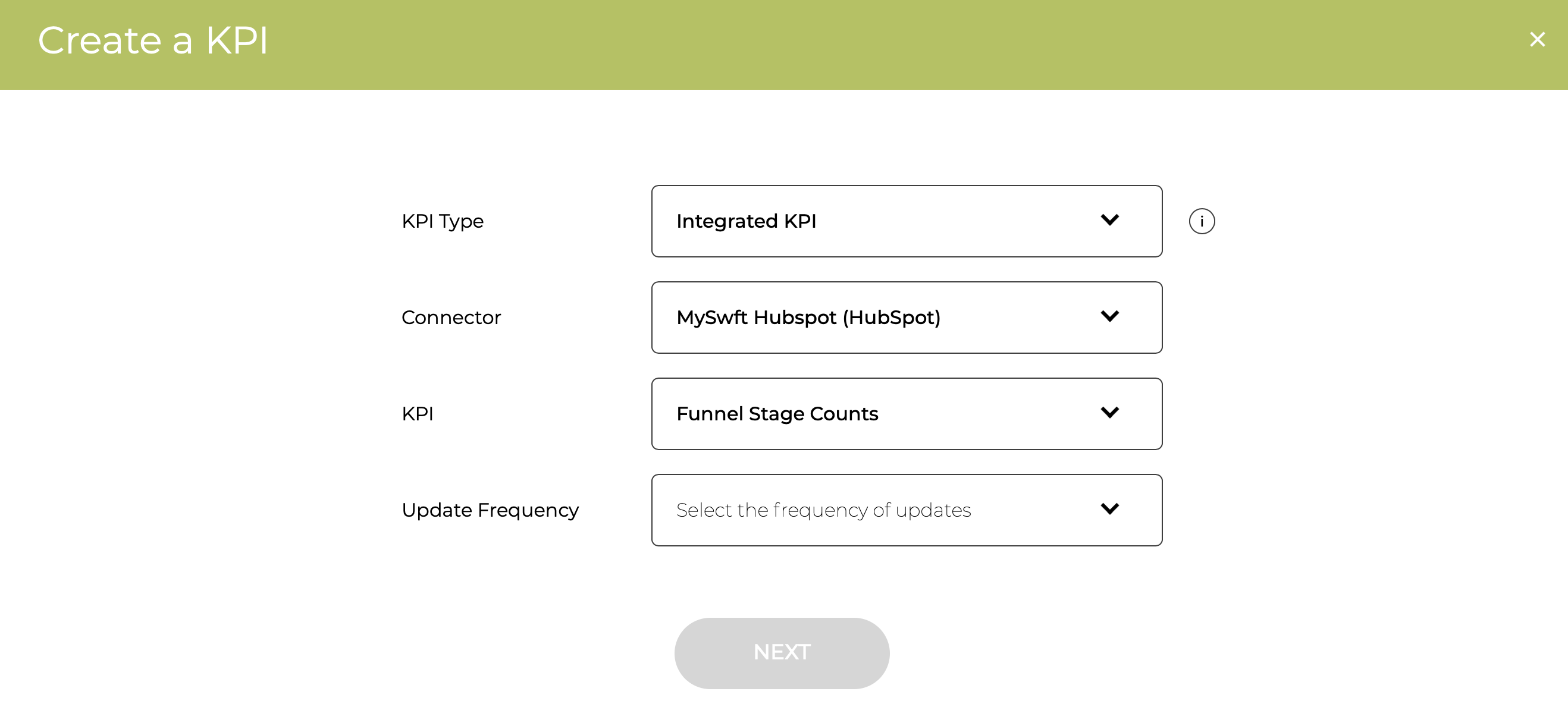
Depending on the KPI selected, you might need to select the Deal Pipeline and Deal Stages
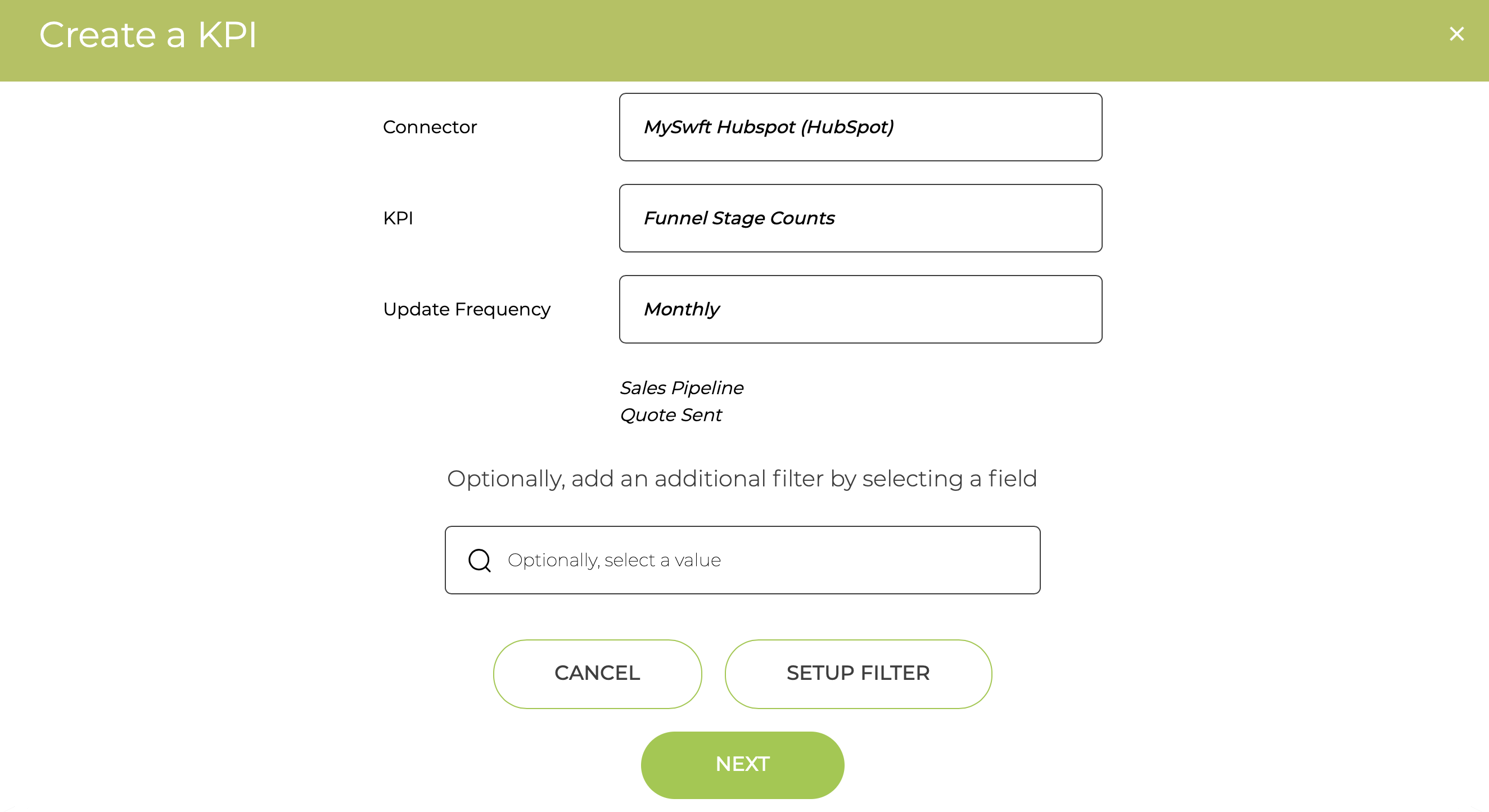
You can then optionally filter based on various HubSpot parameters, but if you do not want to just click next
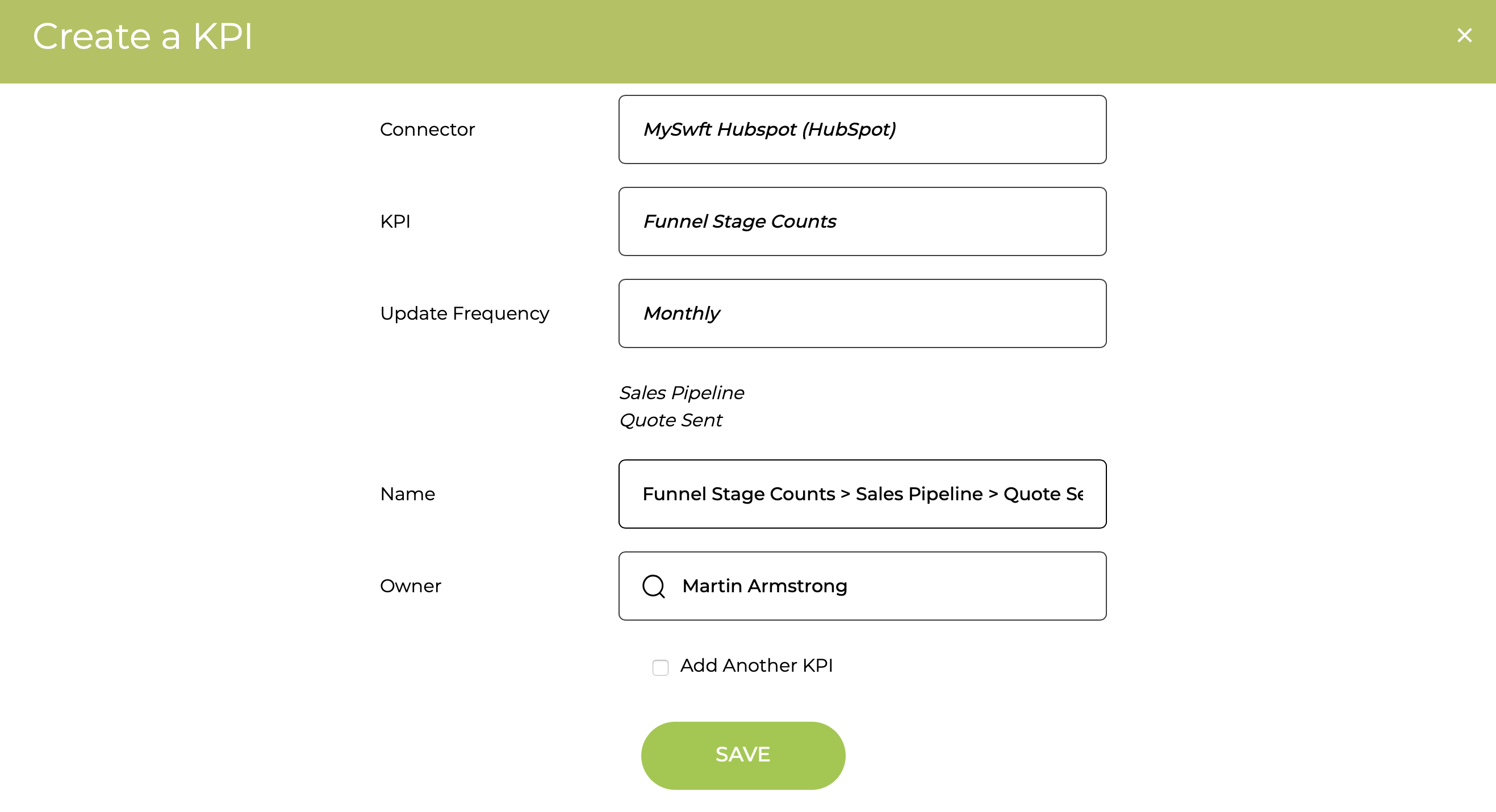
Finally, you can change the Name or Owner before Saving
HubSpot Analytics KPIs
For any Analytics KPIs you can optionally use a HubSpot view and you have to select the session source