Retrospectives are available for Objectives, Key Results and To-dos - you can configure which ones are used in the Organisation page. Once enabled the same section will appear in the Objectives, Key Results and To-dos details pages.
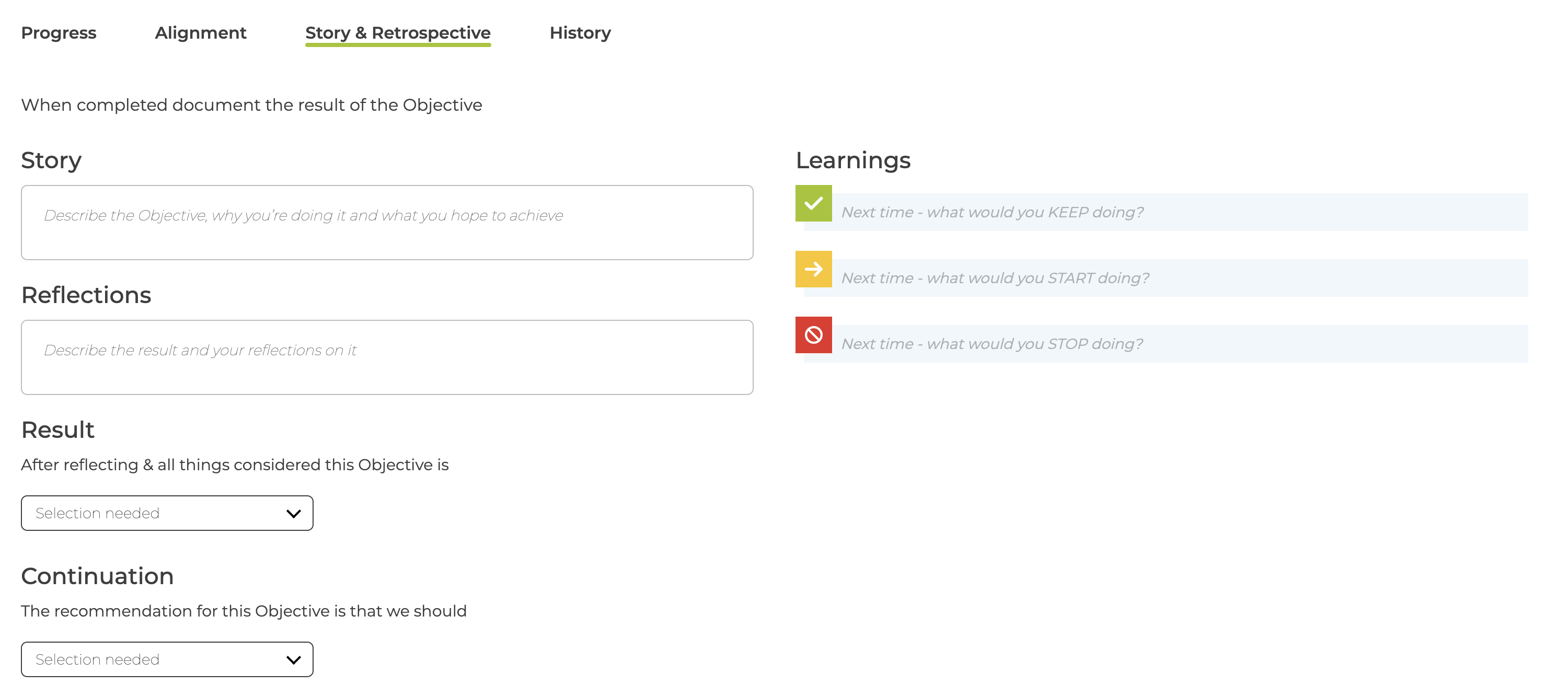
The different sections are
- Story
- Should be completed when creating the item as it describe what you are doing, why and what you hope to achieve.
When the item is completed the following should be filled in (at least one is require to show the retrospective as completed)
- Reflections
- Describe the result and your reflections on it
- Result
- A 5 point scale describing the success
- The labels & descriptions can be changed in the Organisation page
- Continuation
- Recommendation whether to continue or not an Objective / Key Result
- Learnings
- Three fields to note what you would Keep / Start / Stop doing
If needed, a retrospective can be skipped using the menu
The organisation can control what items require retrospectives - see How to control when retrospectives are used
Completed retrospectives can be reviewed in Meetings - see What Meeting sections are available?