If you want to connect your HRIS system please contact support to enable the feature
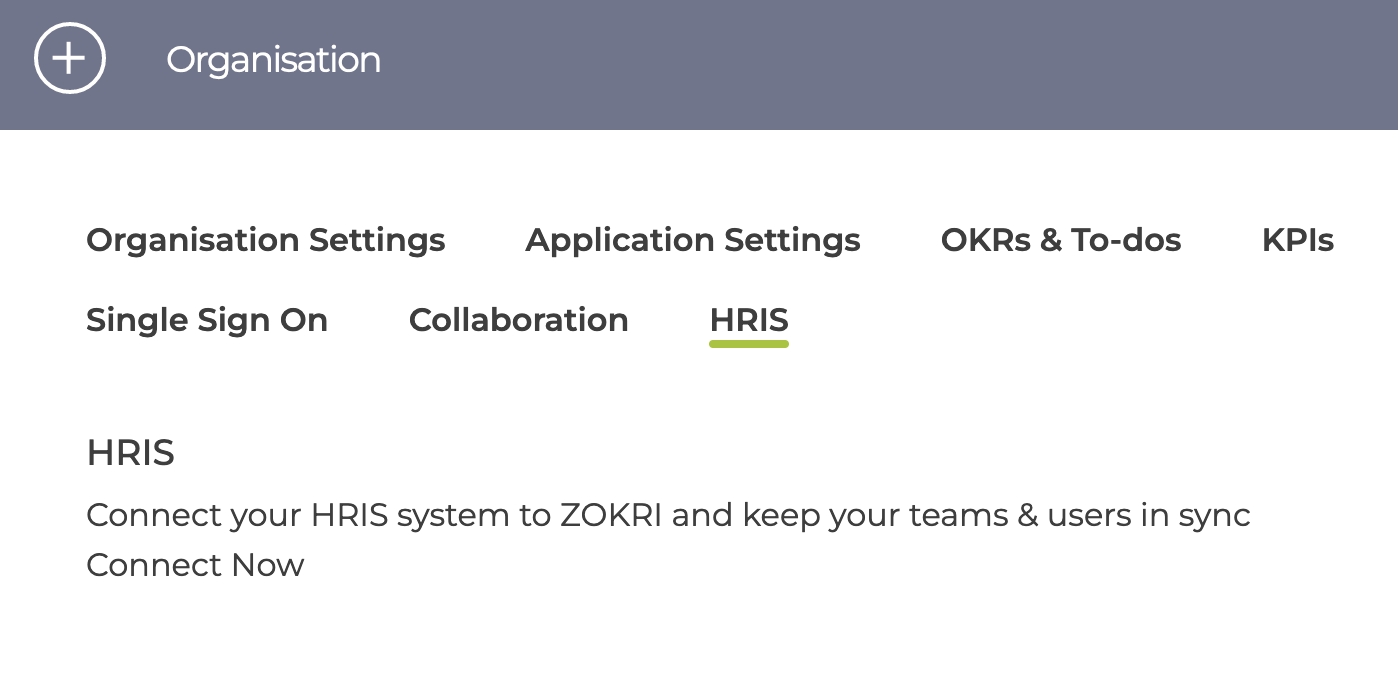
Once it has been enabled you can start the connection in the Organisation -> HRIS page
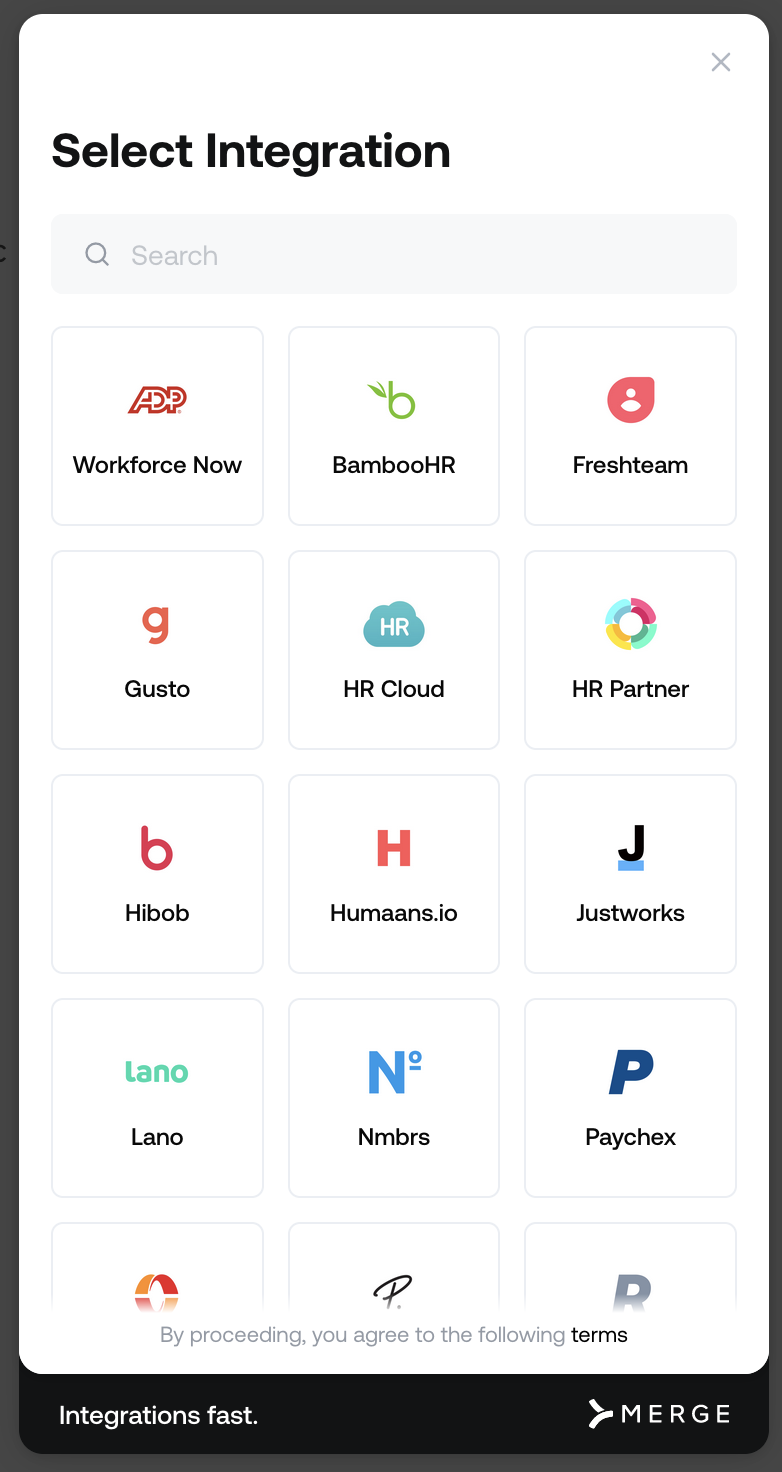
You then select your HRIS system
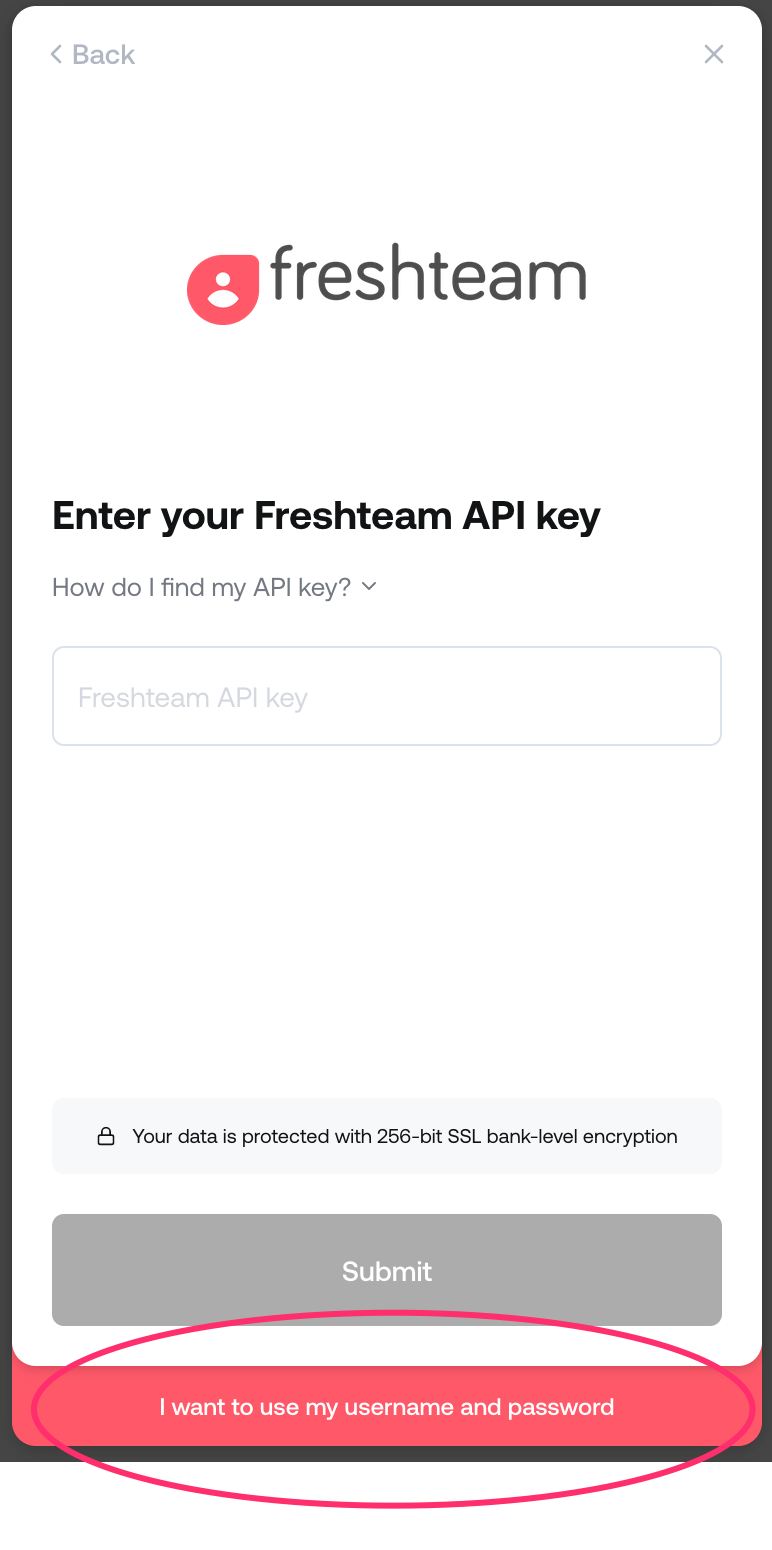
The next steps depend on the HRIS system but if you need to change the authorisation method used then click the button at the bottom.
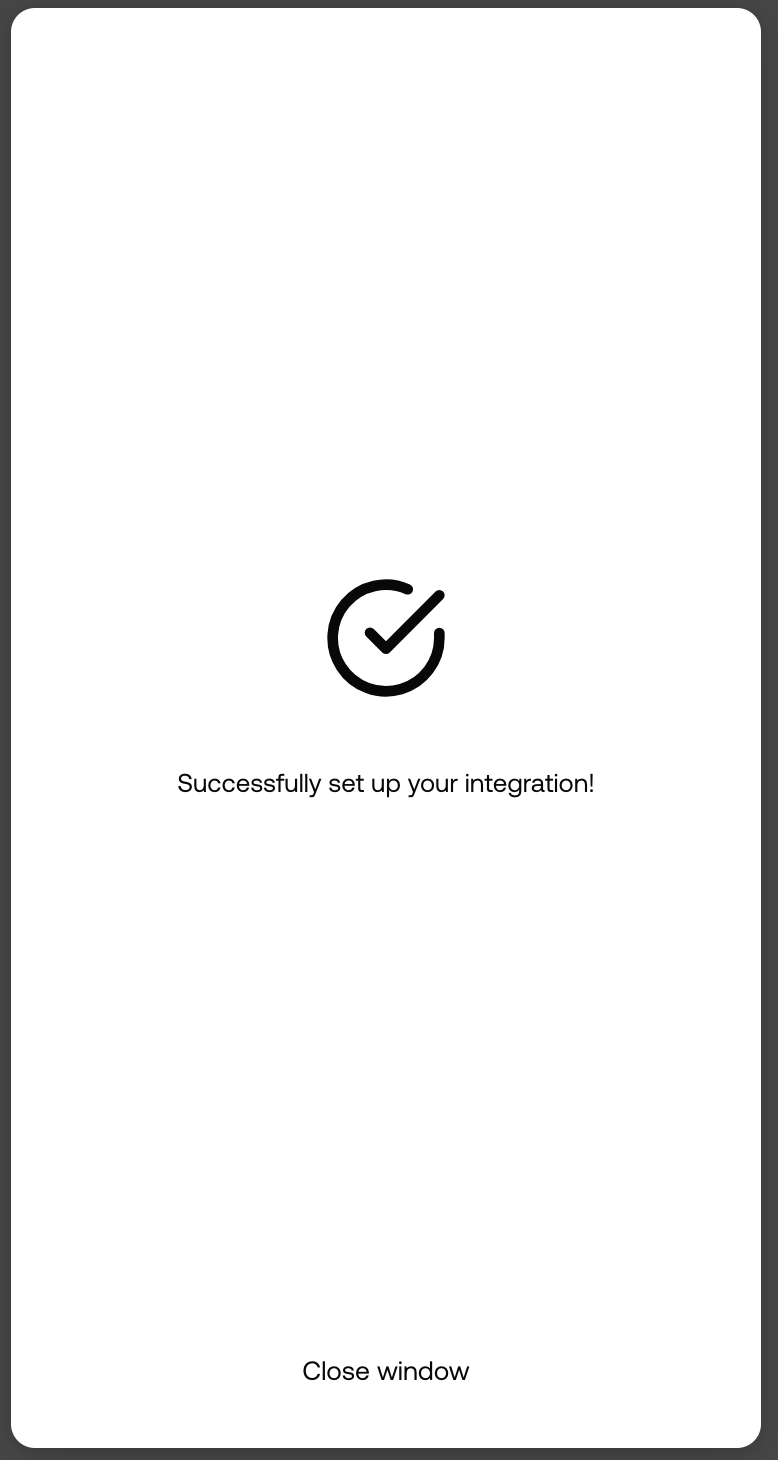
Once successfully connected you will see this screen and can close the window
You can now manage your HRIS connection - see How to manage users & teams using your HRIS system