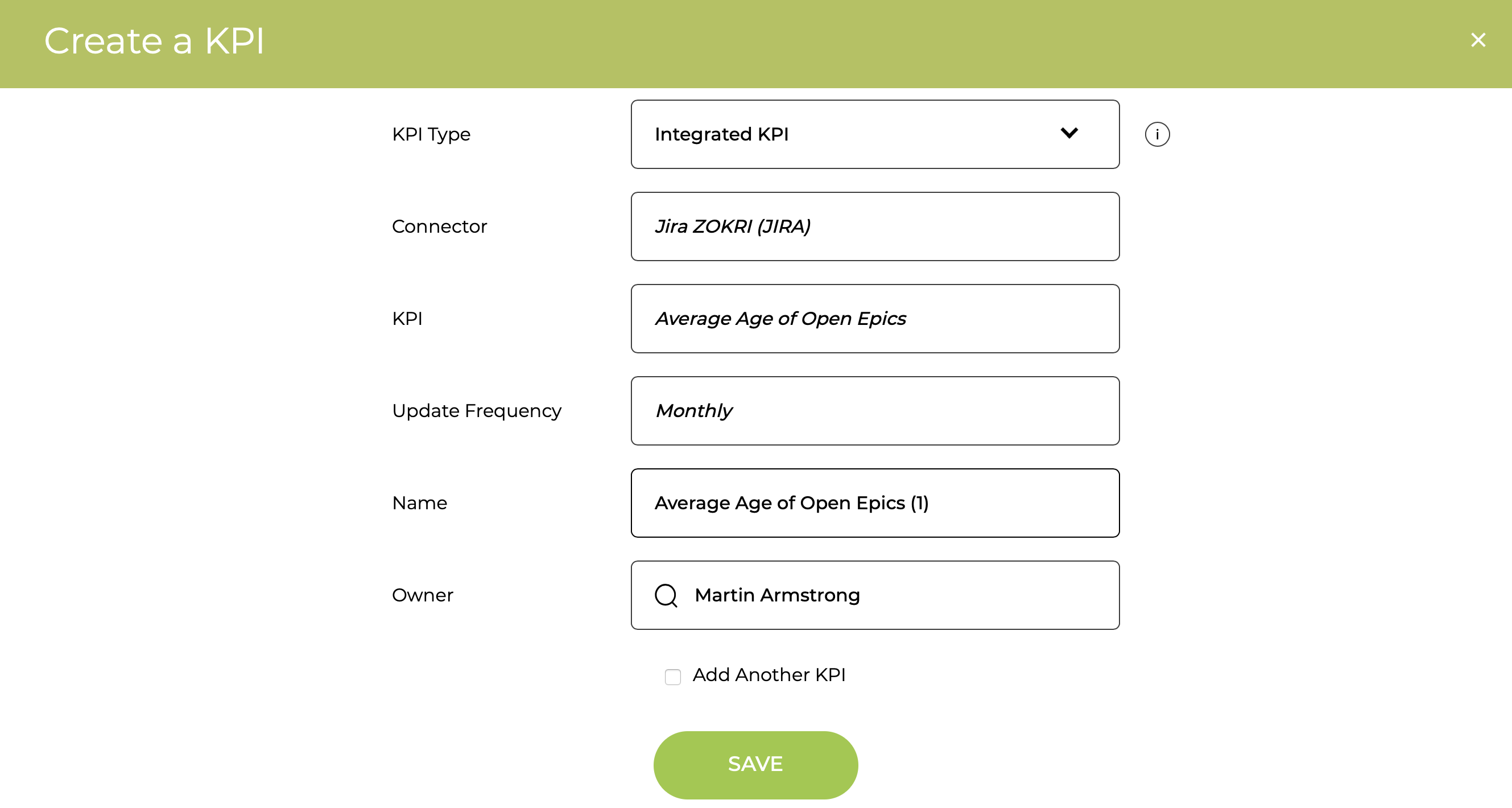
To use JIRA data for KPIs you need to set up the Connector to the JIRA project.
You can see the full list of KPIs that support JIRA here.
Setting up a JIRA Connector
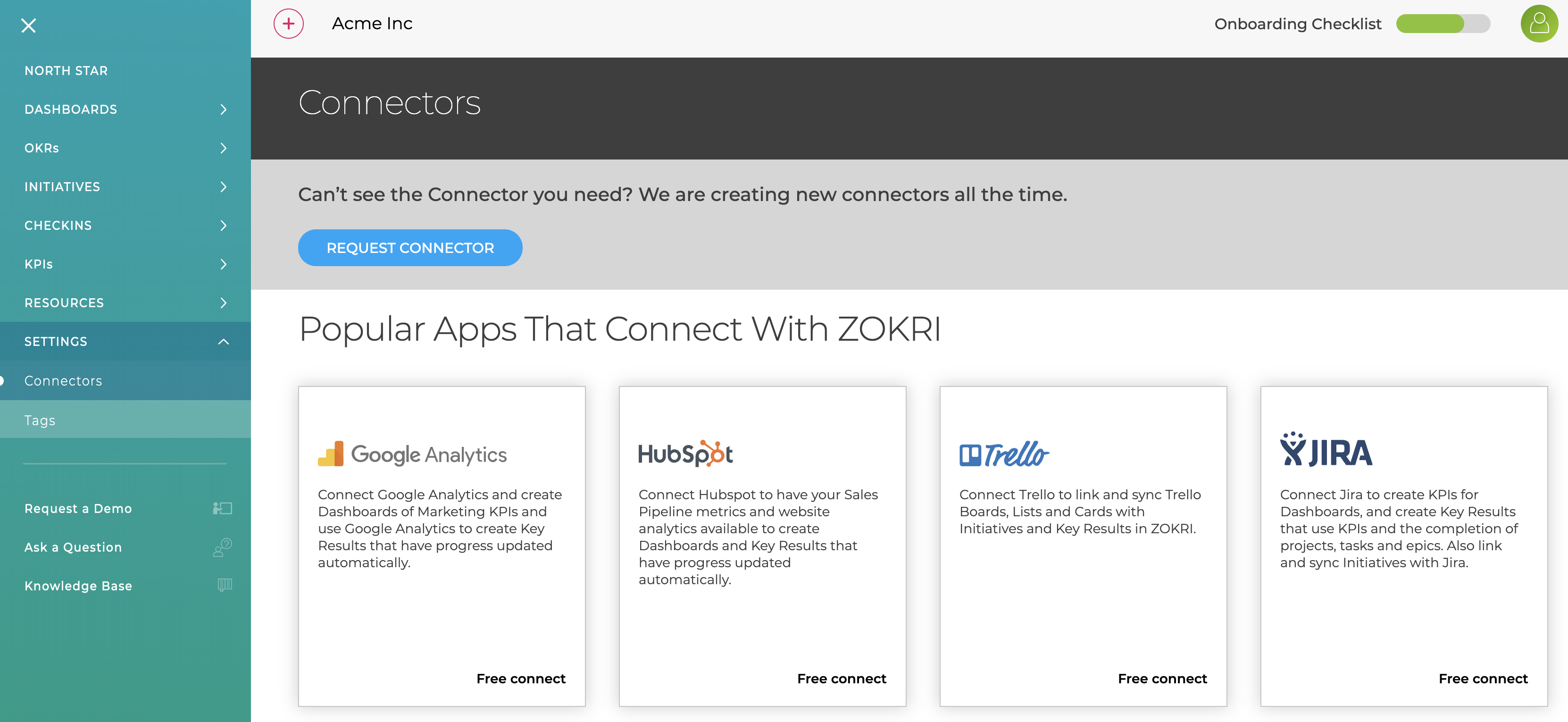
Go to the Settings / Connectors page and click on the JIRA card
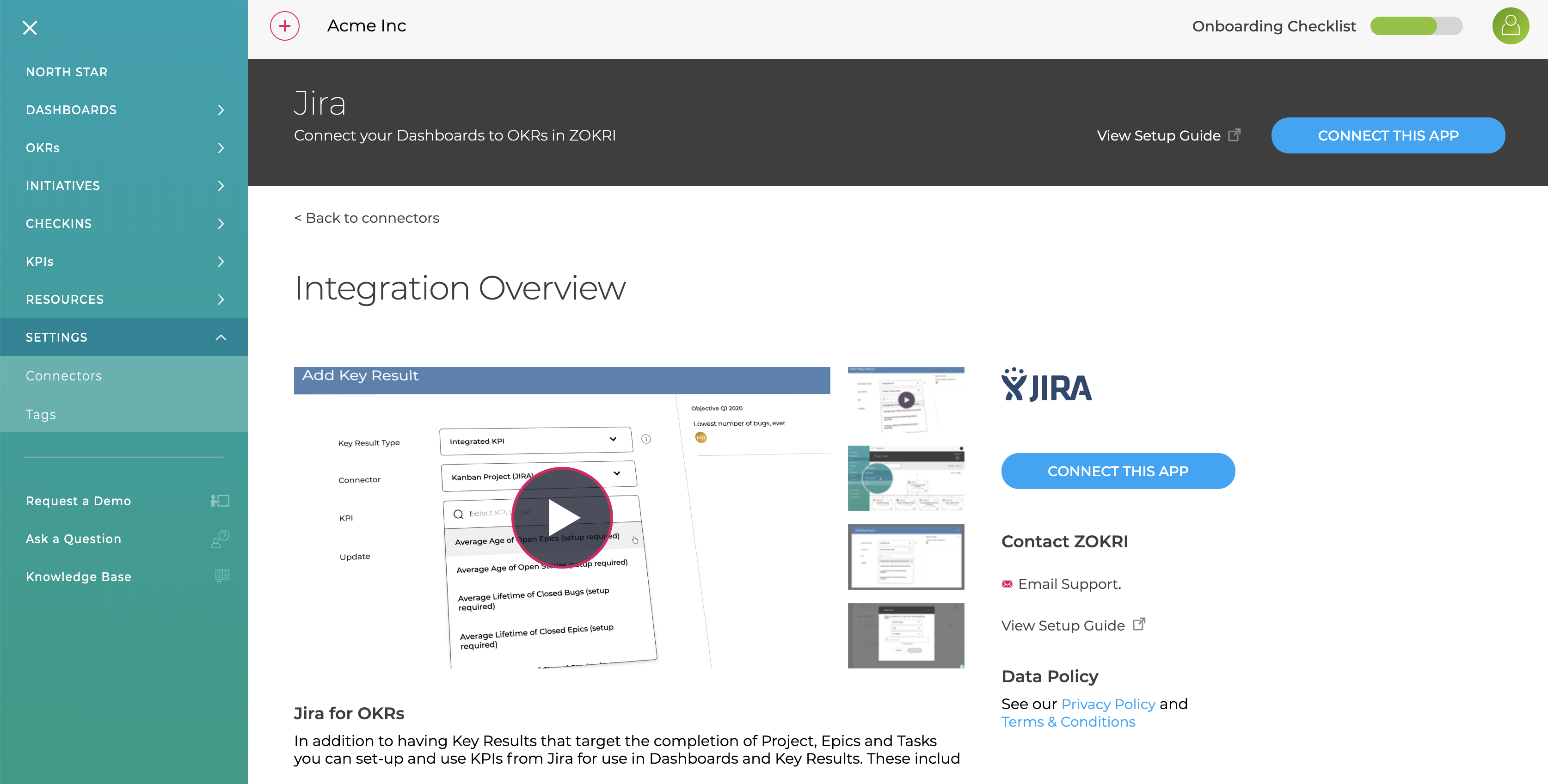
Then click Connect Now in the top right
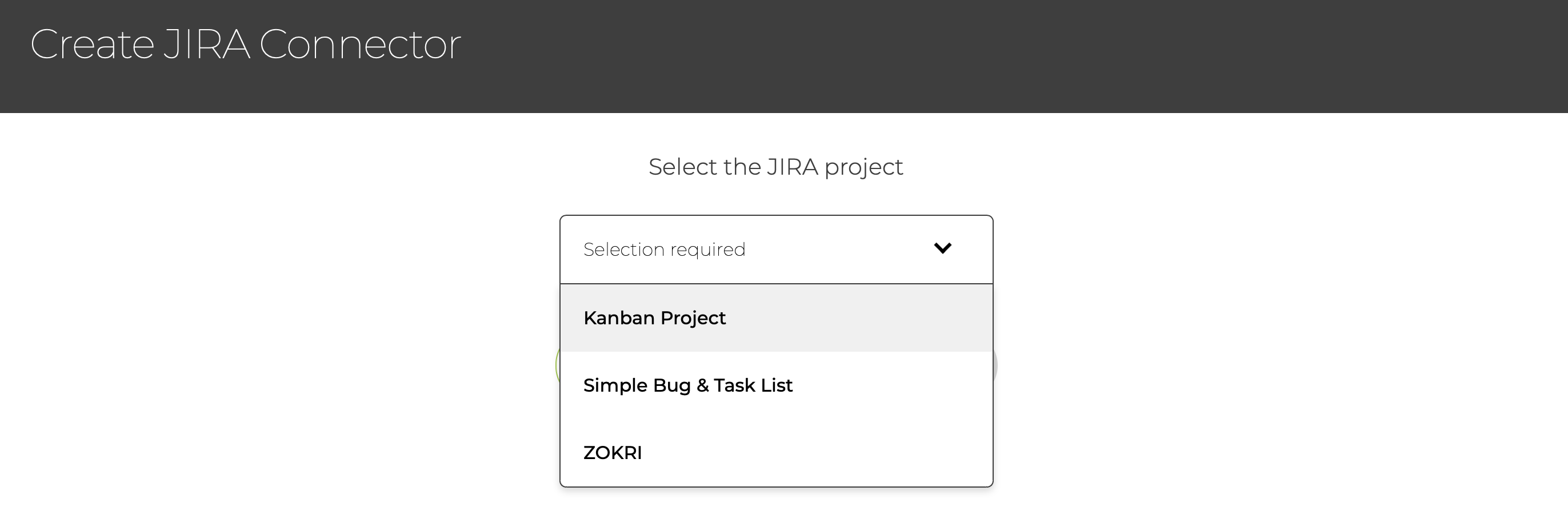
You will then step through the authorisation with JIRA and then select the project you want to use
At this stage you will be asked about which states are "Completed States" - this will be needed if you use JIRA as a Task Management system for linking to To-dos or Key Results - see Connecting to Trello, Asana, JIRA, Monday & Todoist

You can then Name the connector and Save it
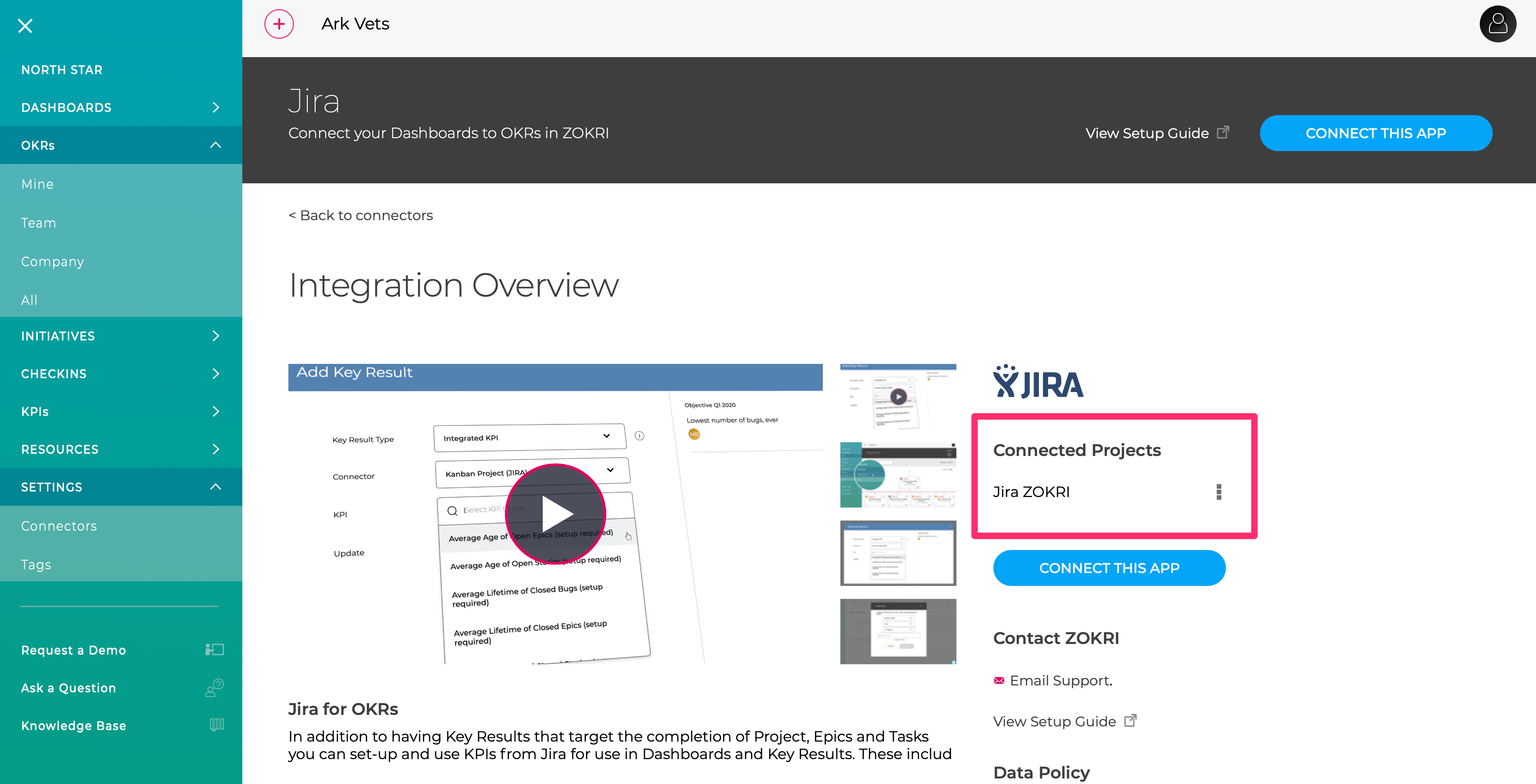
Once you have successfully created the Connector it will appear in the project list
Creating JIRA KPIs
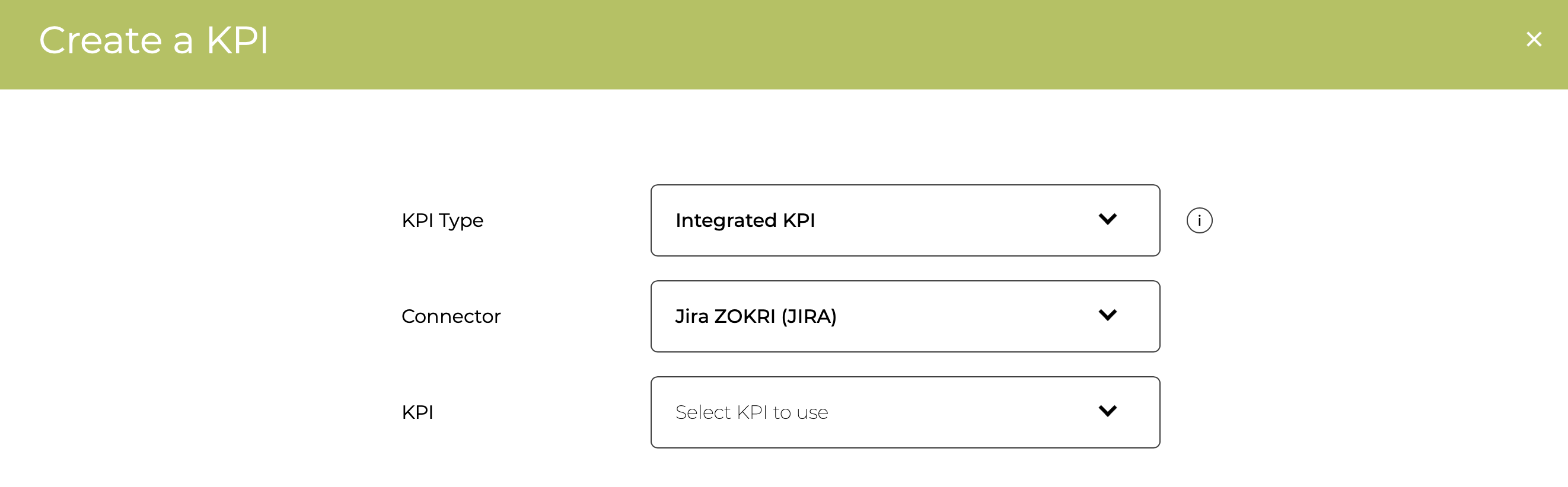
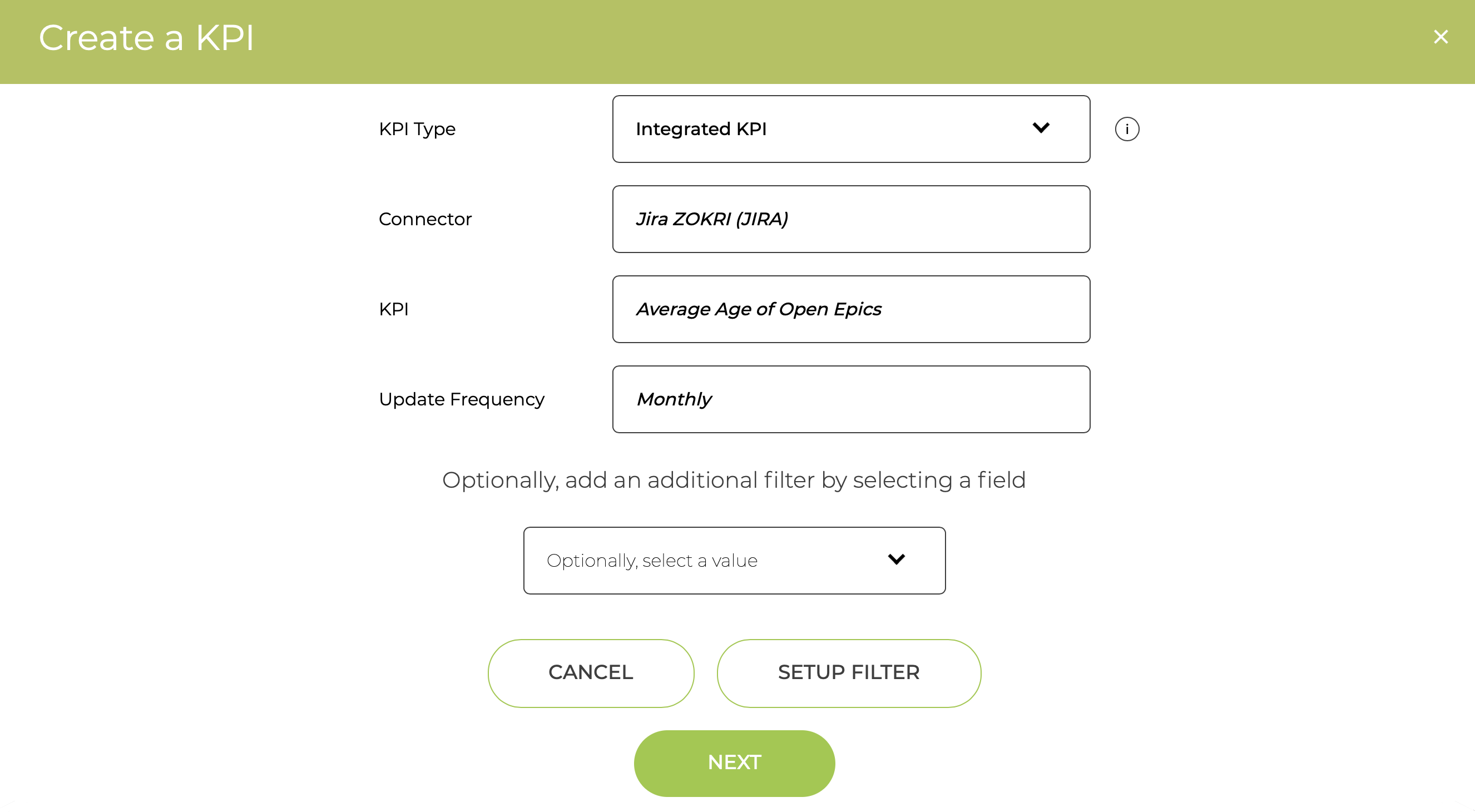
Either chose the Integrated KPI option when adding a KPI
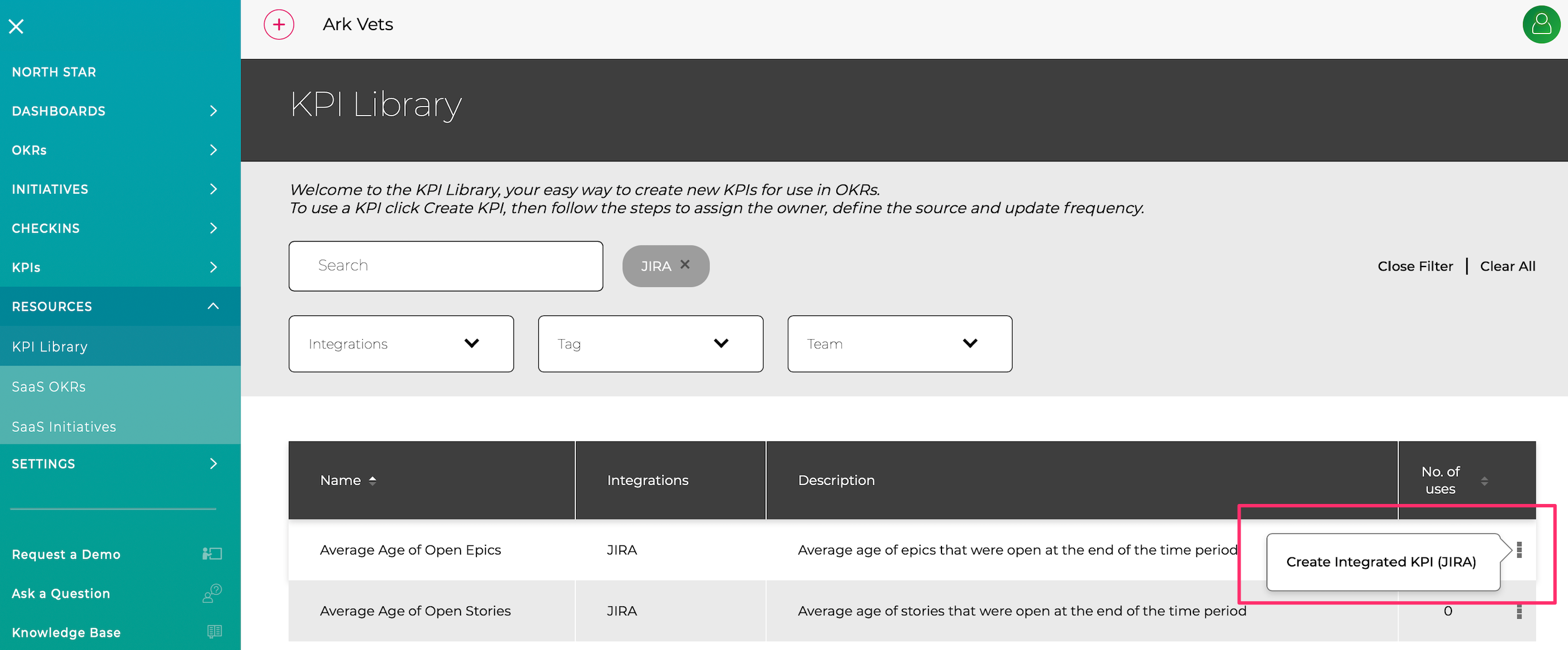
Or select the KPI from the Resource KPI Library and click Create Integrated KPI
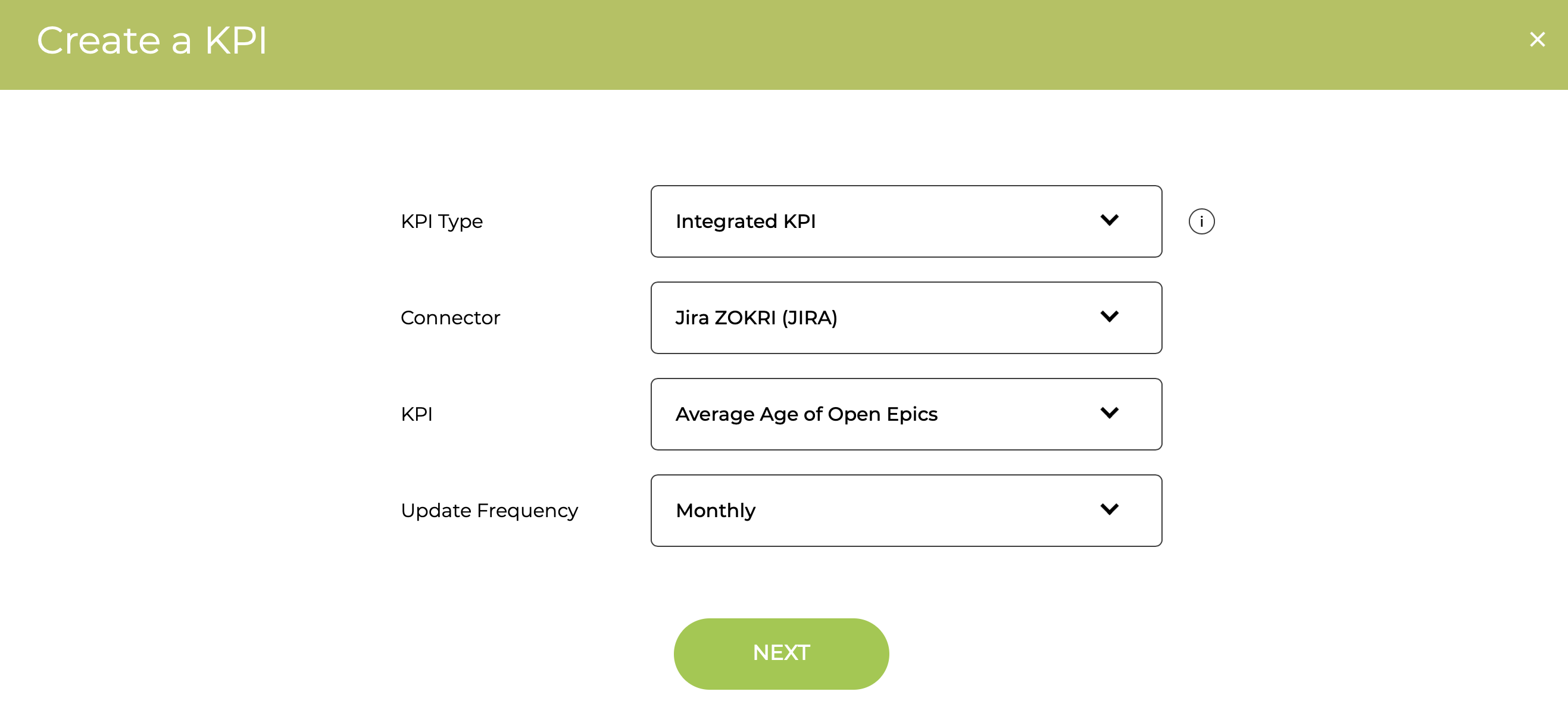
Select the KPI you want to use and the Update Frequency
You can then optionally filter based on various JIRA parameters, but if you do not want to just click next
Finally, you can change the Name or Owner before Saving