It can seem like there is a lot to do when setting up your first OKRs, but this video and article will guide you through the key steps.
First, if you haven't already, setup some teams and invite your colleagues. This allows you to correctly allocate the OKRs as you create them.
If you want to create your own OKRs, start by clicking on the Objective link in the Add Menu in the top nav.
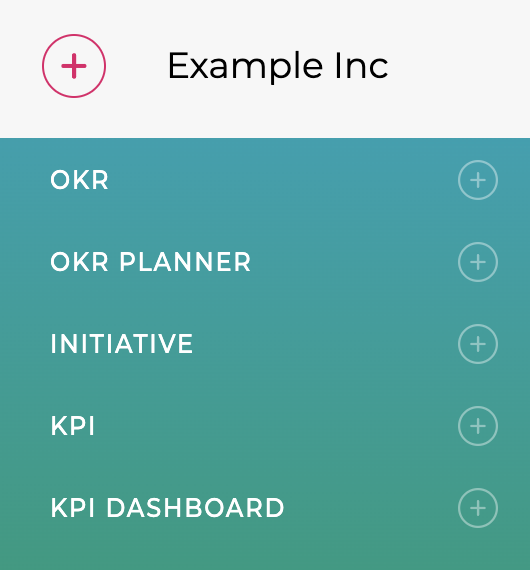
The app will then take you through the steps to configure the Objective
Creating an OKR
Describe your Objective
The first step is to describe the objective, ideally by answering the question "What do you want to do?". There are lots of examples on the website Example OKRs.
OKR Type
Are you creating a Company, Team or Individual Objective?
Period
Which period is the Objective for - are you planning for a future period or creating an Objective for the current one? Is it an annual Objective or a quarterly one?
Owner & Collaborators
Are you the Owner or are you assigning the Objective to someone else?
Are you getting help with the Objective - Collaborators are the set of teams & individuals who are helping with the Objective.
Parent Objective
Often an Objective will be contributing towards a higher level or Company Objective, and if so add the Parent Objective here.
Key Results
After saving the Objective, you will be taken into the Key Result creation flow which is described in more detail in Creating your first Key Results