First you need to connect - see Connecting to Trello, Asana, JIRA, Monday, Todoist, Hive, Azure DevOps
Then when you setup / change the Initiative / To-do Progress the Connector will appear as a Type
Note - Progress is not available for To-do still with the Idea status, it needs to be Up Next or Active.
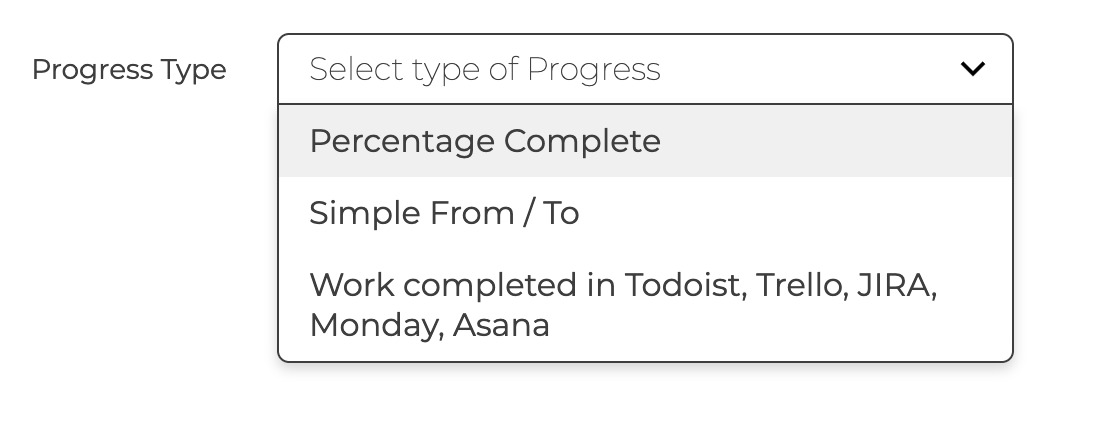
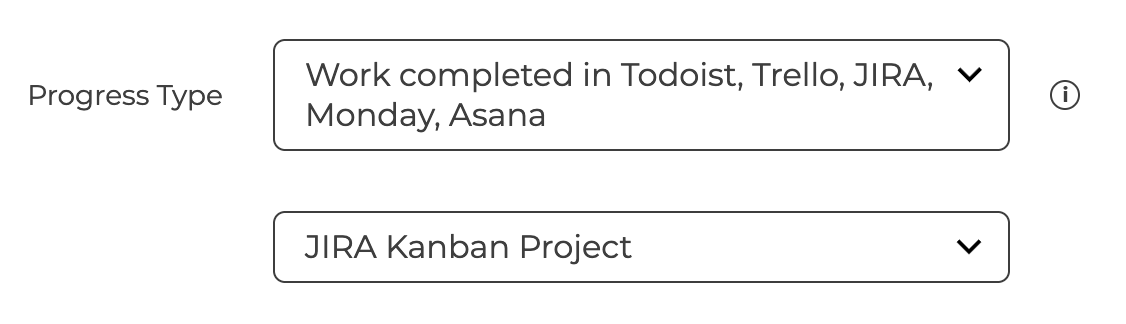
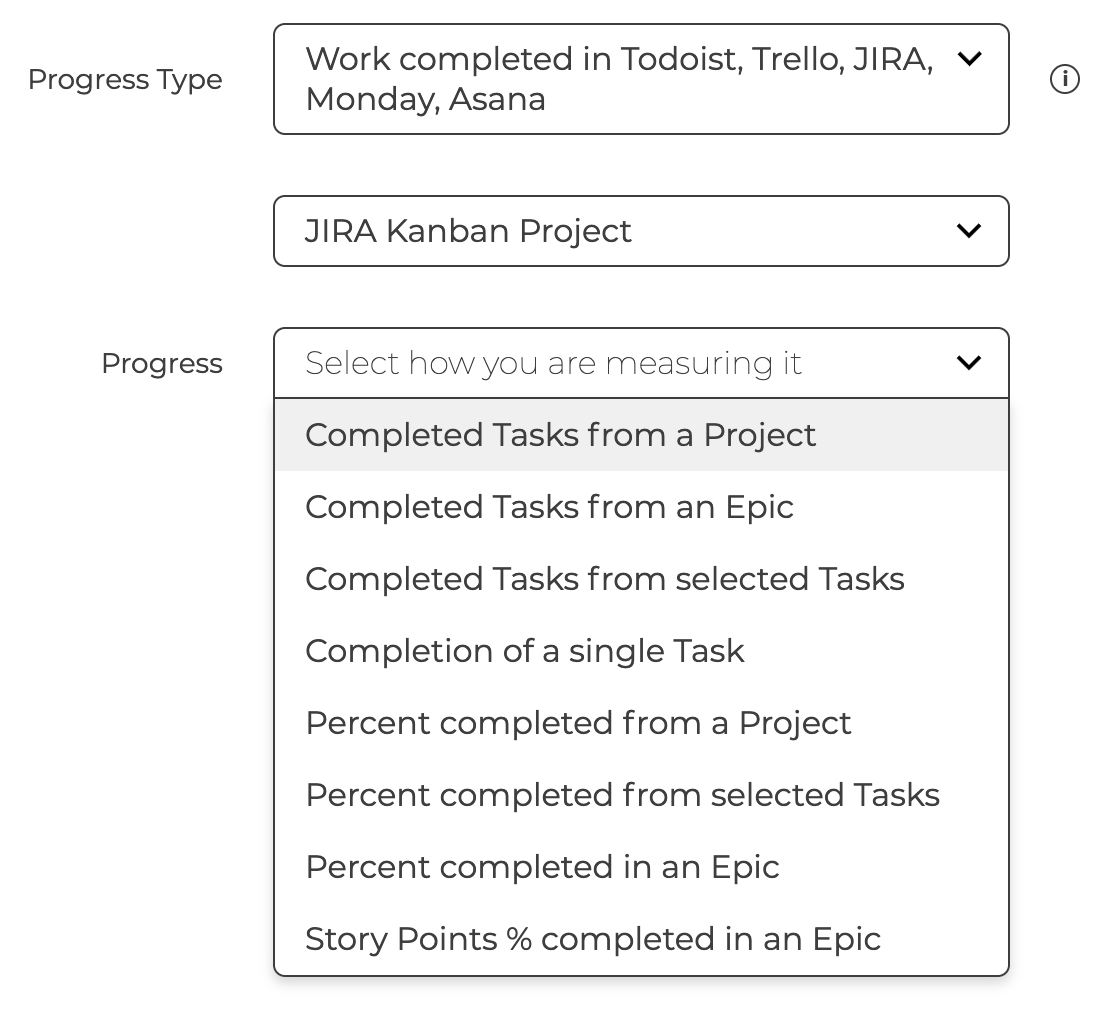
Depending on what you have connected to you will get various ways to record progress
- Count or Percentage
- Select count if you want to set the target number of tasks to be completed
- For percentage the progress is the percent of completed tasks compared to the total number of tasks. For JIRA there is also an option to base the percentage on completed Story Points in an Epic & Release.
- Board / Project / Epic / Release
- This selects the set of tasks you are expecting to complete
- For Epic / Release, you will select the Epic / Release from all available in JIRA
- The Board / Project is already set by the Connector
- Specific Tasks
- This allows you to select a small number of specific tasks or even a single one
Then optionally you can filter the tasks by Owners or Tags before saving
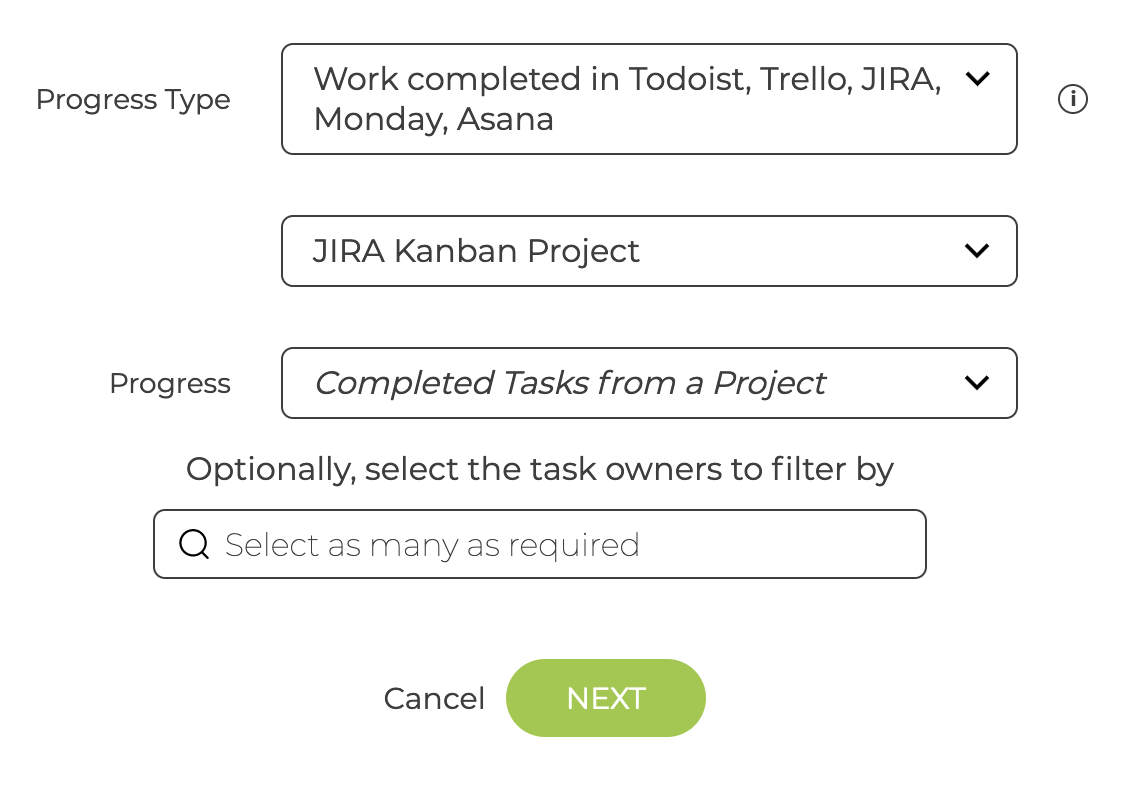
The Progress will be updated daily based on the number of completed Tasks