The list of notifications available is in What notifications can I get through Slack & Email?
Notifications are setup in the Profile page and all notifications can be independently switched on / off
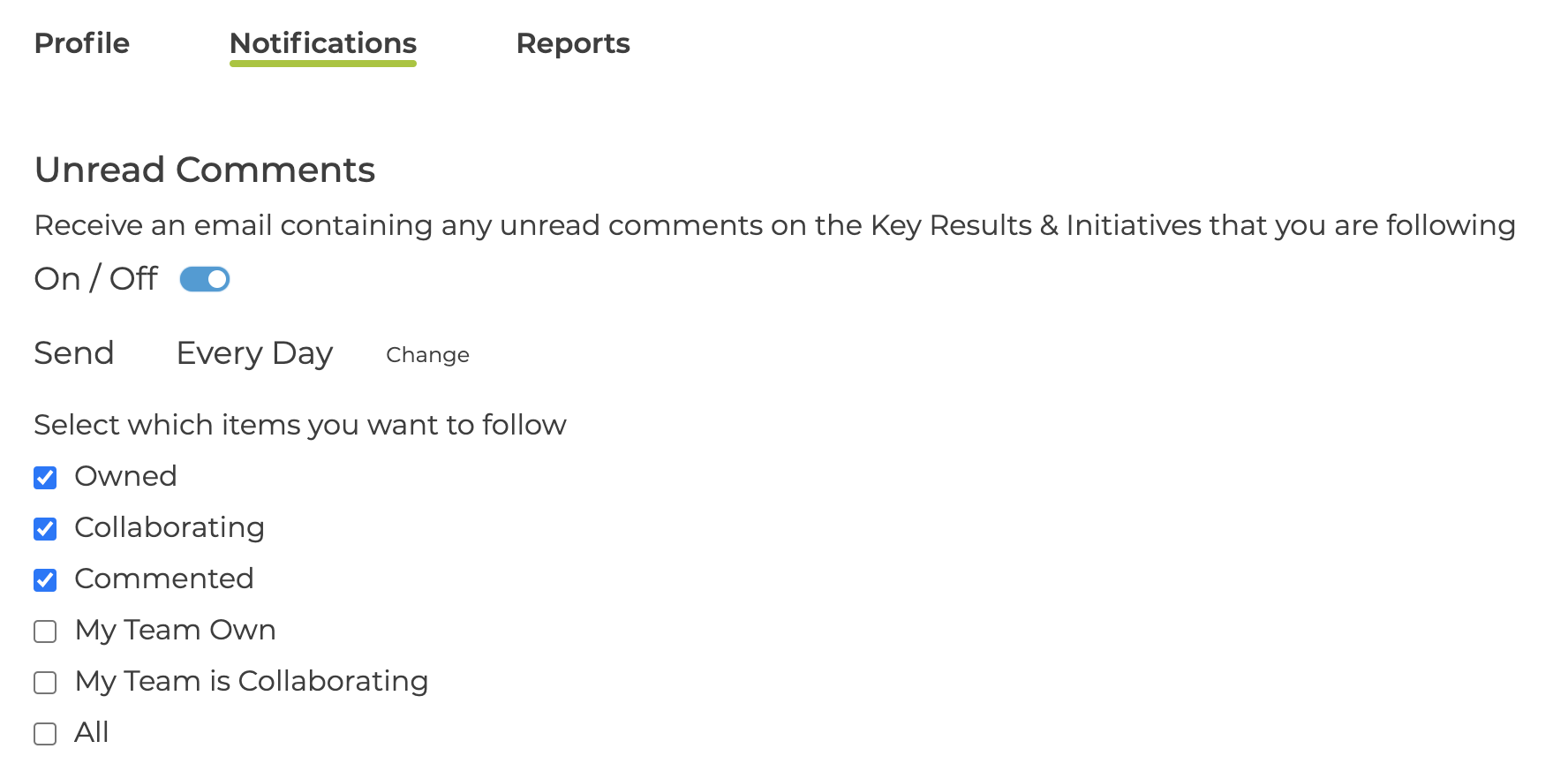
Unread Comments
The Unread Comments notification has some additional options
Schedule
- Every Day
- Every Working Day
- Weekly on first day of the week
- Weekly on a specific day
The working week can be changed in the Settings page - see What are the organisation settings for Email notification?
Items Included
-
Owned
-
Collaborating
-
Commented
-
My Team Own
-
My Team is Collaborating
-
All
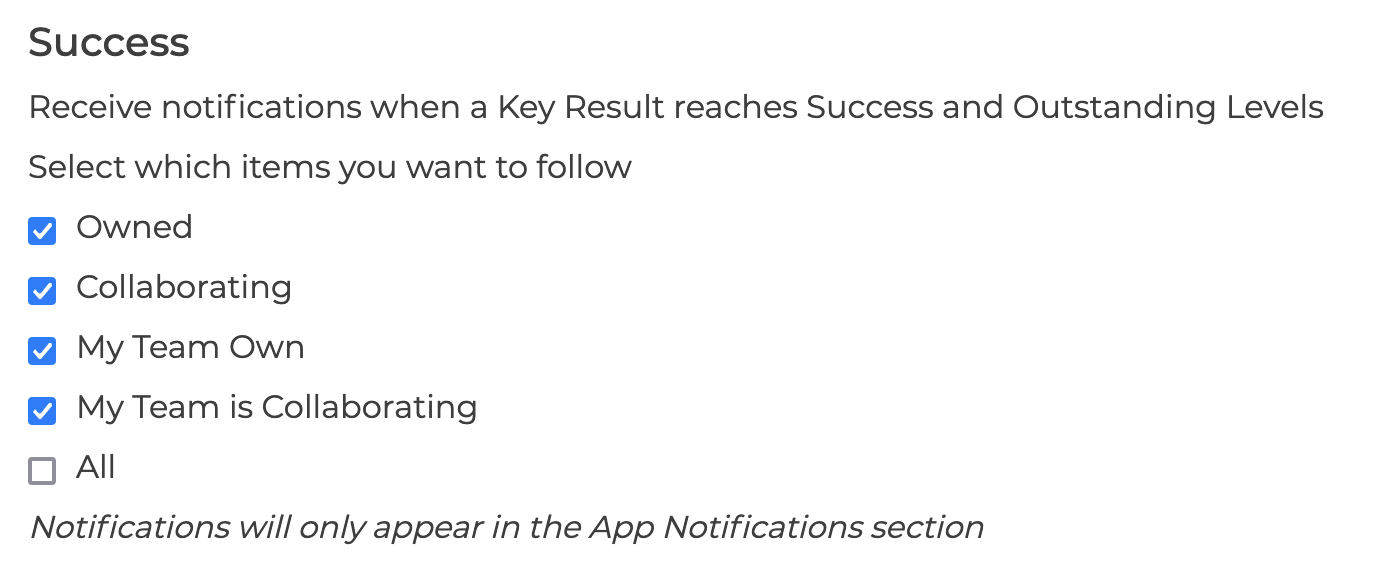
Success Notifications
Currently Success Notifications are only available within the App in the Notification Section and cannot be disabled
You can manage which Key Results you are notified about by selecting from
-
Owned
-
Collaborating
- My Team Own
-
My Team is Collaborating
-
All
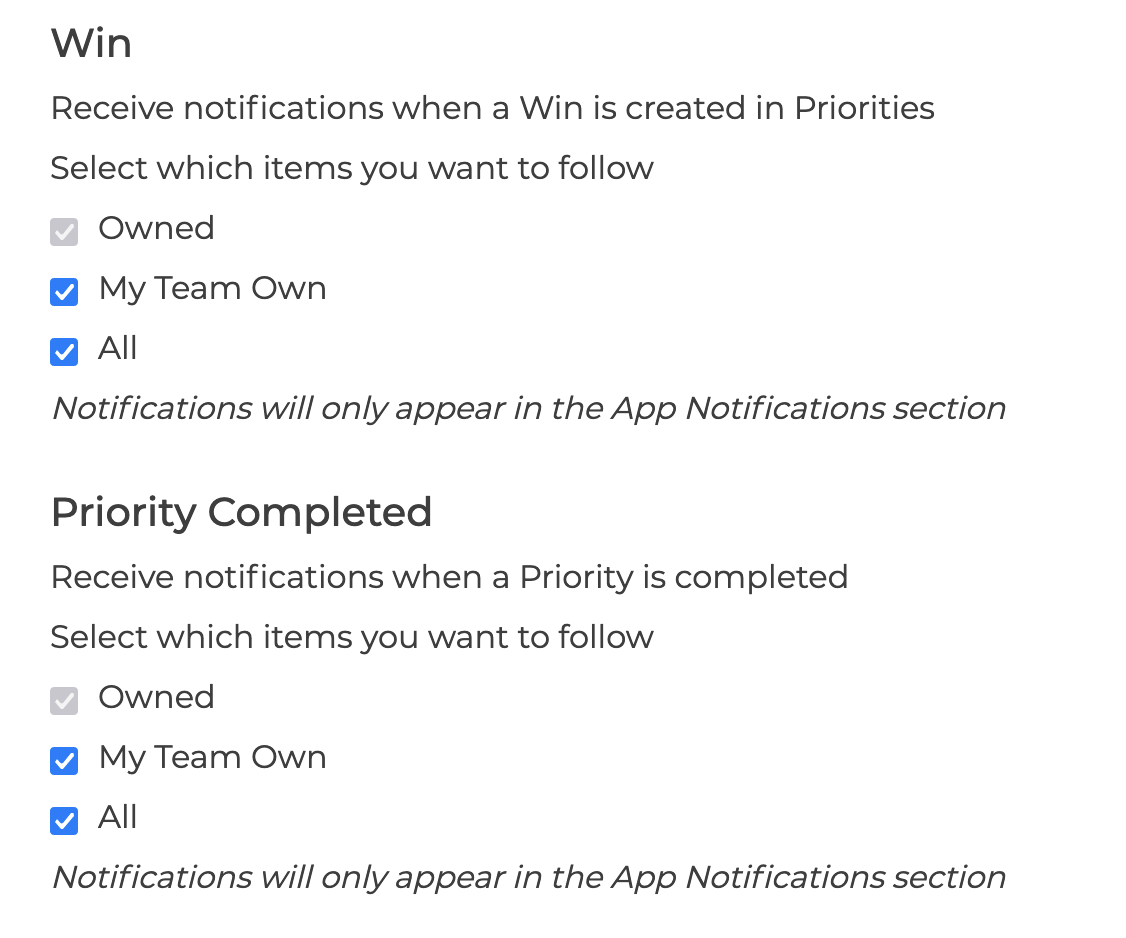
Completed Priorities & Win Notifications
Currently Completed Priorities & Win Notifications are only available within the App in the Notification Section and cannot be disabled
You can manage which Priorities & Wins you are notified about by selecting from
-
Owned
- My Team Own
- All