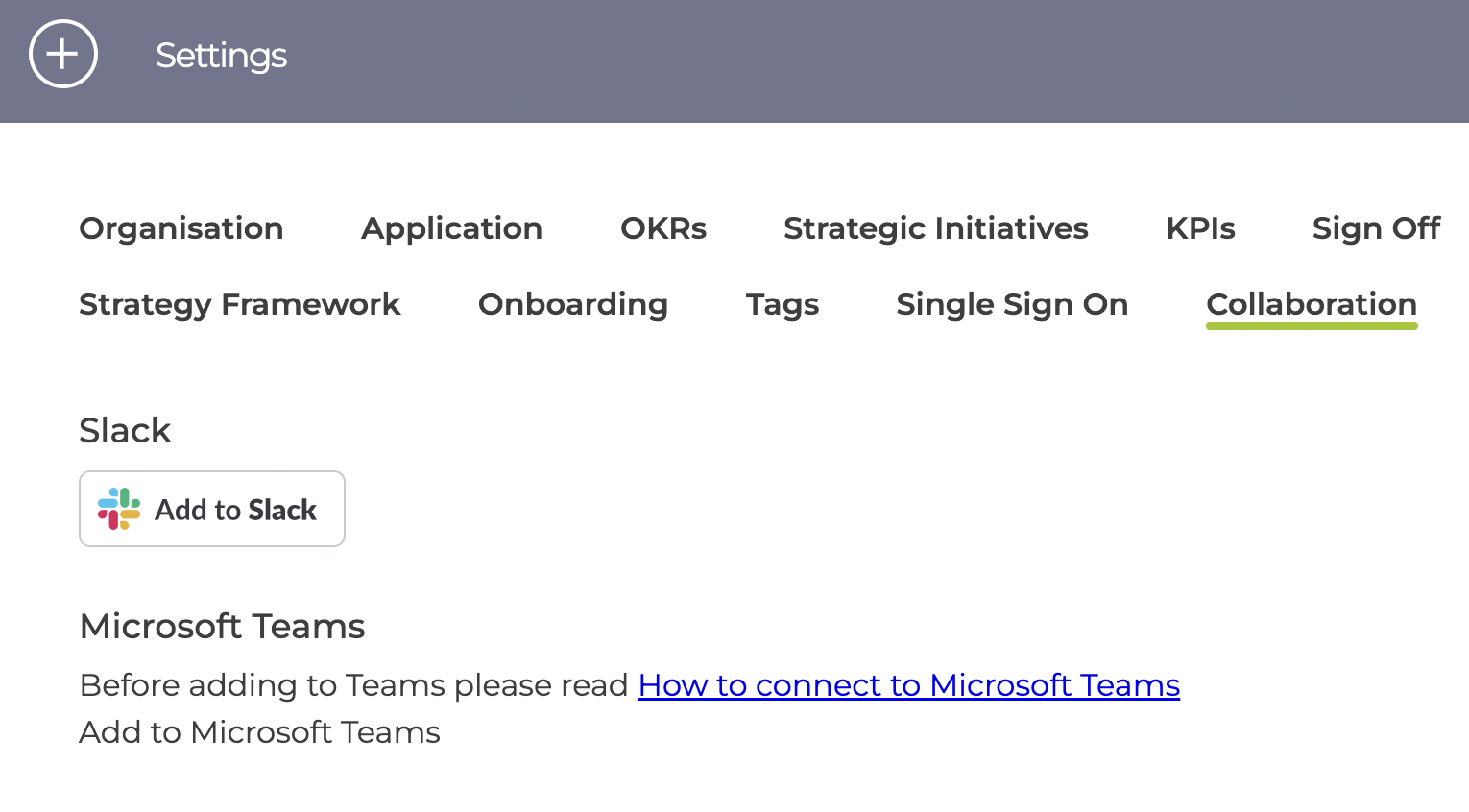
In the Settings page, click on the Collaboration tab and click "Add to Slack"
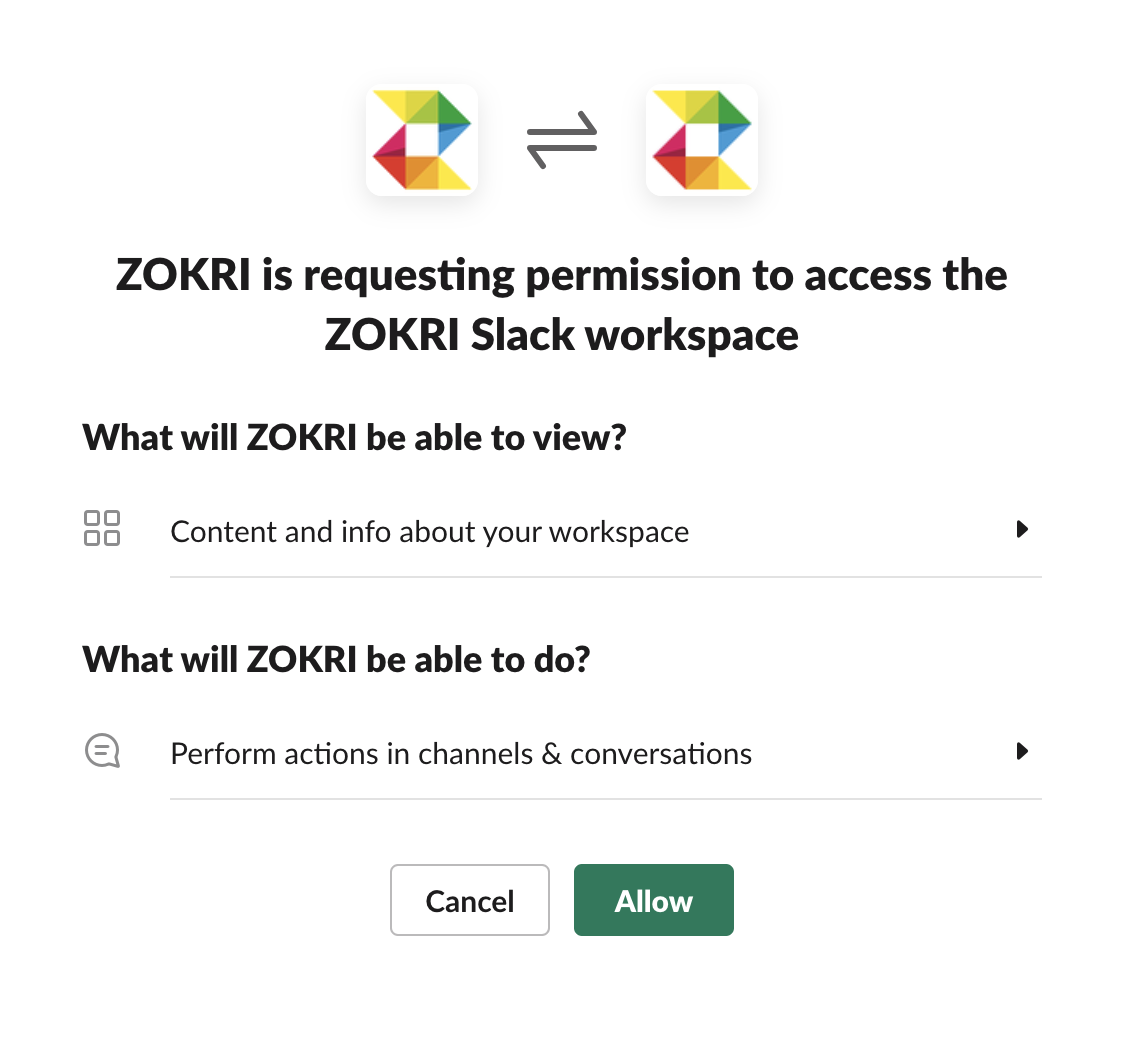
Then give ZOKRI permission to access your workspace.
All messages are sent by ZOKRI as Direct Messages to individual users.
Once connected the ZOKRI App is automatically set up for all users in ZOKRI who are also in your Slack account. The users will be matched by email, so if your users have different emails they will not be matched - if this occurs please contact support.
The list of messages sent to Slack is available in What notifications do I get through Slack & Email?
Further details of ZOKRI App can be found in Slack