KPIs and Key Results can be created based on values from a Google Sheet, but first a Connector needs to be be created for each Google Sheet you want to retrieve data from.
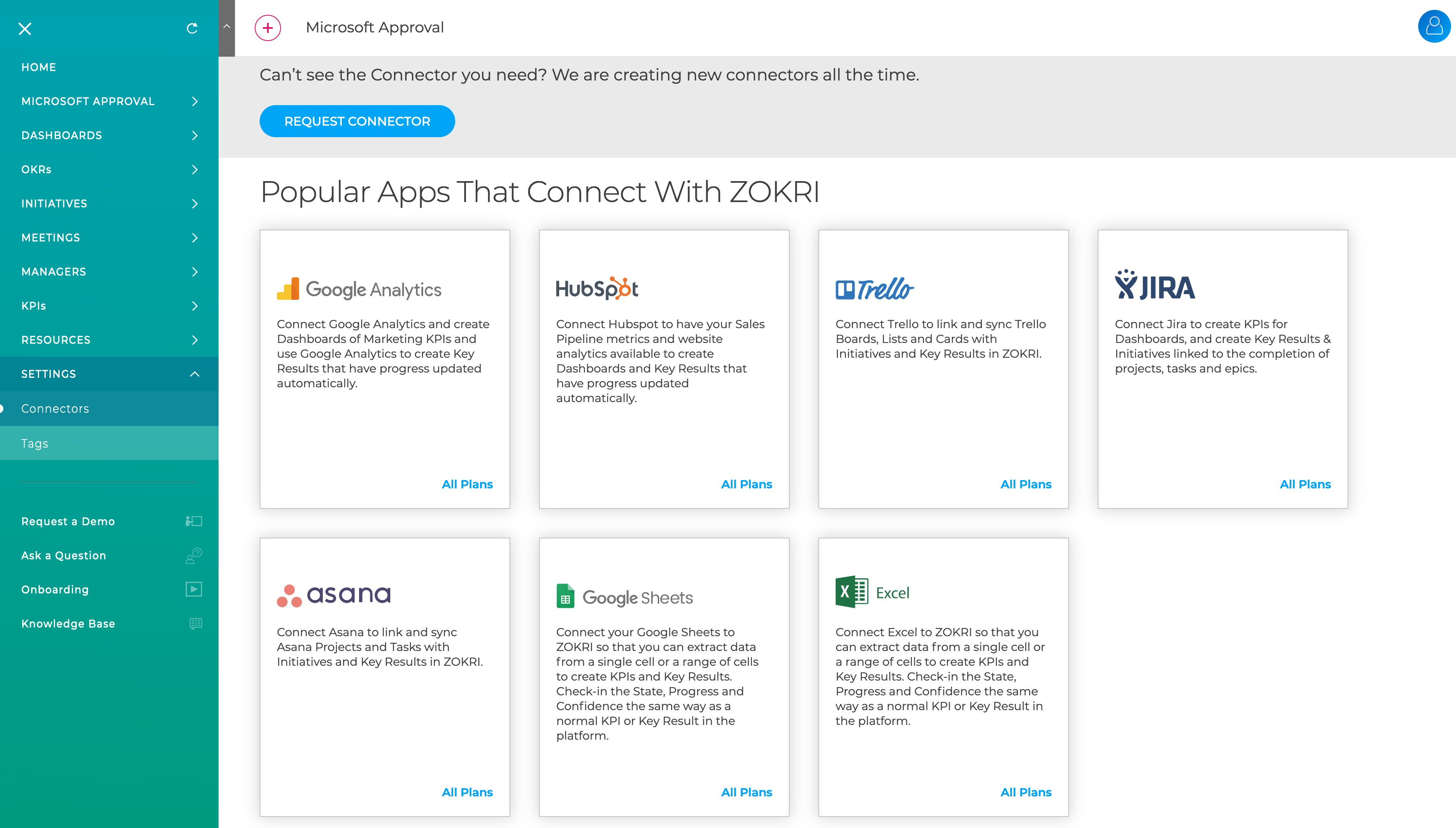
Go to the Settings / Connectors page and click on the Google Sheets card
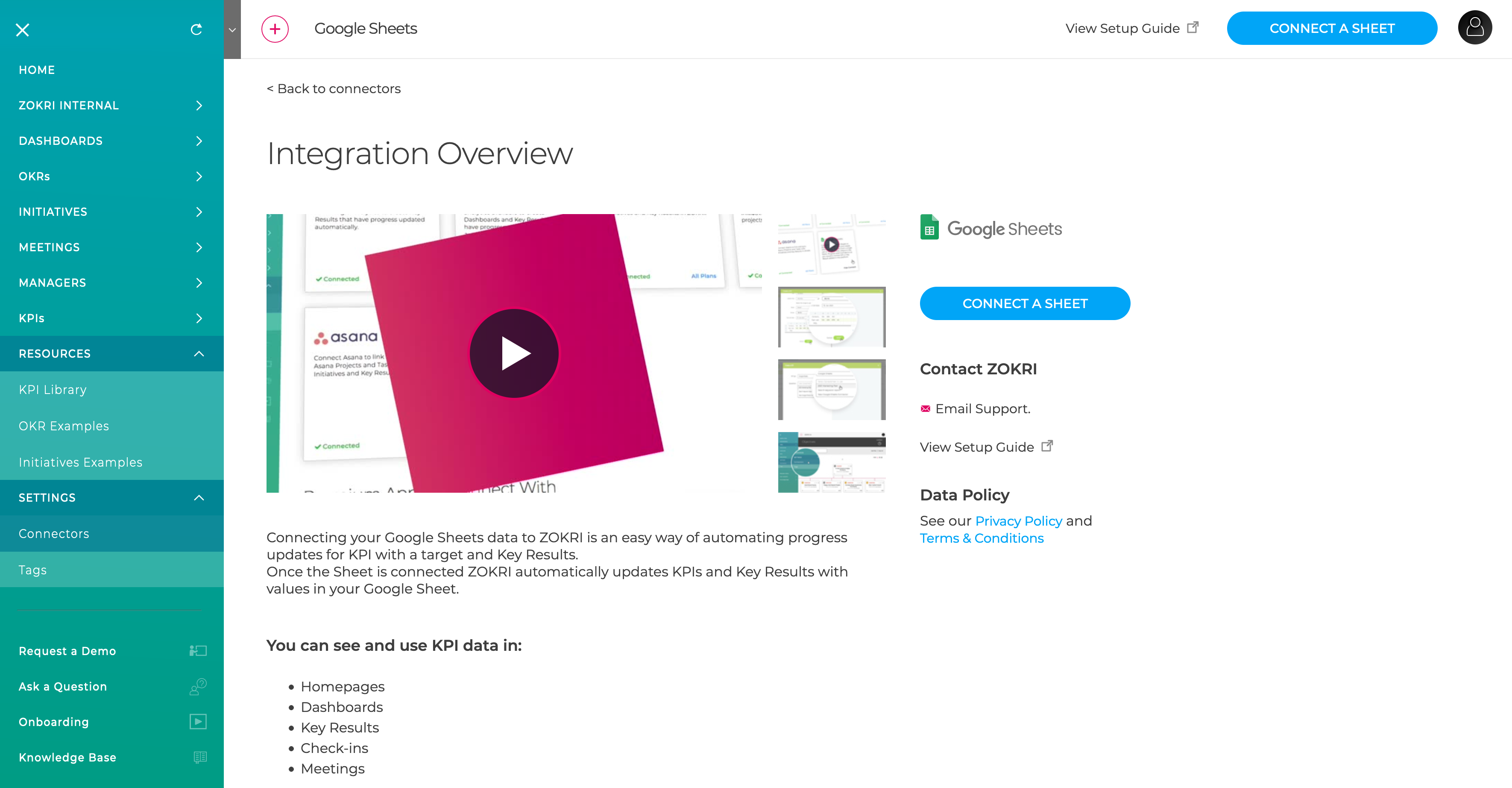
Then click Connect A Sheet in the top right
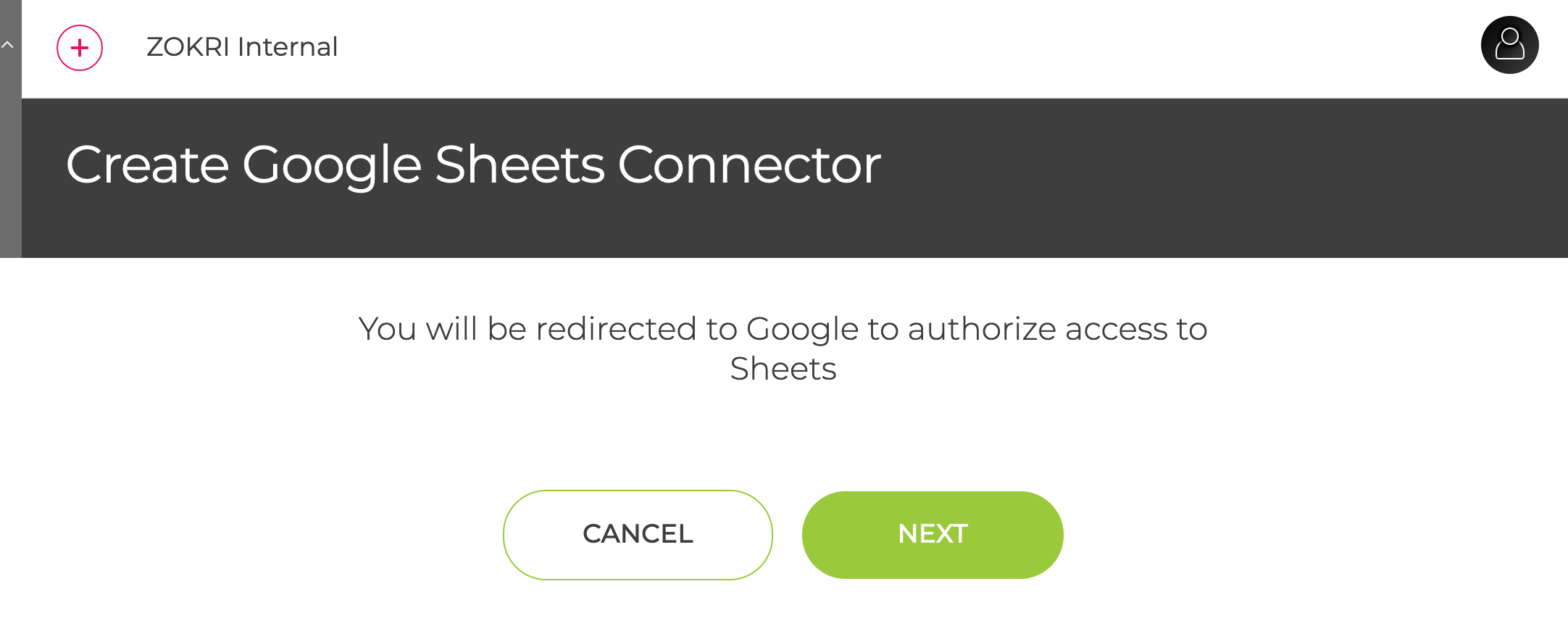
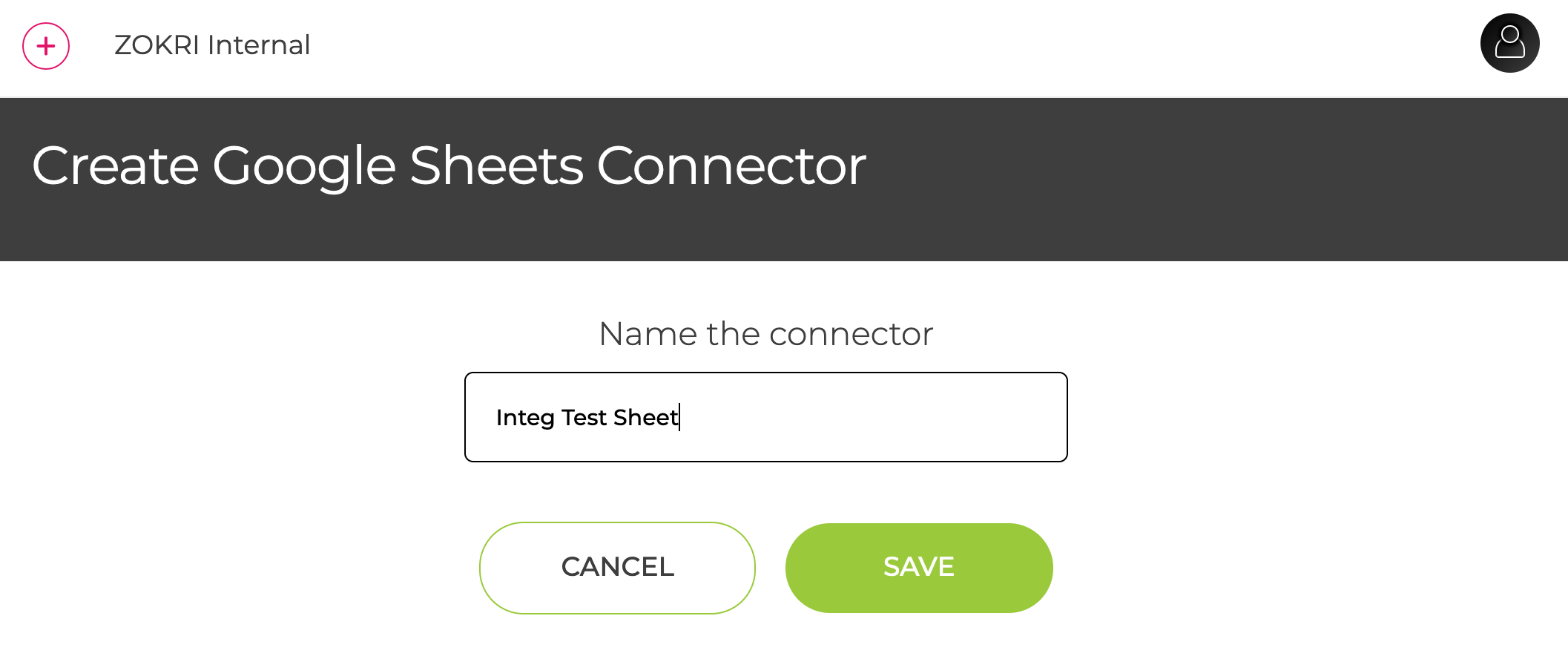
You will then step through the authorisation with Google, selecting the Sheet to use and setting the name of the Connector.
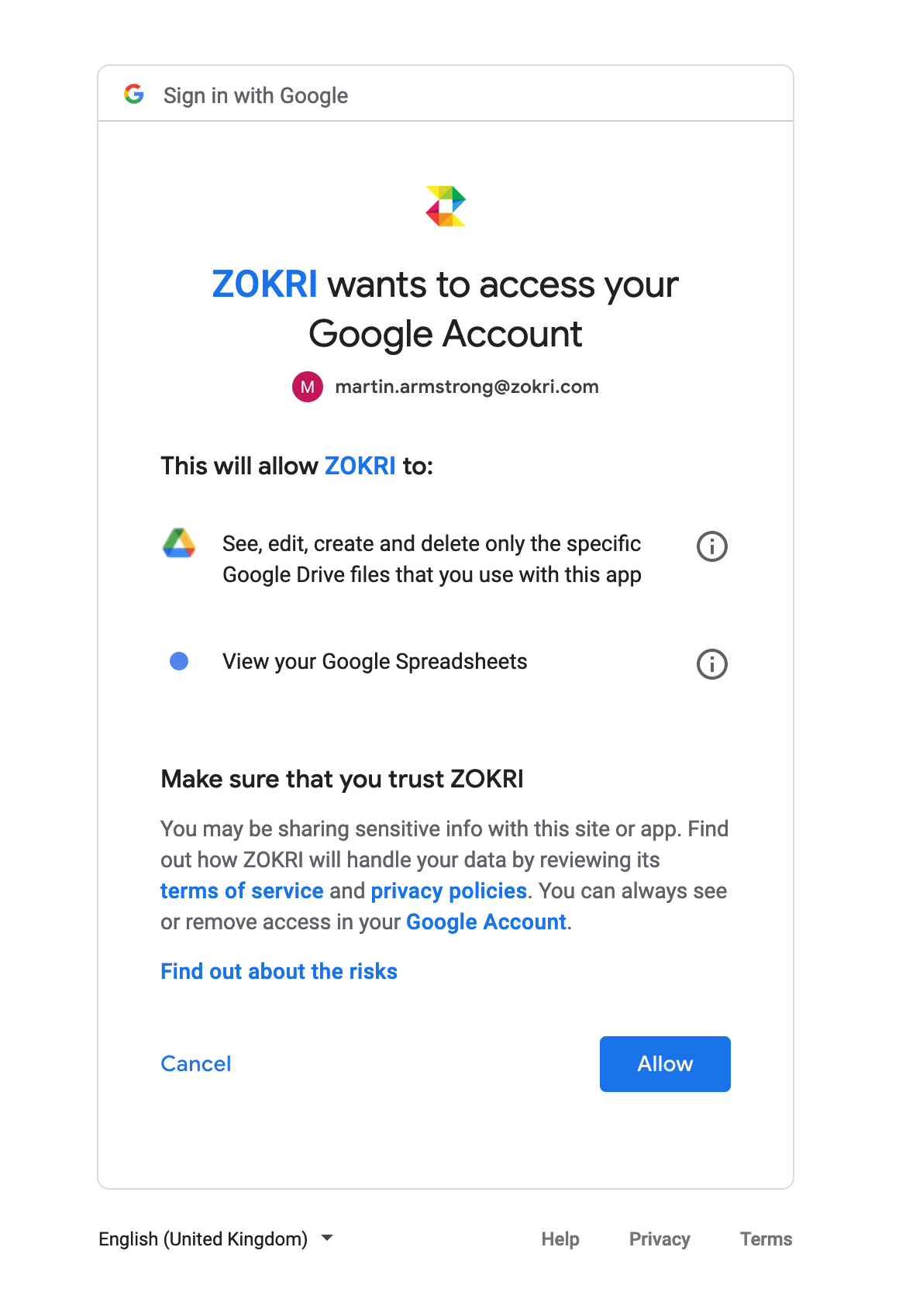
The permissions requested are limited to access the content of a specified Sheet document
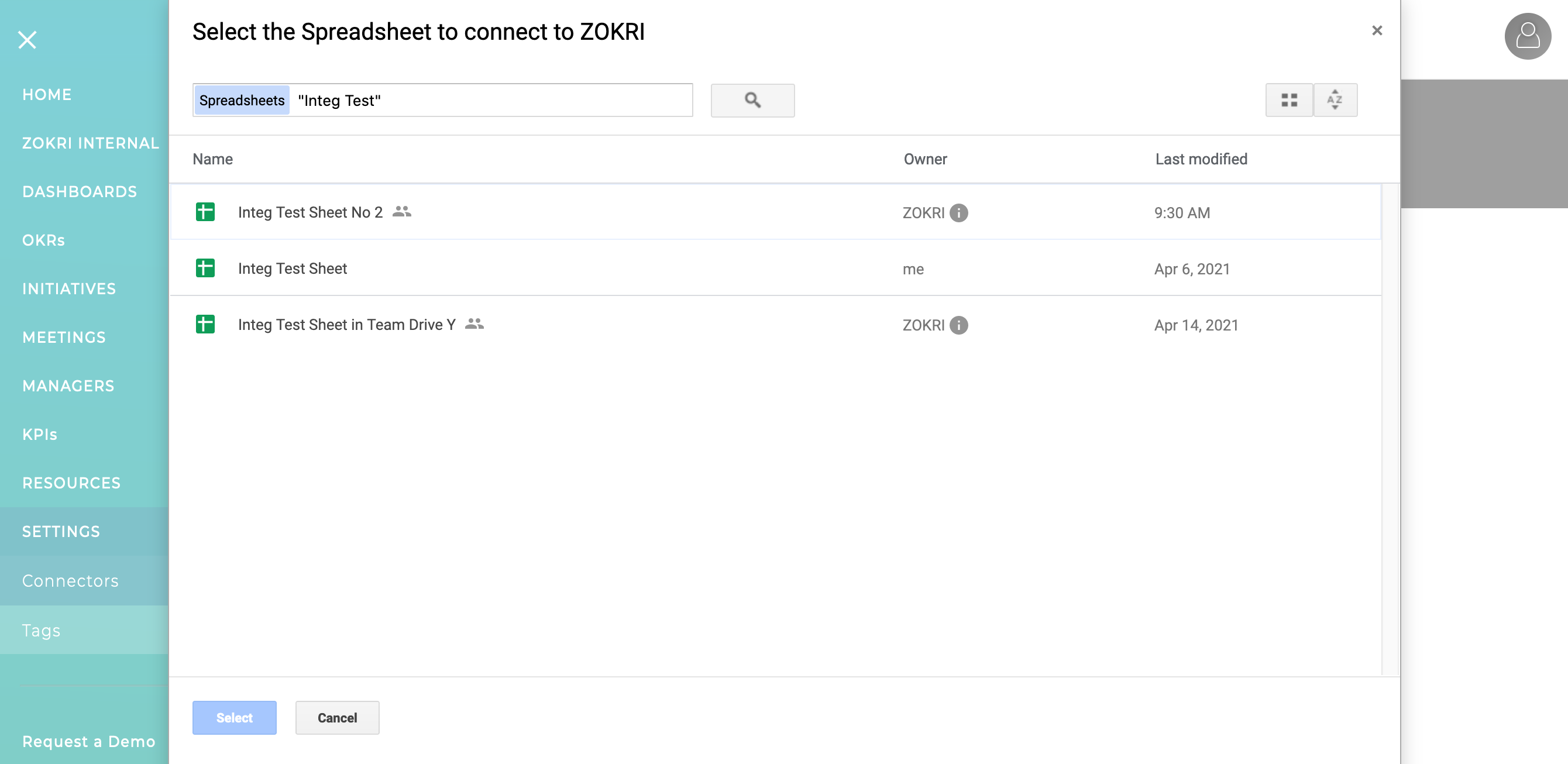
You then pick the Sheet document to use
And finally name it
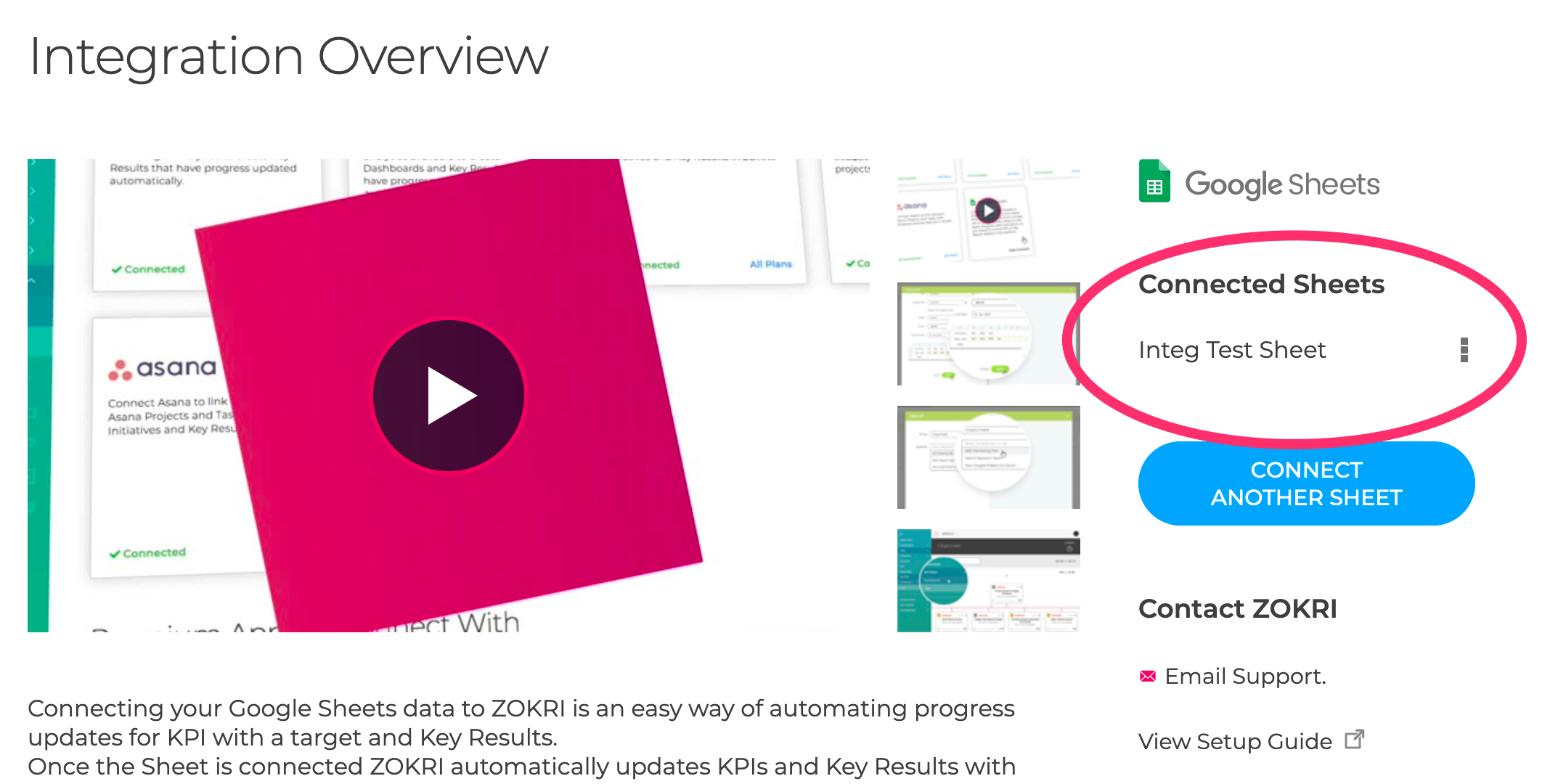
It will then appear in the list of connected sheets
You can now create the KPI or Key Result
Creating a KPI from Google Sheet data
Creating Key Results based on Google Sheets