If you use HubSpot, JIRA or Google Analytics you can create a Key Result using on the KPIs based on the values from the connected software. See Creating a KPI from connected software
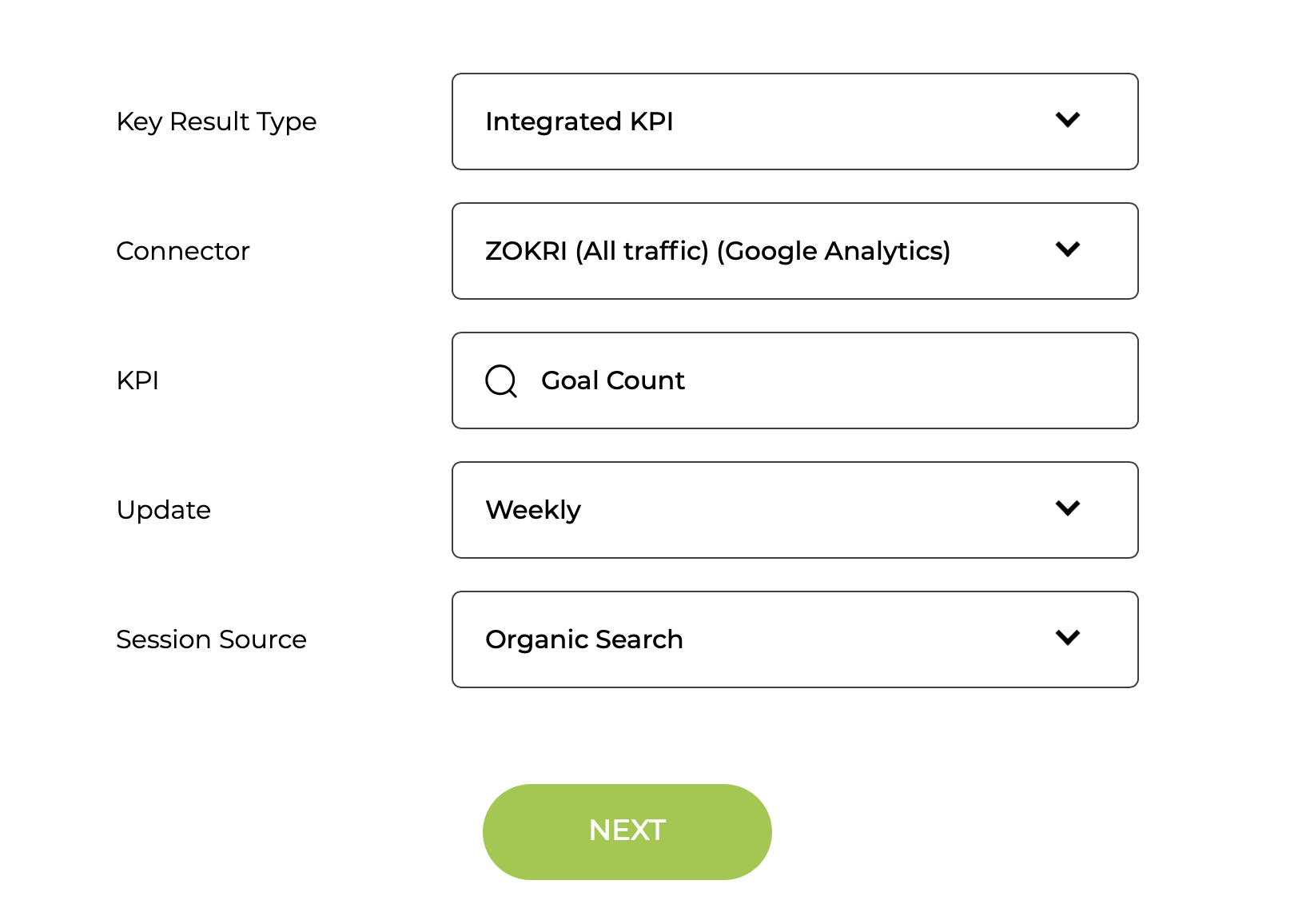
Switch to the Advanced View in the Key Result Builder and the connected software will appear as a Type. Select the type and then select the KPI you want to use and the UI will work through the various steps needed to set it up. These steps will depend on the KPI and Connector, but will be similar to:
Select the KPI to use and set update frequency and any optional parameters
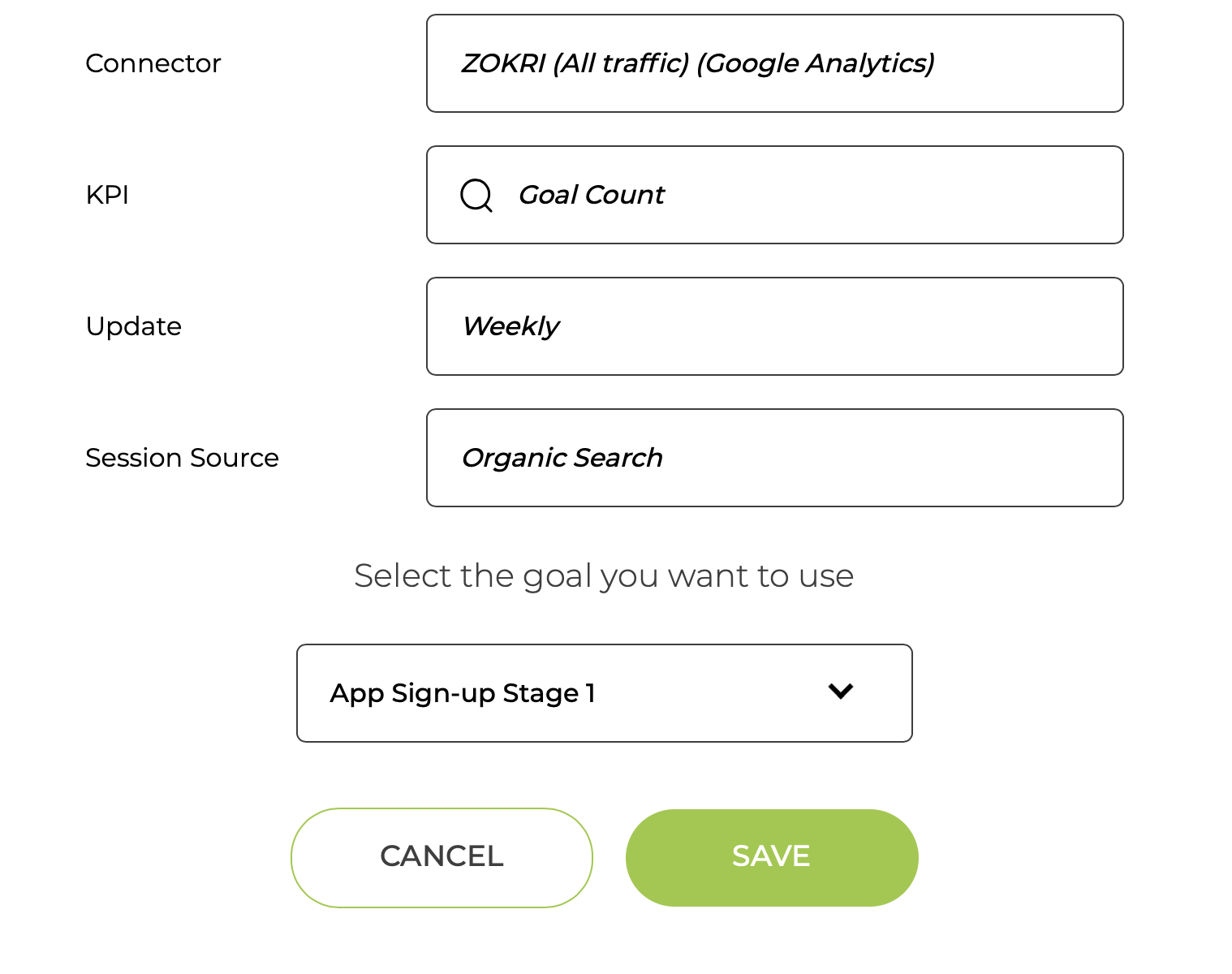
If needed, you might have to set some parameters based on 3rd party configuration such as selecting the Goal to use
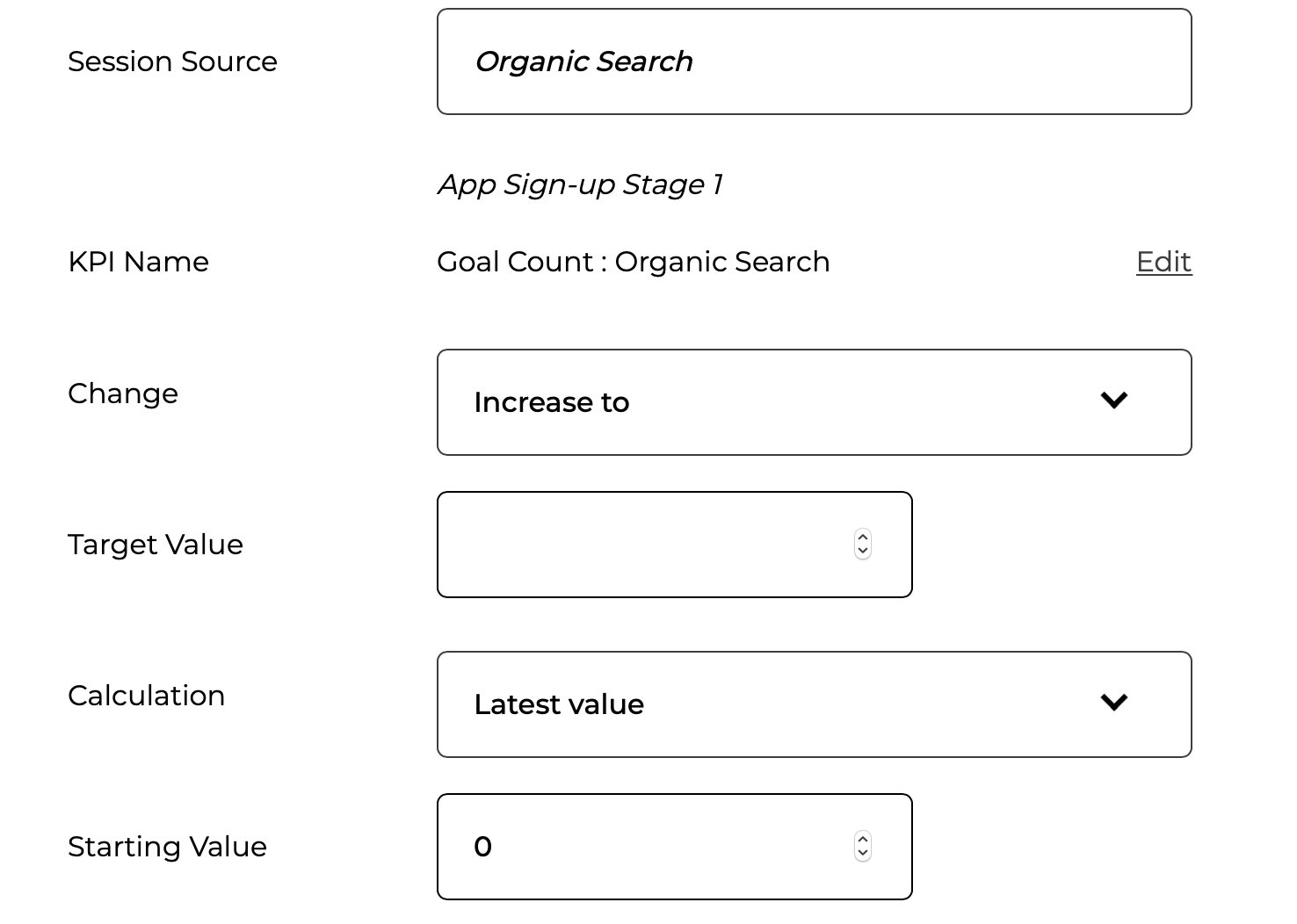
Then you set up the Key Result target
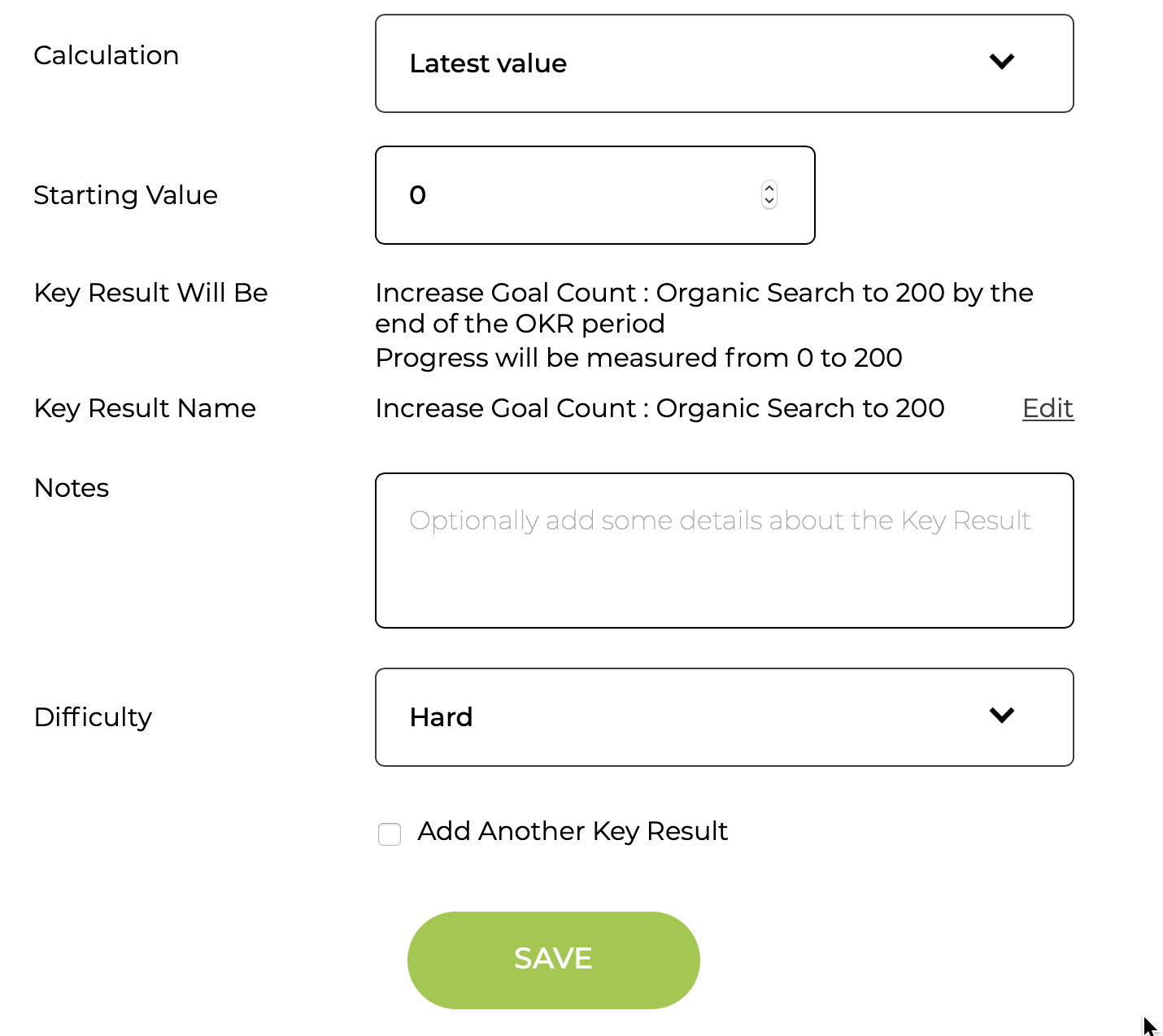
Finally change the name & difficulty if needed and save the Key Result