To use Monday items you need to set up the Connector to the Monday account.
Setting up a Monday Connector
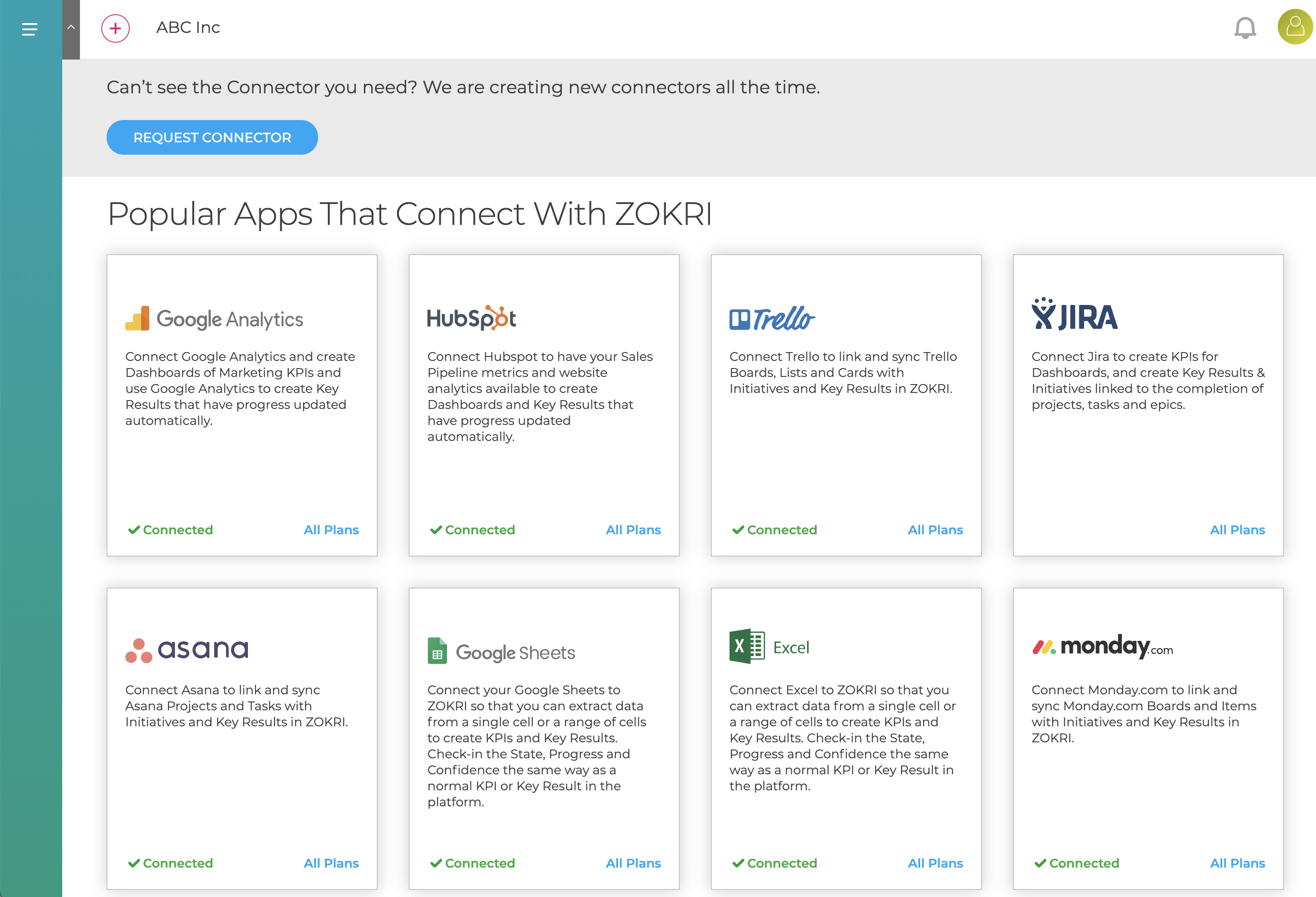
Go to the Settings / Connectors page and click on the Monday card and click Add Board
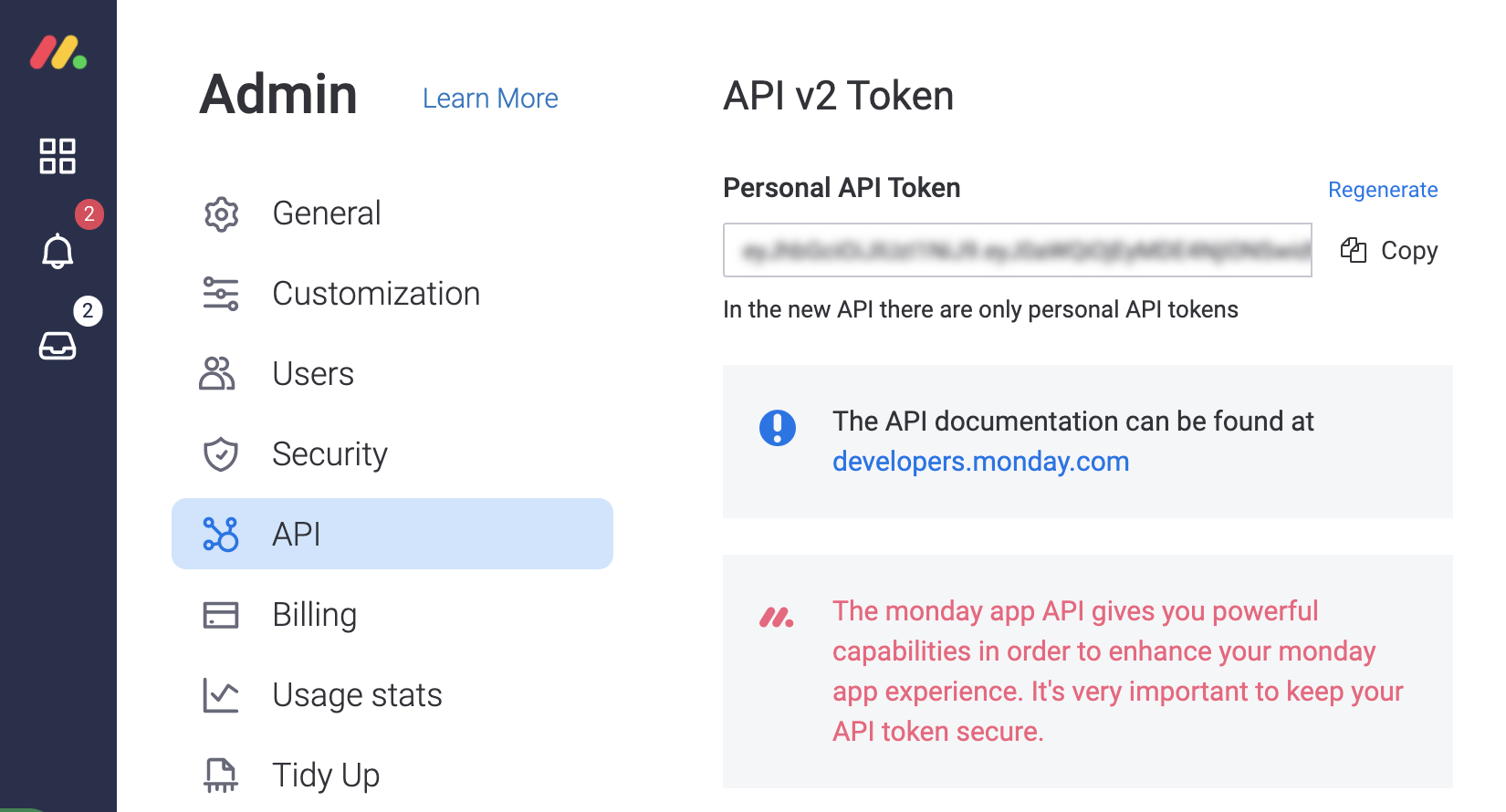
You will need to enter the API Key from your Monday account which you can find in Monday Admin section
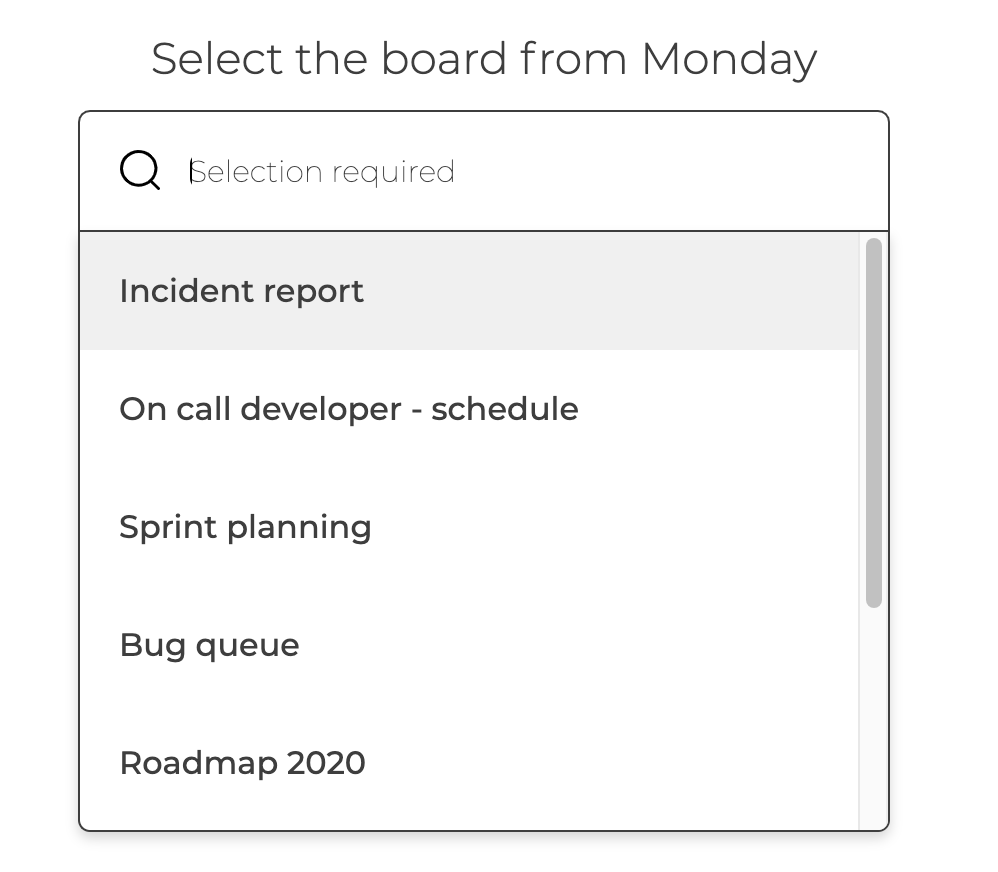
You then need to select the board to connect to
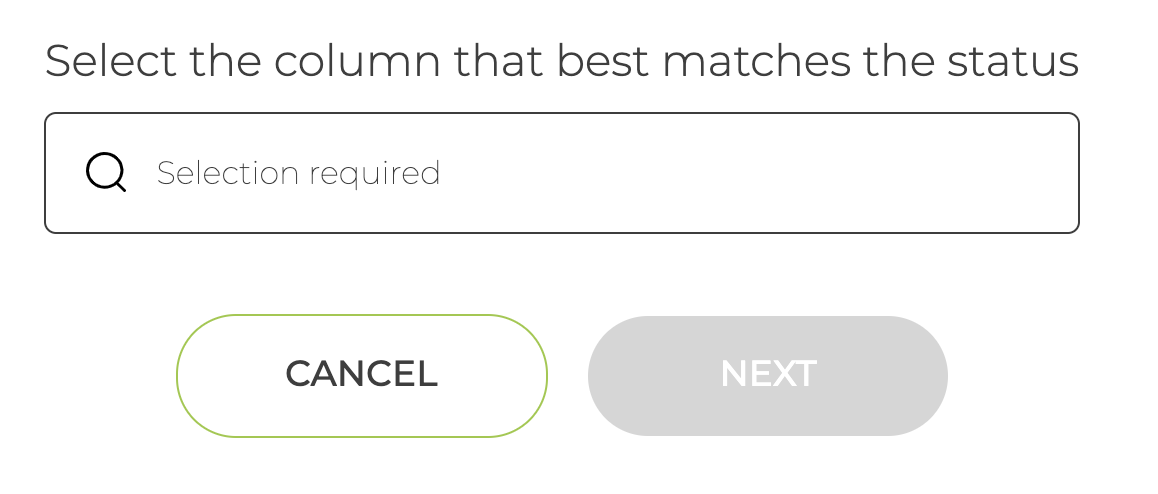
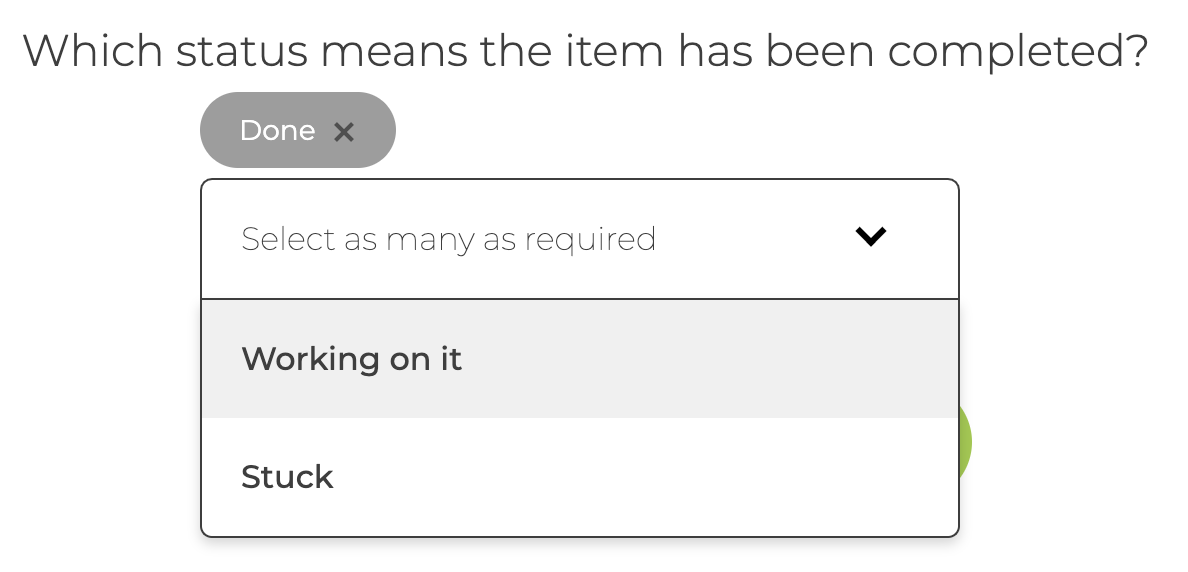
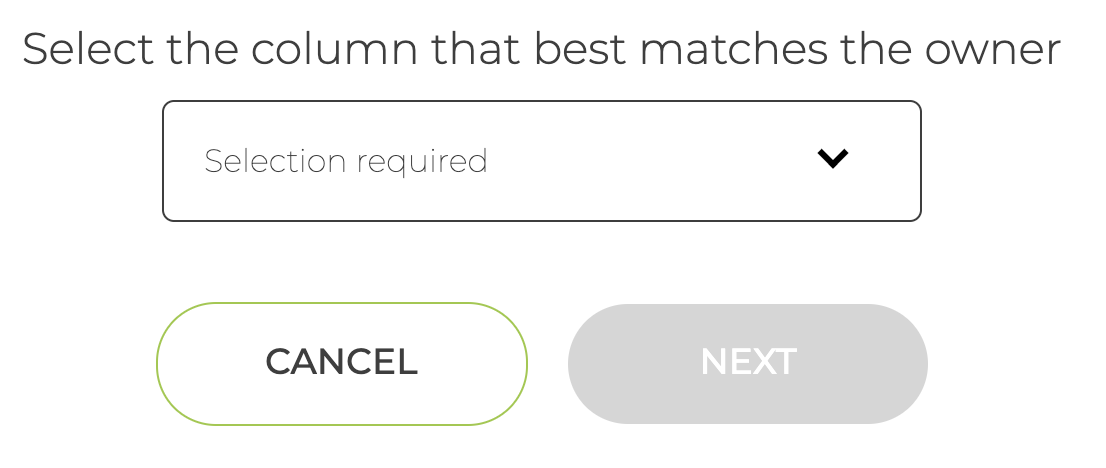
Depending on the board selected you might be asked to pick the column that best matches Status and Owner. You will also be asked to identify the Statuses that are Completed - these are needed so ZOKRI can keep the items in sync.
You then name the connector and save it
You can now setup Priorities, To-do Progress & Key Results based on completing Items - see
Creating To-do Progress based on completing Trello, Asana, JIRA, Monday, Todoist & Hive Tasks
Creating Key Results based on completing Trello, Asana, JIRA, Monday,Todoist & Hive Tasks