Requirements
The connection to Teams only works for users who are logging into ZOKRI using Microsoft Sign In.
- if anyone has already signed in using email & password they can be changed to use Microsoft Sign In - see How do you change the Login method for a User?
- consider changing your organisation settings so new users can only use Microsoft Sign In - see Setting up how users log into ZOKRI
Setup
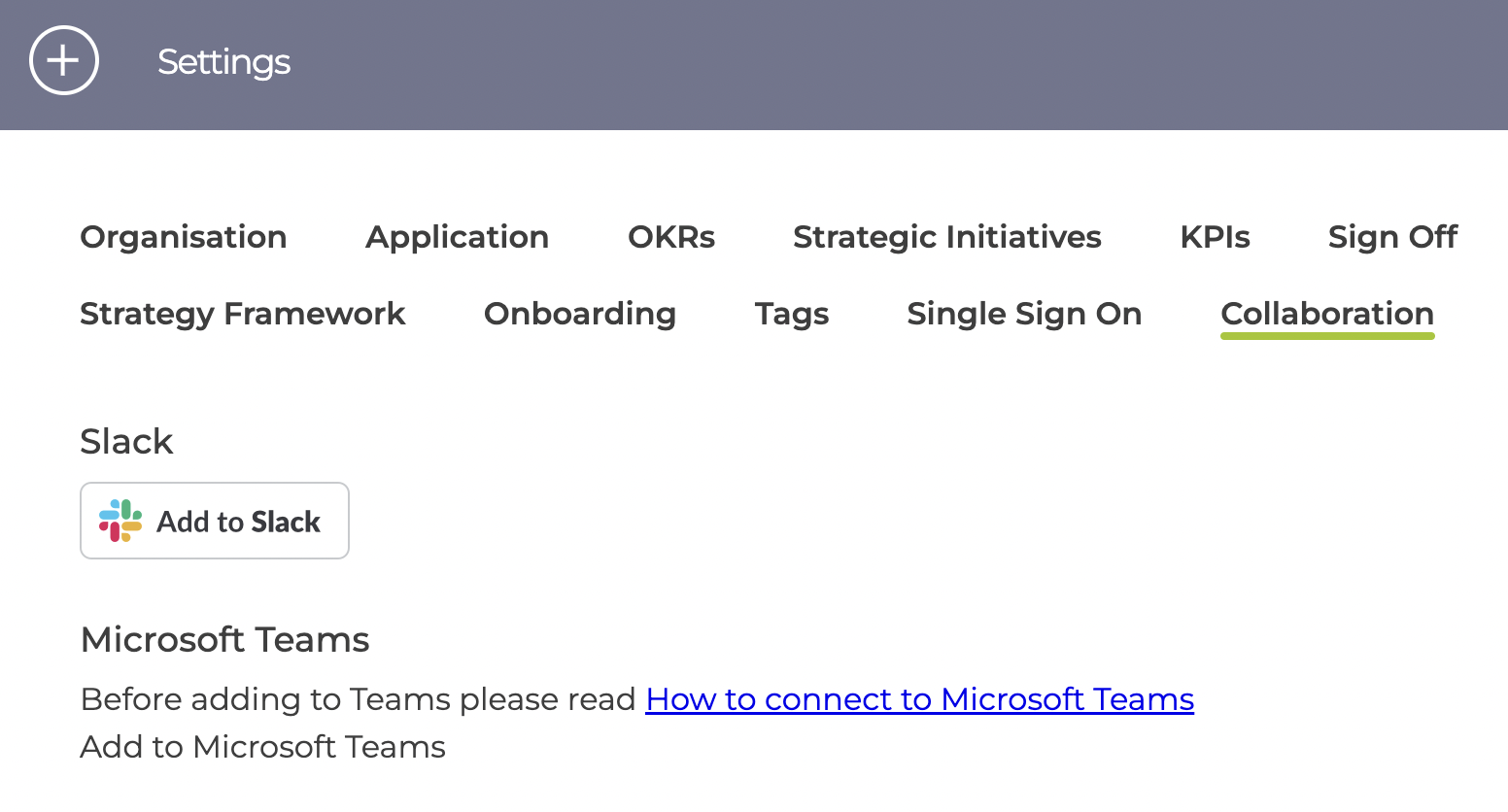
In the Settings page, click on the Collaboration tab and click "Add to Microsoft Teams"
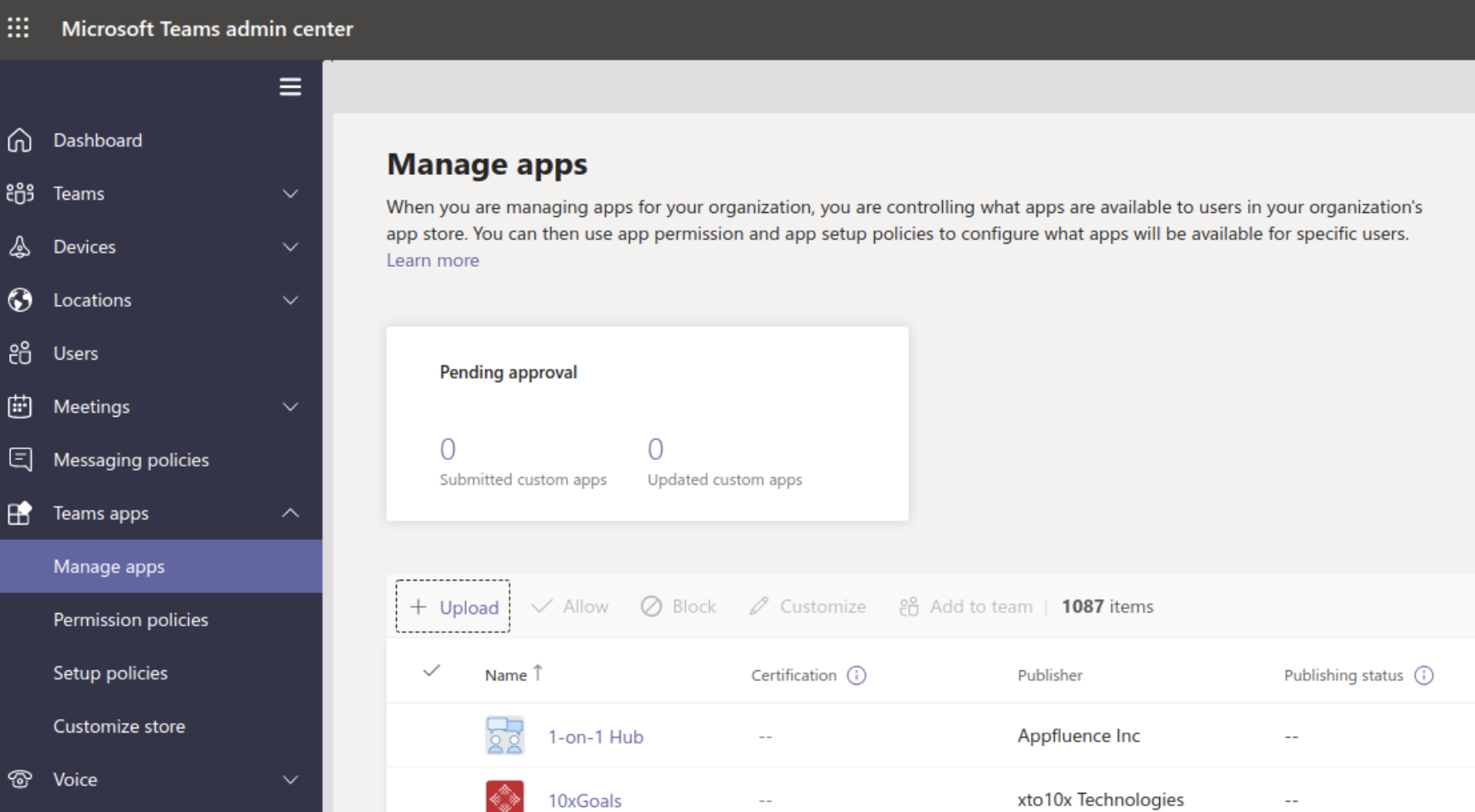
Download the attached zokri-teams-manifest-prod.zip and load into Teams Administration / Manage Apps. The ZOKRI App will then be available to select in the Teams apps list.