To use Hive actions you need to set up the Connector to your Hive account.
Setting up a Hive Connector
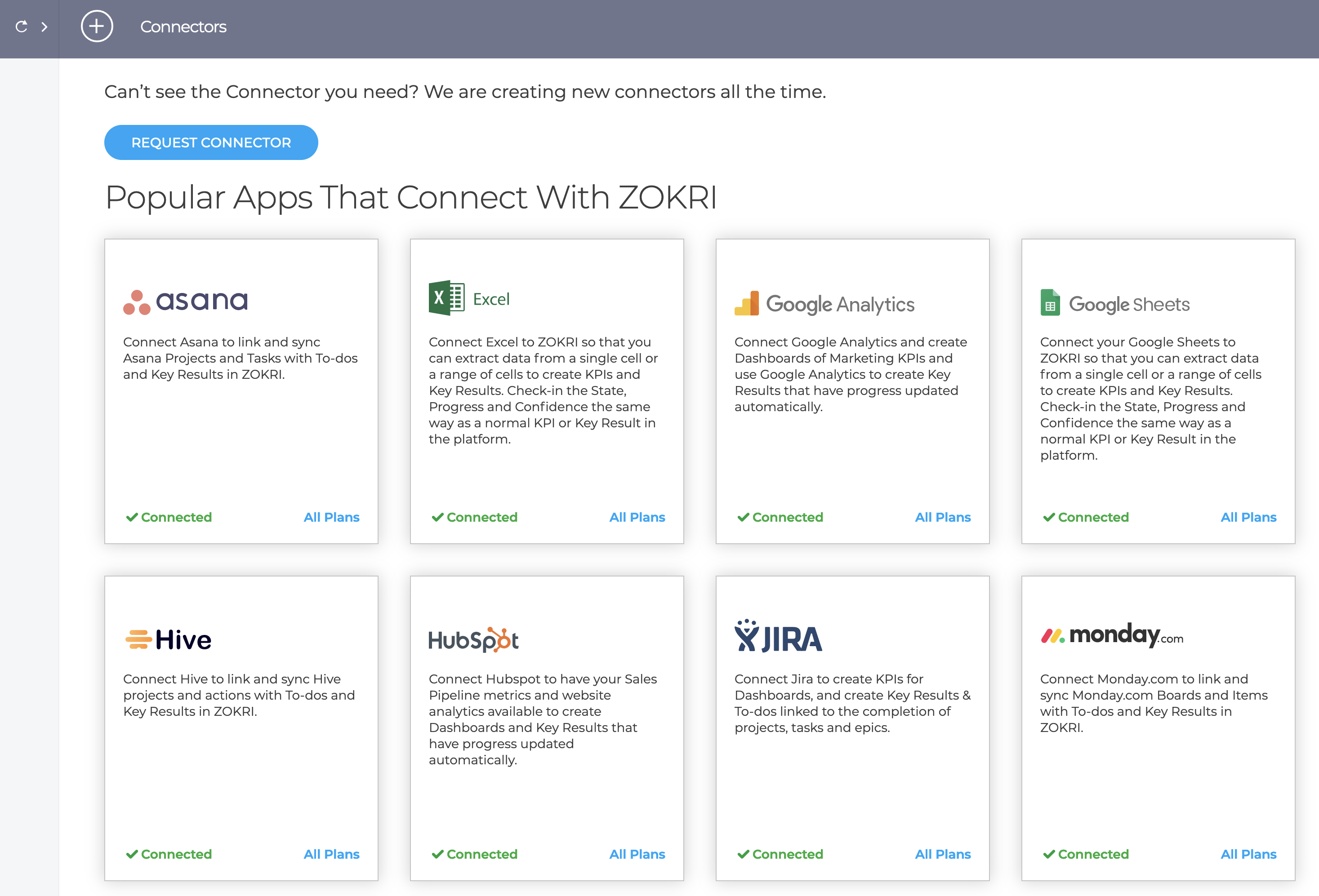
Go to the Settings / Connectors page and click on the Hive card and click Add Account
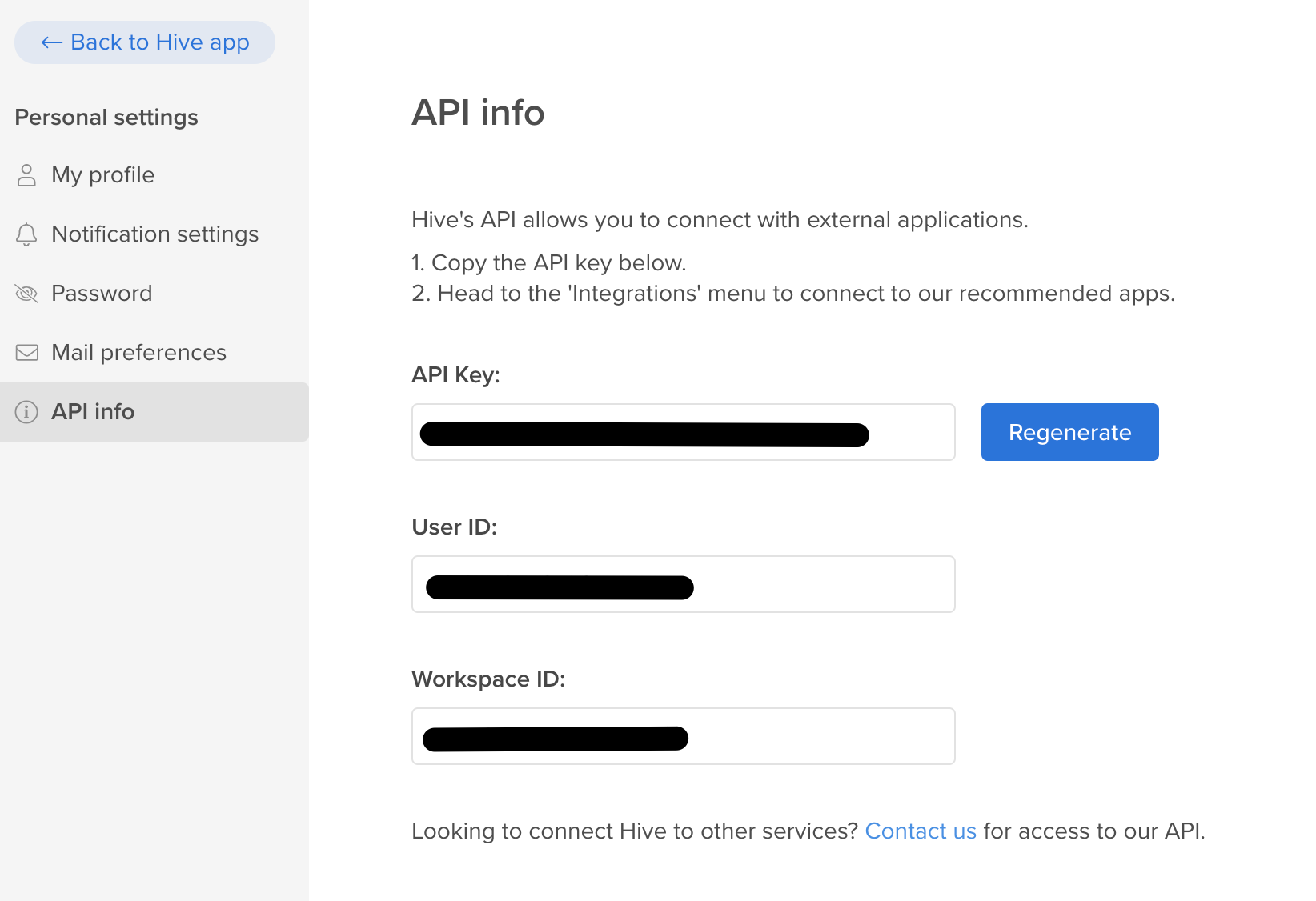
You will need to enter the API Key and User Id from your Hive account which you can find in your personal settings.
You then need to select the workspace and named the connector - if you want to connect to a second workspace you will need to create a new connector
You can now setup Priorities, To-do Progress & Key Results based on completing Actions - see
Creating To-do Progress based on completing Trello, Asana, JIRA, Monday, Todoist & Hive Tasks
Creating Key Results based on completing Trello, Asana, JIRA, Monday, Todoist & Hive Tasks