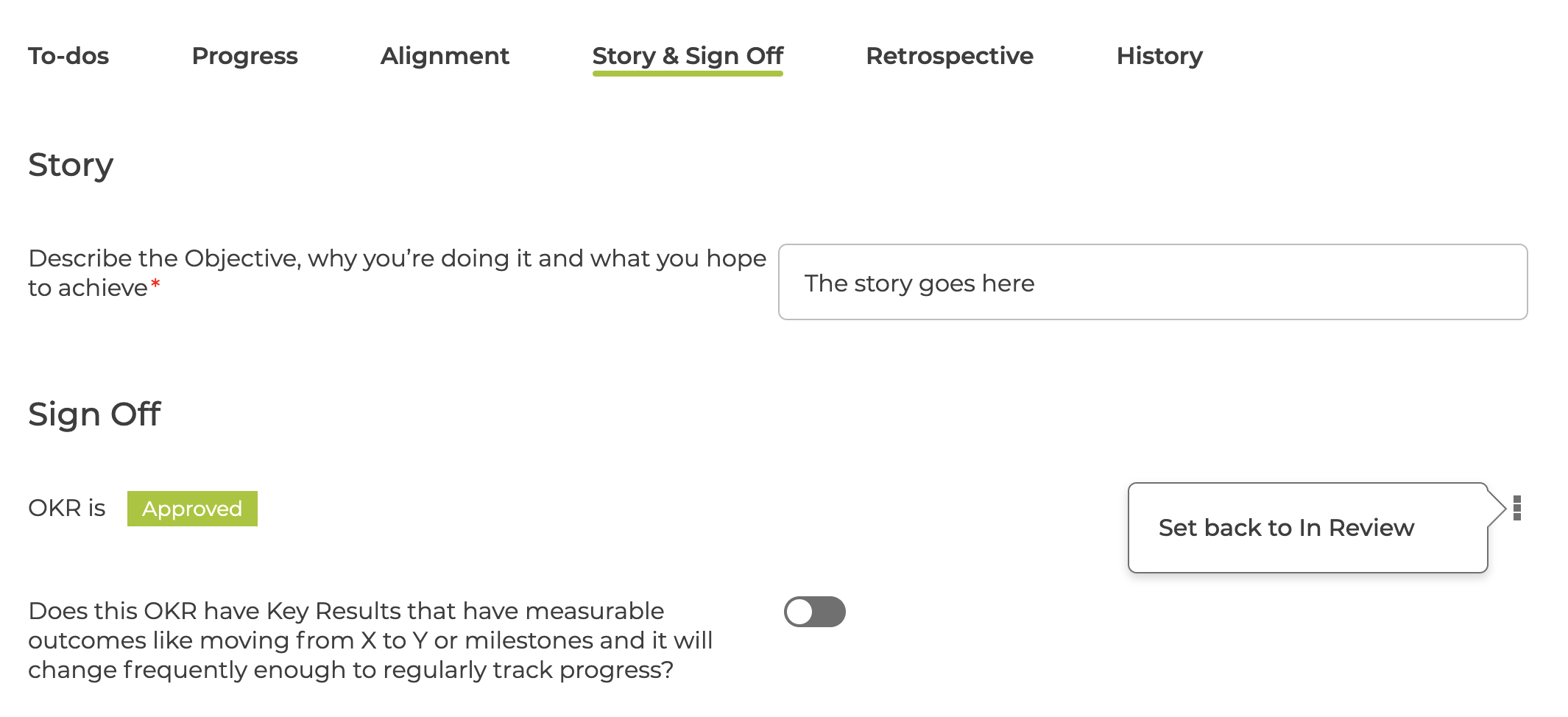
The Sign Off process allows new OKRs to move through 3 stages: Draft, In Review and Approved
Before rolling out OKR Sign Off you should set up your required configuration - see How to configure OKR Sign Off
Draft & In Review
When a new OKR is created, the details page will show the Story & Sign Off tab
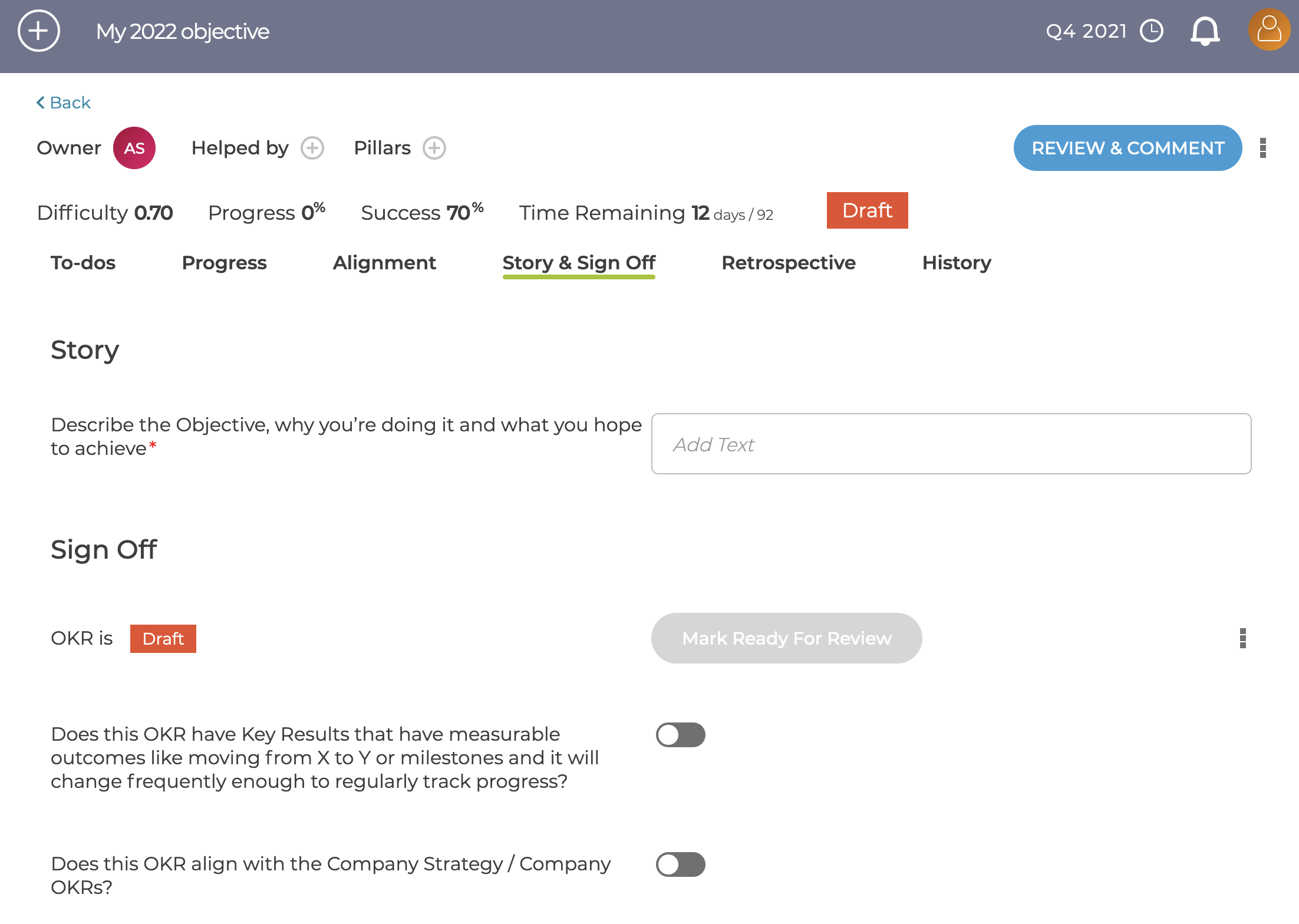
Initially the OKR will be in Draft status, and to move to In Review the following is needed
- Story field needs to be filled in
- All Mandatory questions need to be completed
- There needs to be at least 1 approver
Approvers can be added / deleted when in Draft or In Review and can be individuals or teams
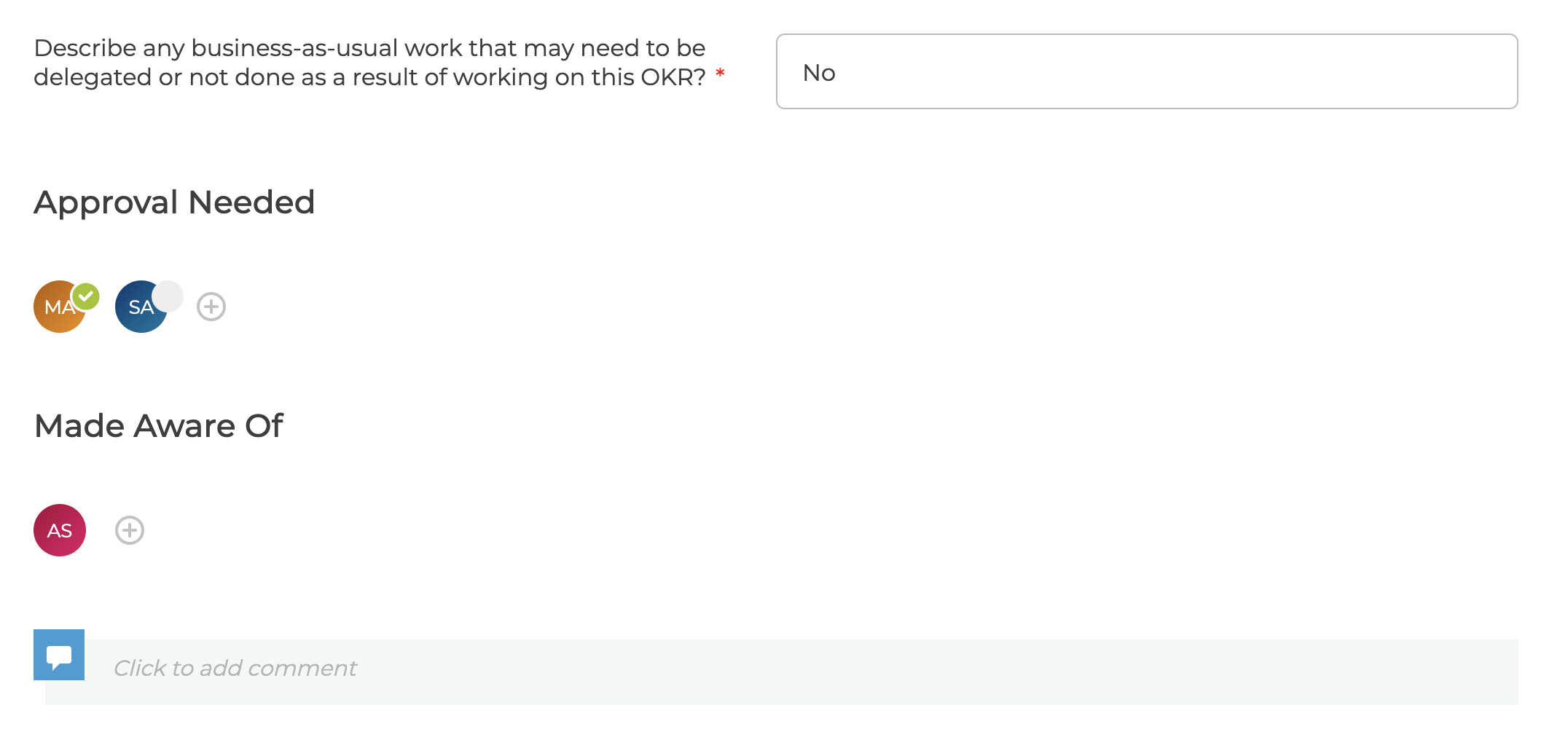
Individuals can be added to the Made Aware Of section and will receive updates whenever there are change to the OKR Sign Off
There is a comment section where issues can be raised / discussion before the OKR is signed off
Approving an OKR
If you are an approver then once the OKR is in In Review status you will see the "Mark As Approved" button - for Team approvals any member of the team will see the button and can approve.

Approved
Once approved the questions and approvals can no longer be edited.
If required there is a menu to allow OKRs to be changed back to the previous status and Skipped completely if that option is enabled