First you need to connect your HRIS system - see How to connect your HRIS system
Access to ZOKRI is managed by connecting teams and then all users in the selected teams will be sent invites to log into ZOKRI.
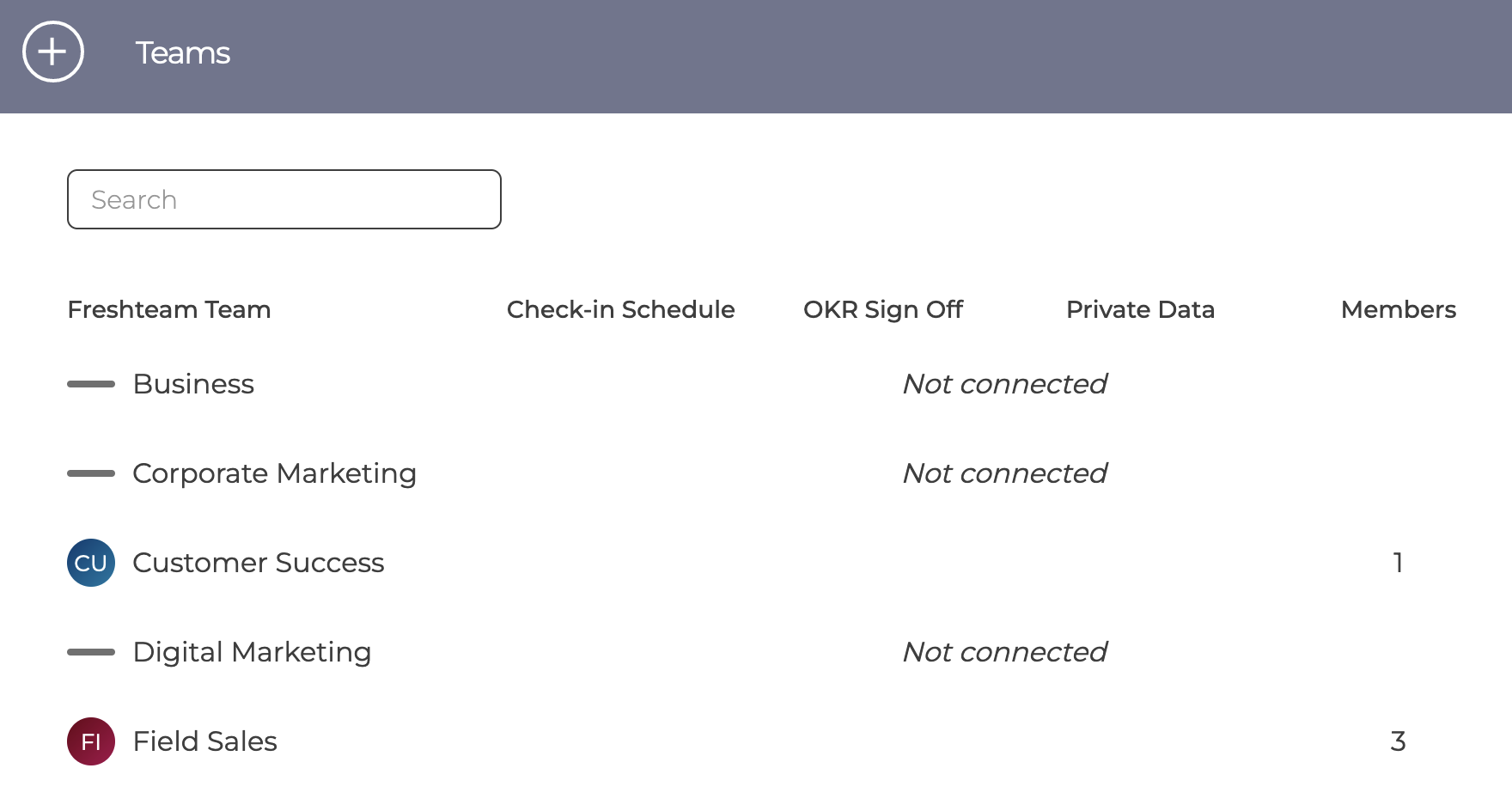
When first connecting your HRIS system the team page will show all teams from your system but all will be Not connected. The current ZOKRI teams are shown below.
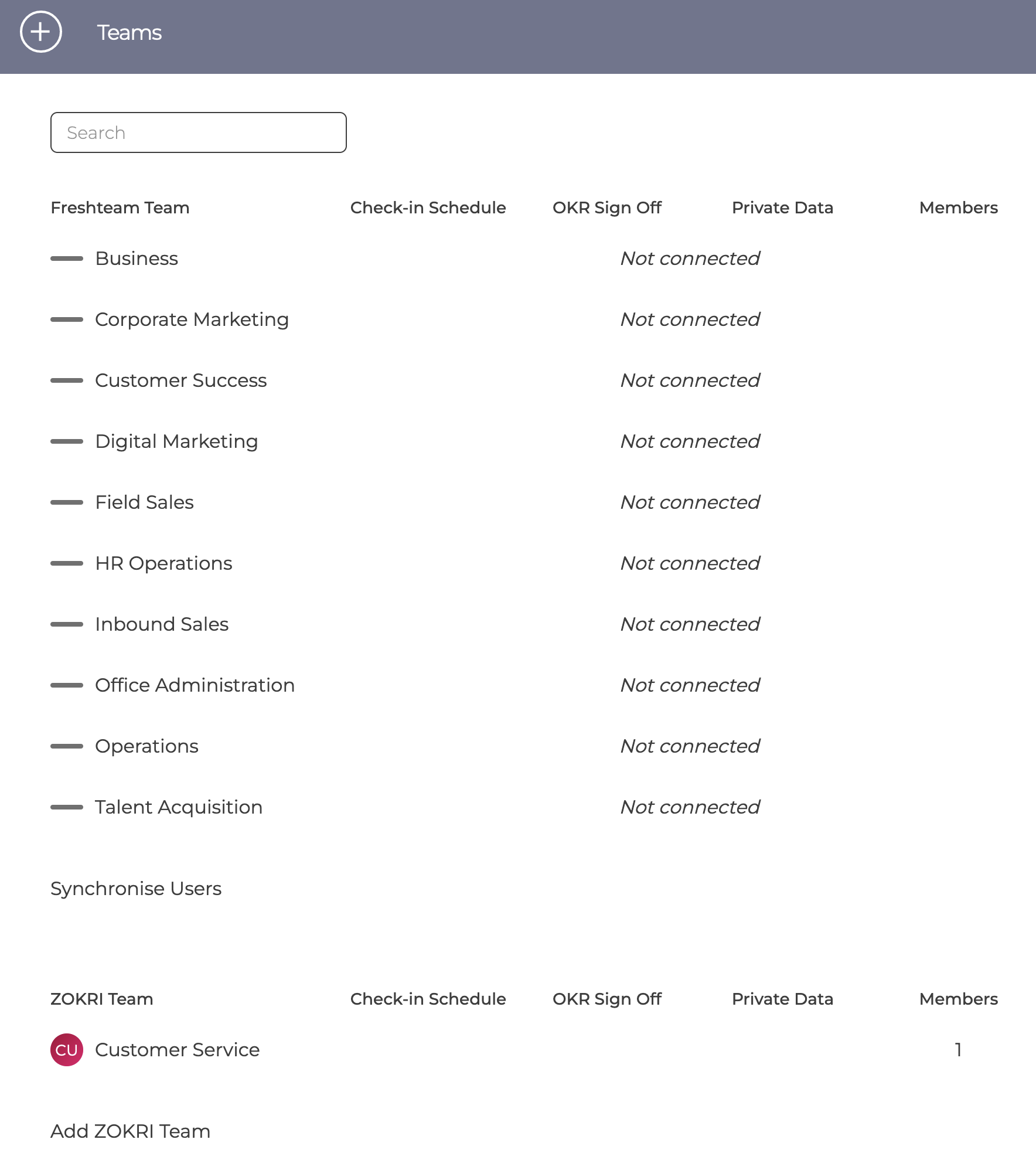
You connect the teams you want to use ZOKRI using the menu.

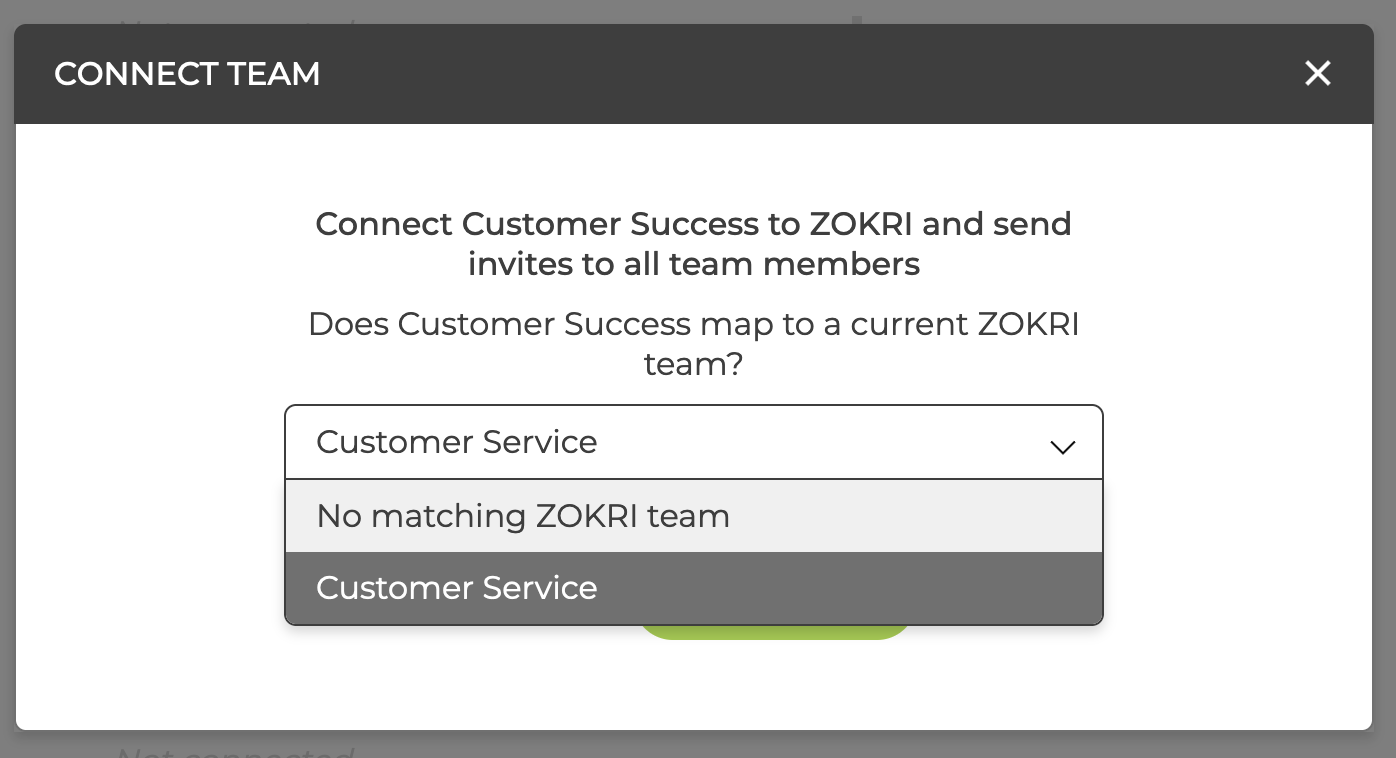
If there are still ZOKRI teams, you will be given the option to map the HRIS team to the ZOKRI team. We suggest you do this to avoid any confusion about which teams should be used - if the names are different, the name of the HRIS system will be used.
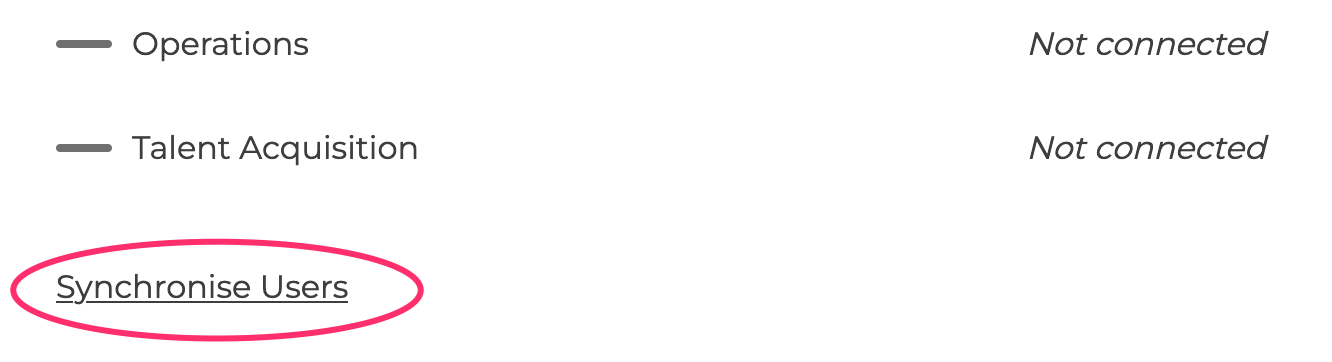
When you have selected all the teams you want to use ZOKRI, click Synchronise User
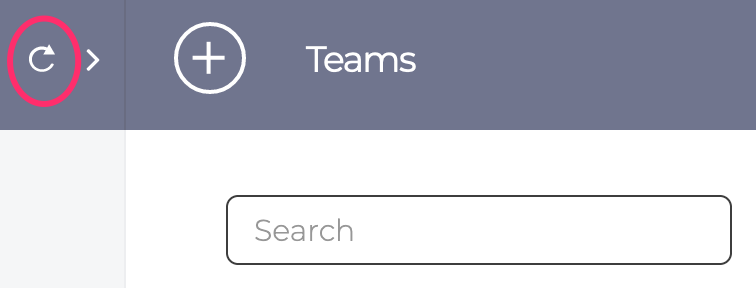
The sync usually takes a few seconds depending on the size of your organisation, and you can refresh the screen using the icon in the top left
The teams page will now show the number of users from each team who have been invited
Users & teams are updated overnight and any new users in connected teams will be sent invites.
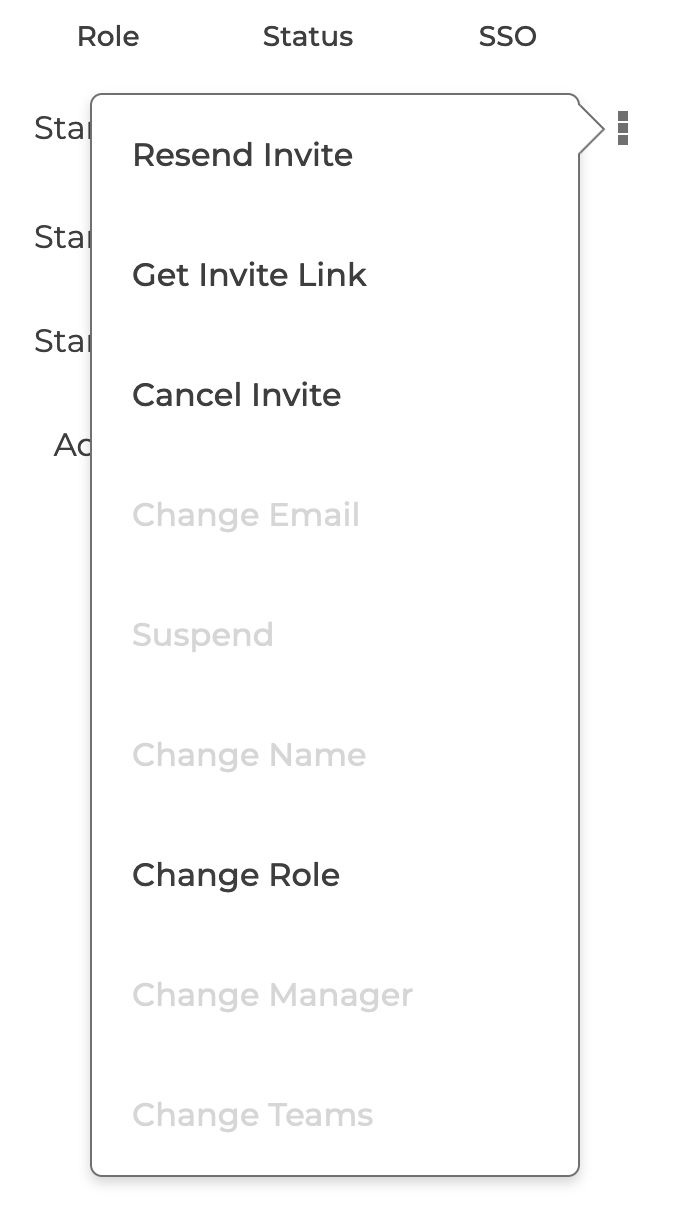
Once a user has been imported from your HRIS system, most changes are no longer available in ZOKRI and must be done in the HRIS system
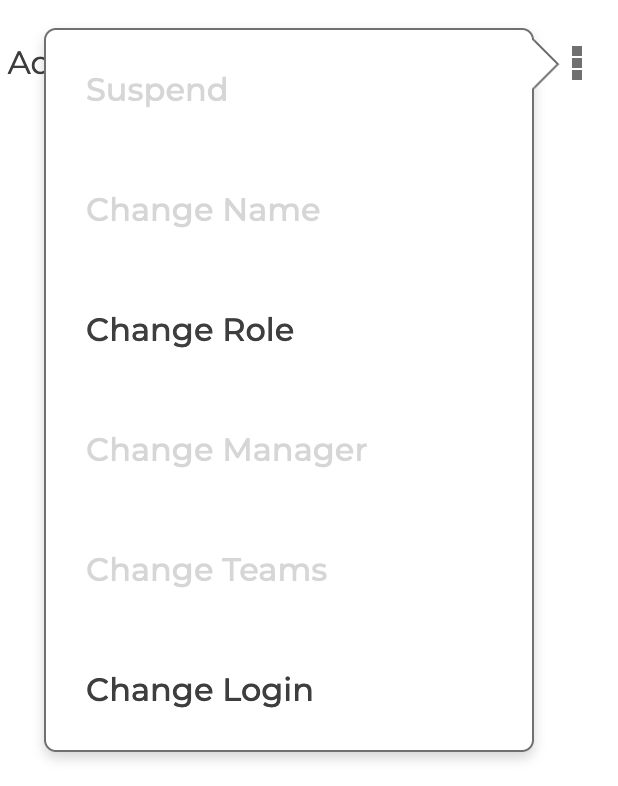
Invites can still be managed in the usual way apart from the email cannot be changed