Reports are monthly or quarterly updates for an Objective, Key Result or KPI that when published appear in the Strategy Reports and some meeting sections.
Which Reports are used and how often is configured in the settings - see How to setup Reports Summaries for OKRs & KPIs
Adding / updating a report
In the Objective, Key Result or KPI details page there will be a Report & Progress or Report tab which has a report section.
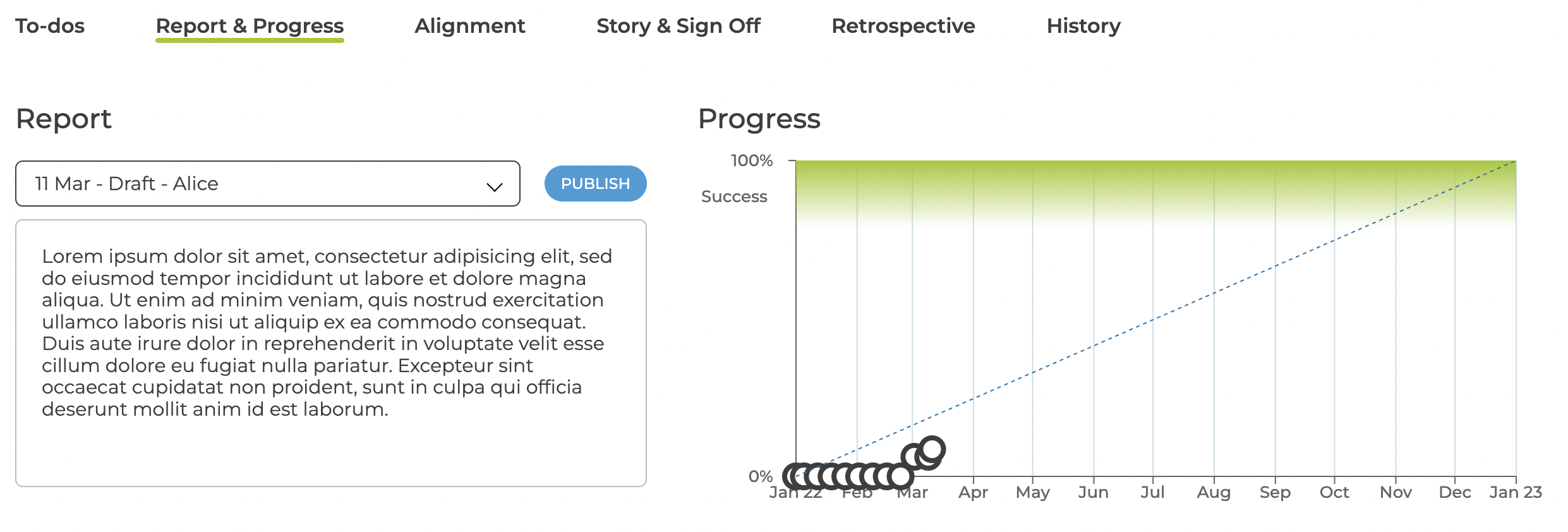
When you first add or update the report it will be saved as Draft and you have to Publish before it will appear in the other sections.
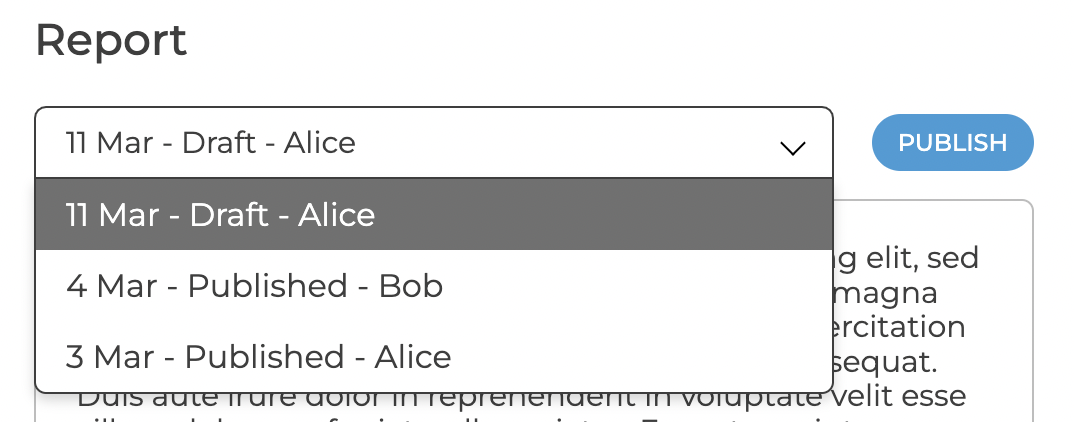
You can see the previous published versions but only the most recent version can be edited.
Notifications & Alerts
Seven days before the reports are due a notification will appear in the top navigation bar that links to the OKRs or KPIs that need reports.

You will also receive an email / slack / team notification (actual notification timing is controlled by your organisation).
Strategy Reports
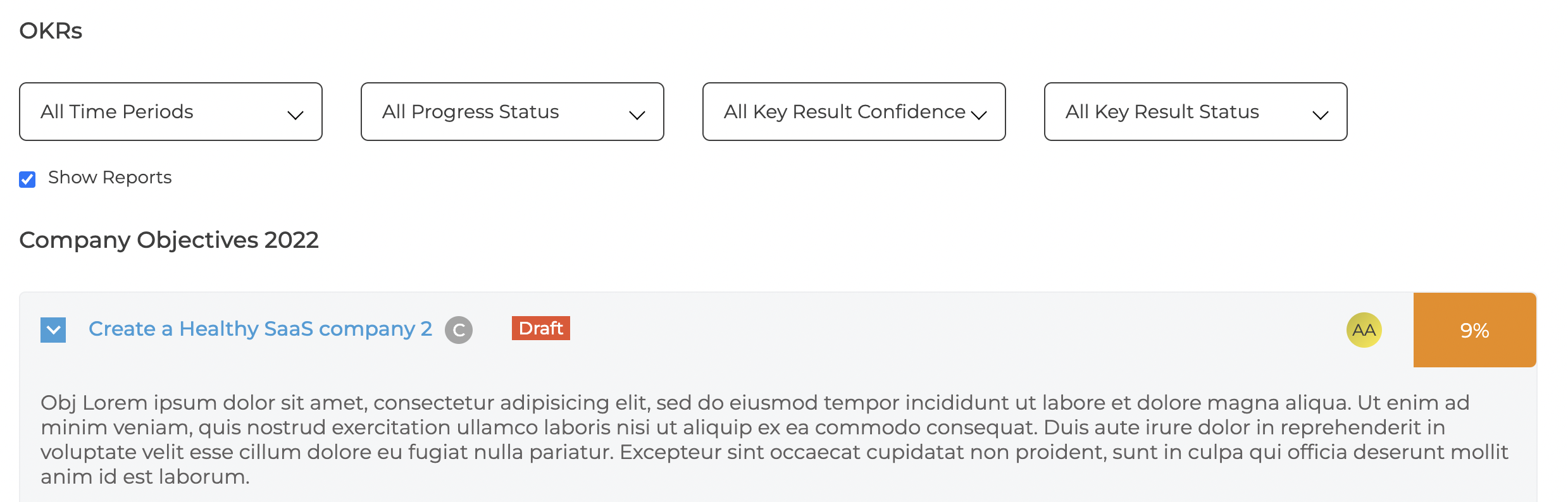
The latest published reports appear in the OKR and KPI details tab
Meetings
The latest published reports appear in the OKR Cards and KPI Table sections, see